This is really the step that would show whether i had completely wasted my time!
Much of this is the same as the process used to create an image of the original hard disk.
I created a new standalone backupkit on the MicroVAX I /MicroVMS 4.7 emulator. Then i completed a full backup of the system disk
$ backup/image/log dua0: dua2:newhdimage.bck/save_setThis backup consisted of 63 floppy disk images.
These disks (including the standalone backup kit) were then converted from the DSK to IMG to DSK using simh2dsk.py as described here. These images were copied to USB sticks for the Gotek/Flashfloppy.
I booted the MicroVAX I using the new standalone backup kit in drive 1 (dua1:) and then restored from the disk images on drive 2 (dua2).
$ backup/image/log dua2:newhdimage.bck/save_set dua0:It was very cheering to reboot and have the new image come up and run just as it had on the emulator.
When the management menu came up after logging in as system the menu was mashed. This turned out to be just because the terminal had no tabs set up.
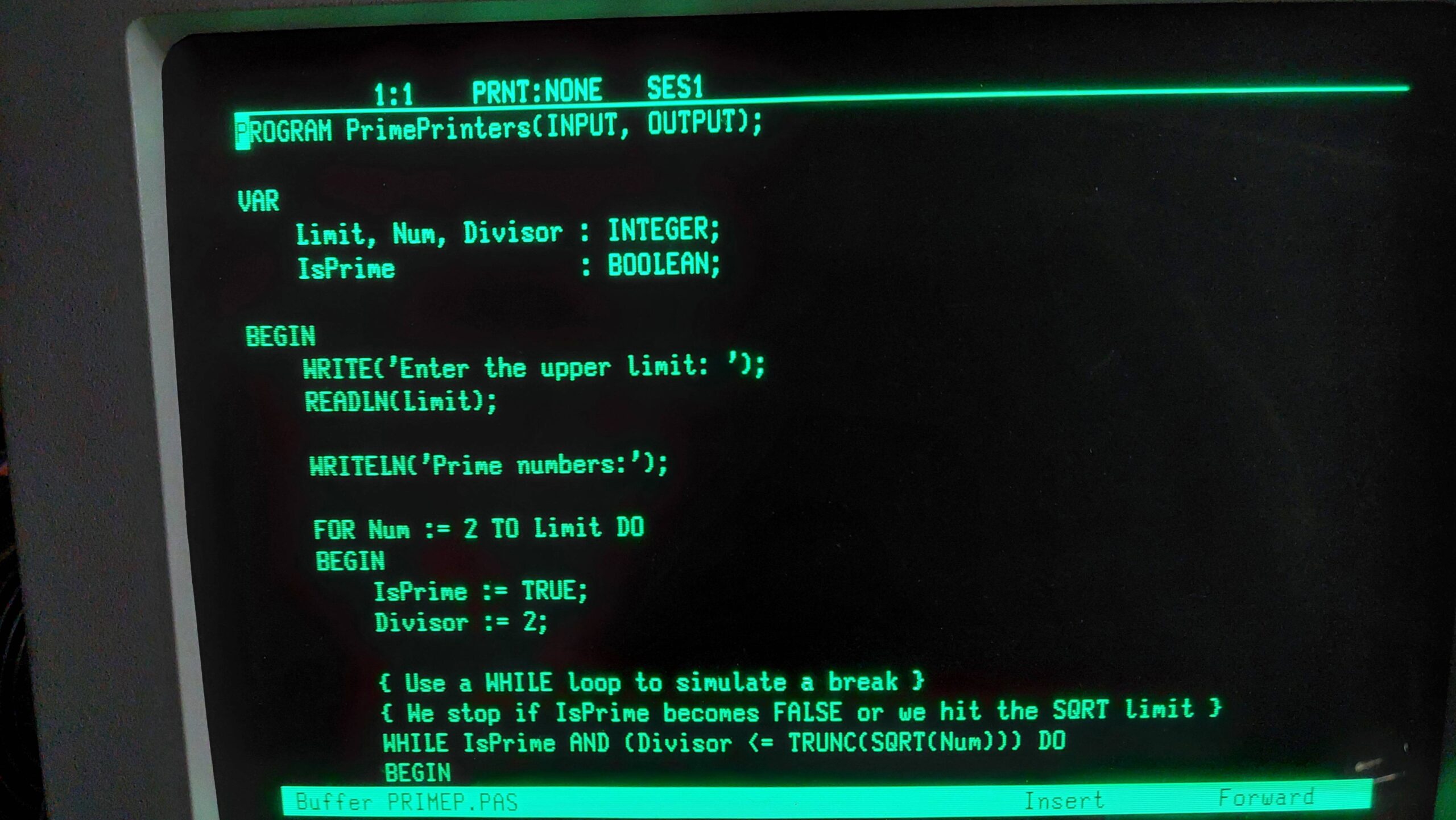
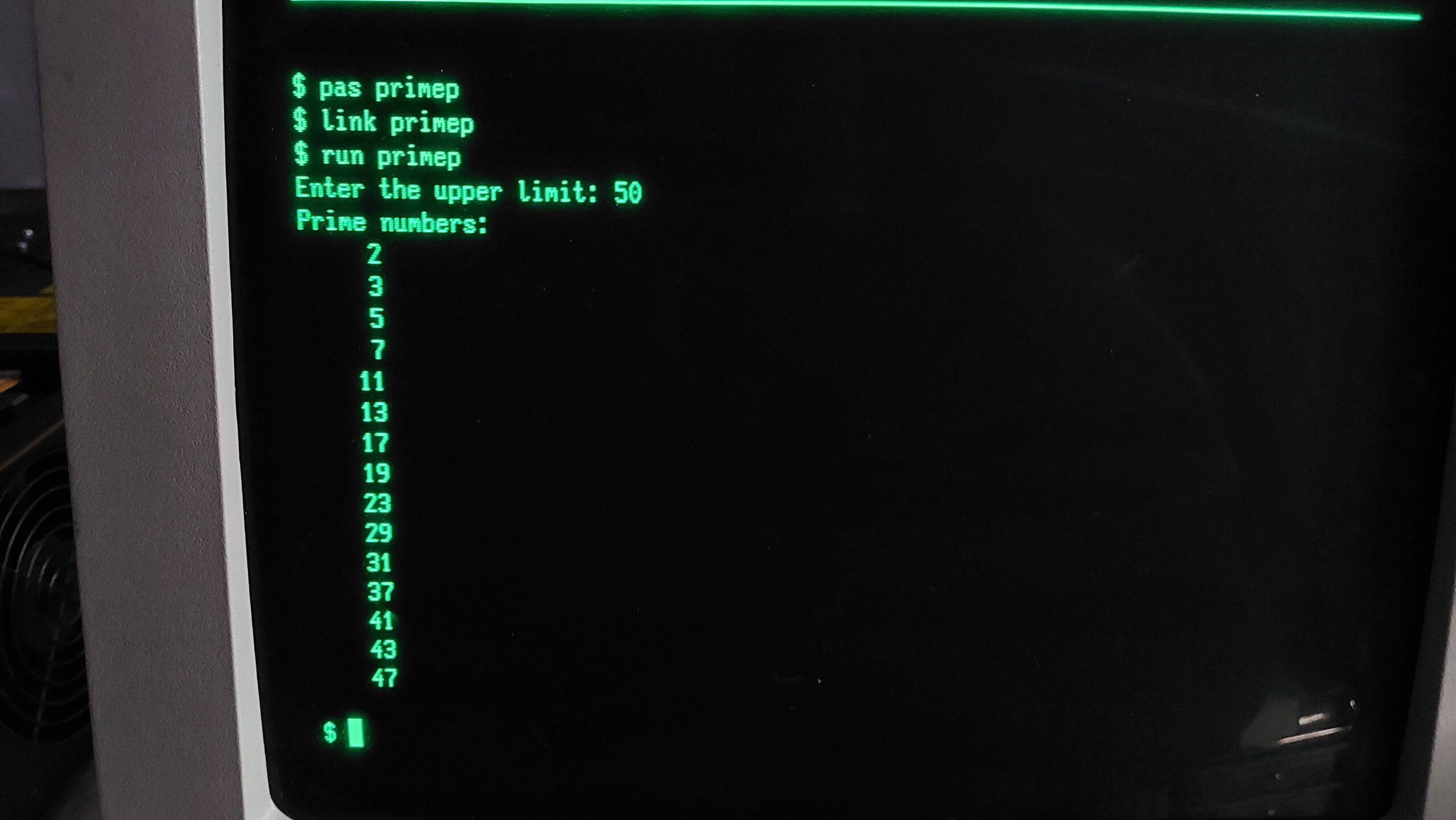
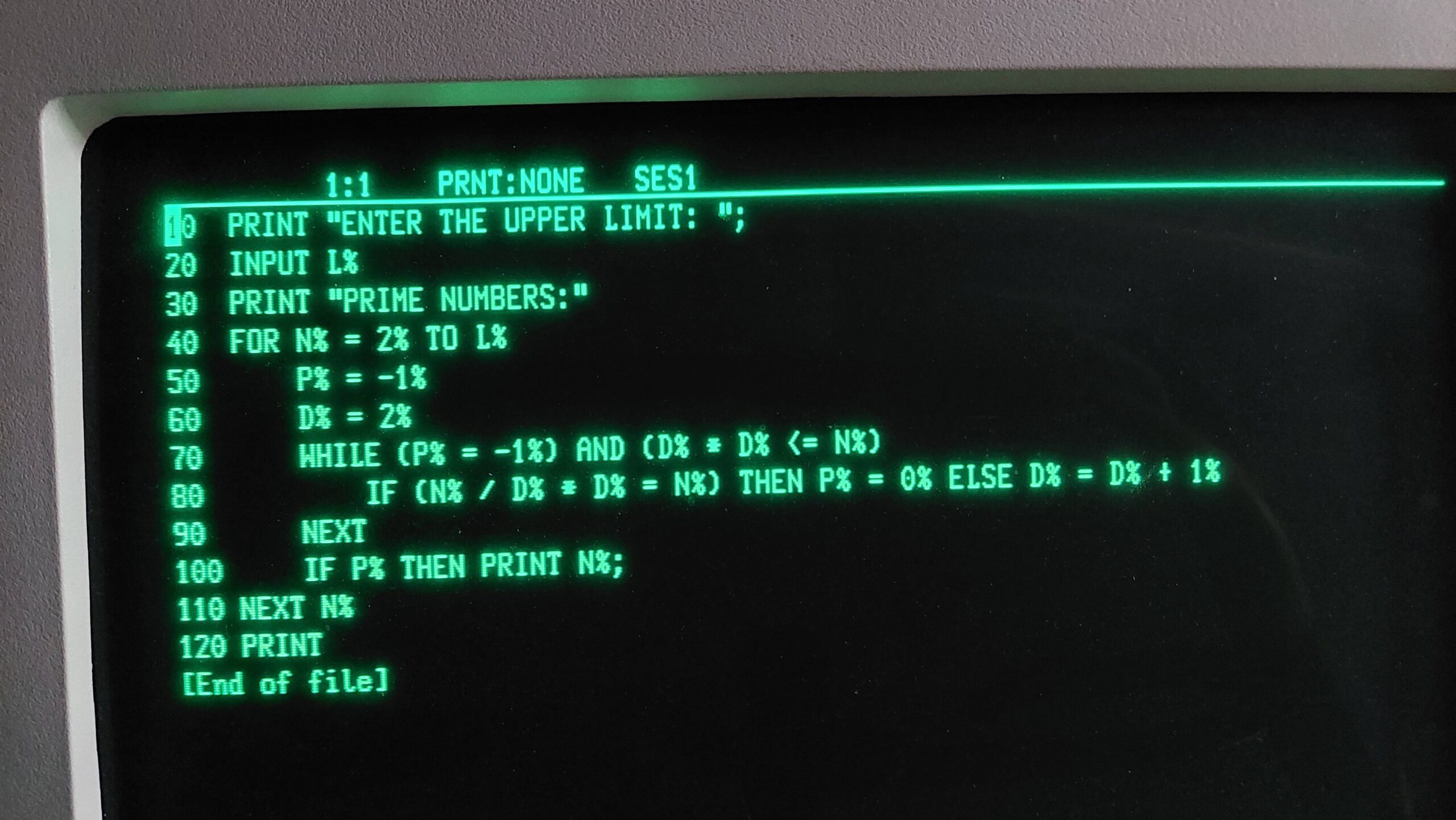
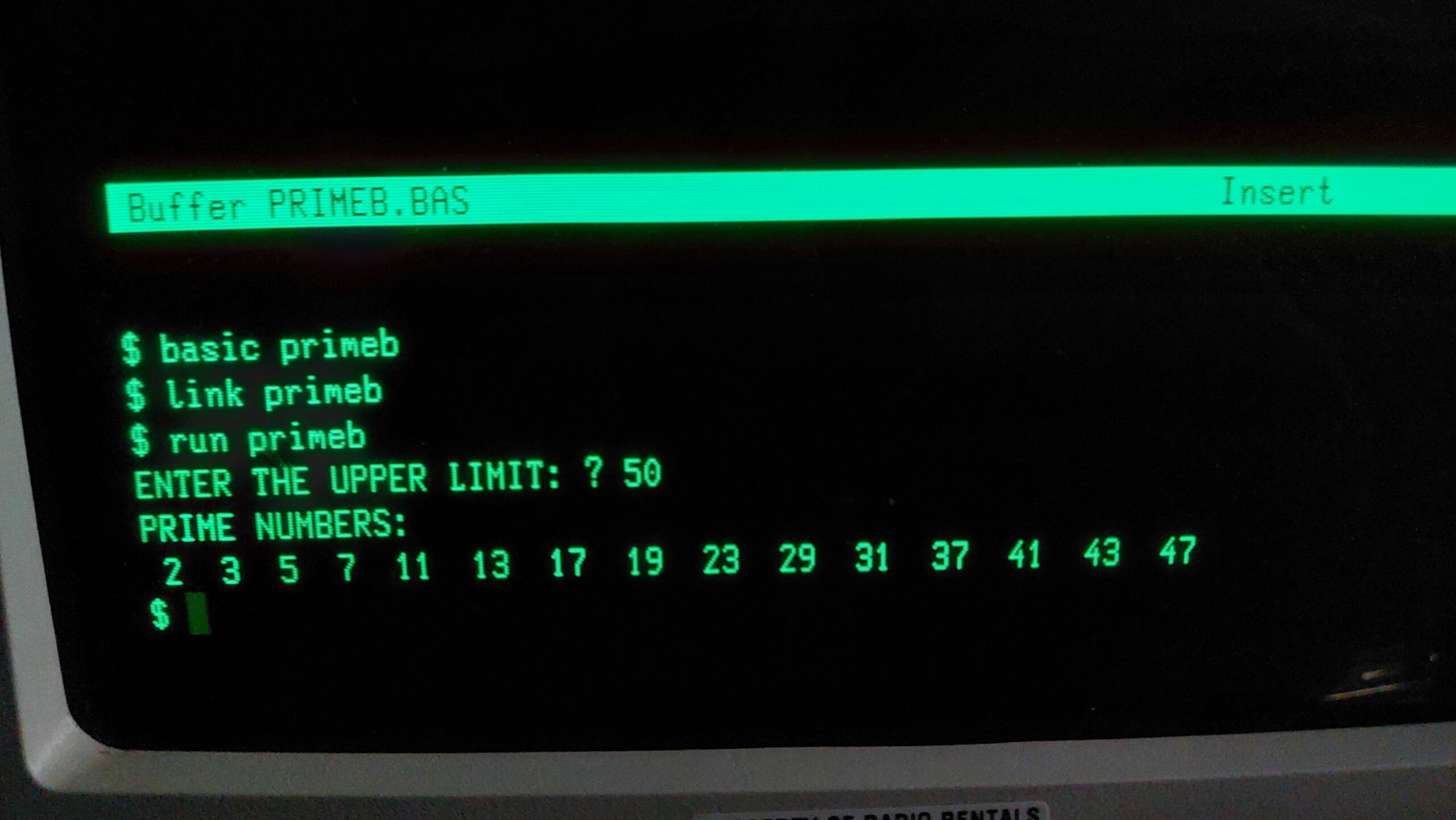
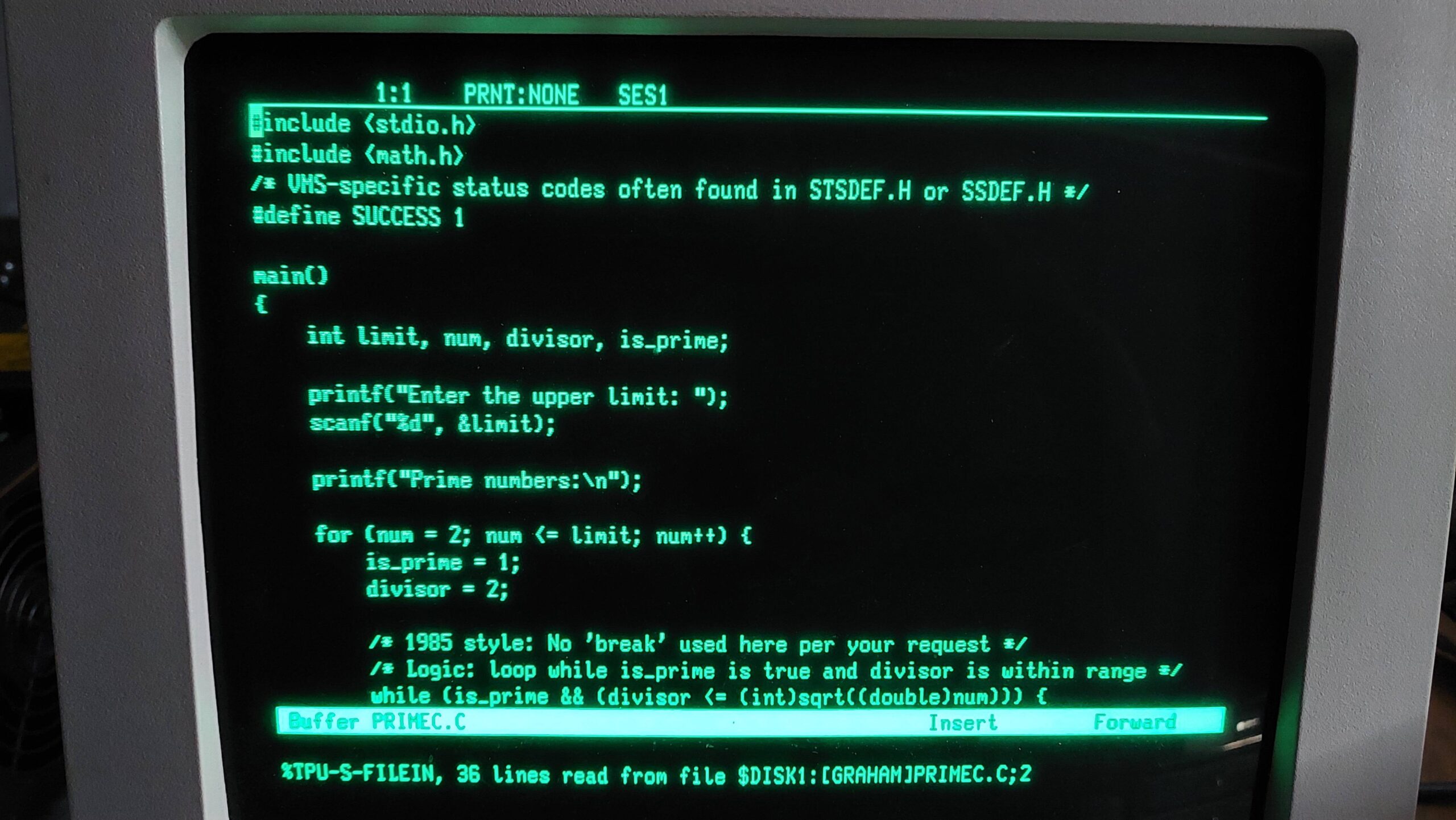
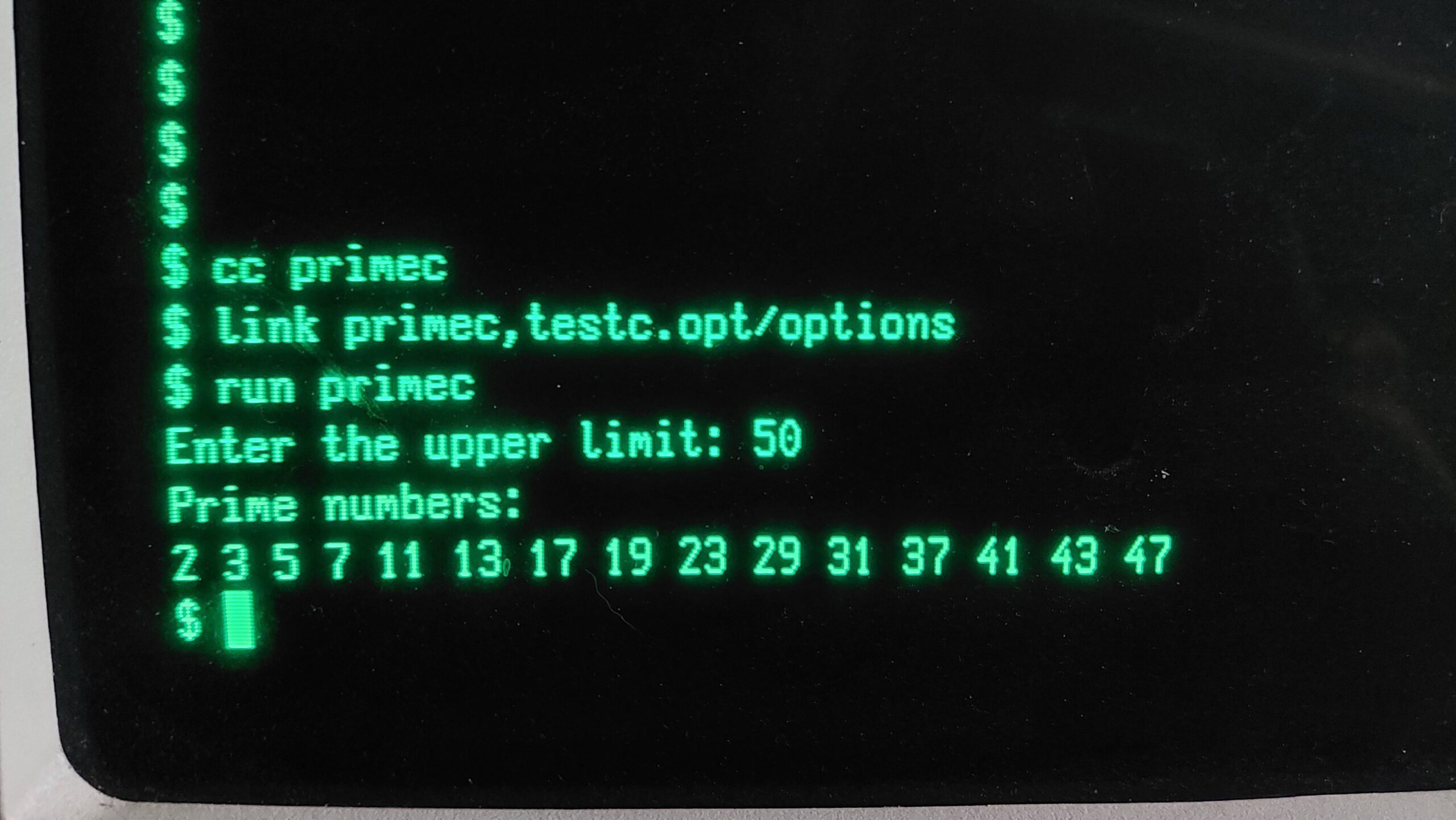
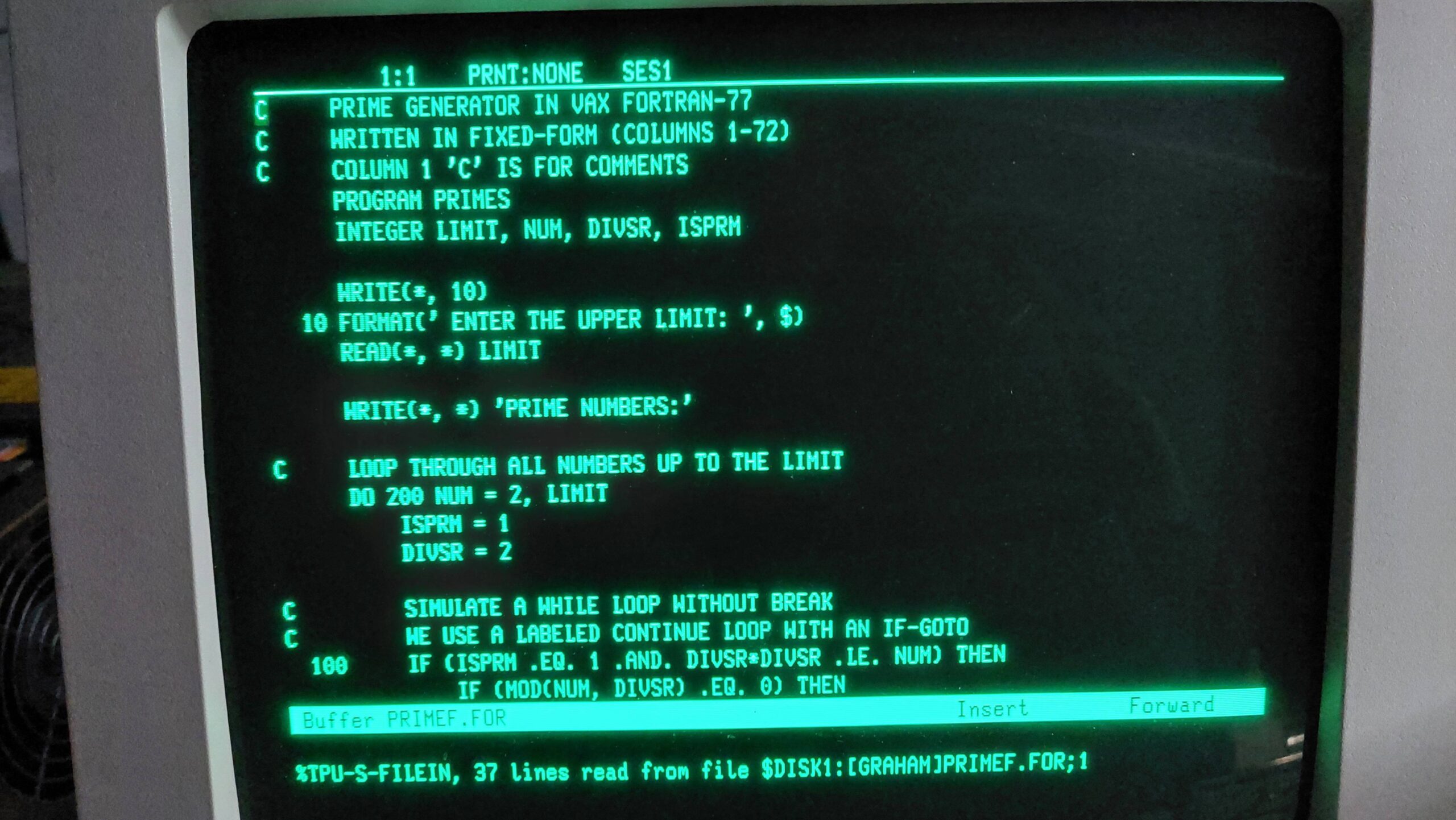
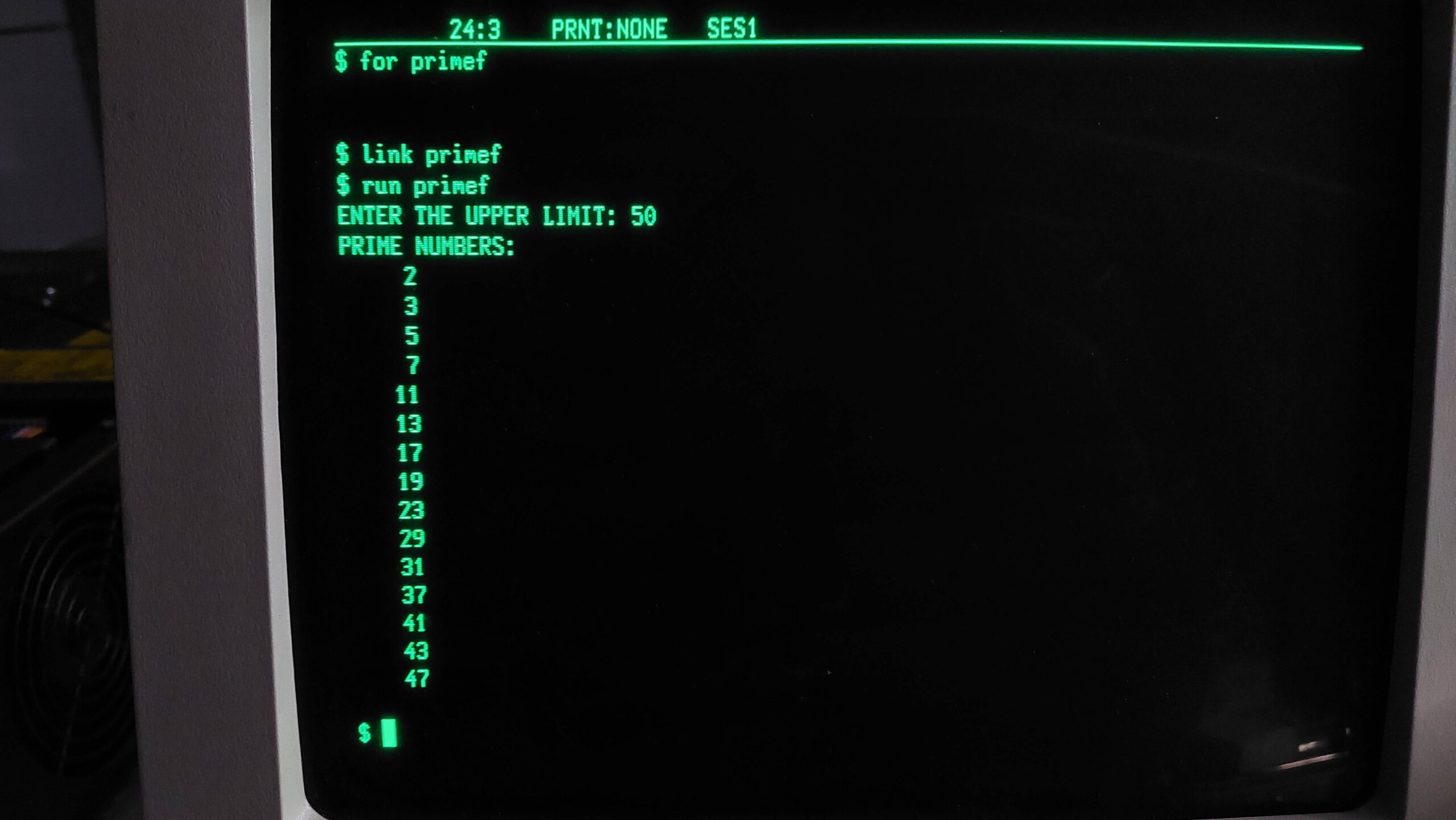
I was able to compile programs which, after all, was my goal.