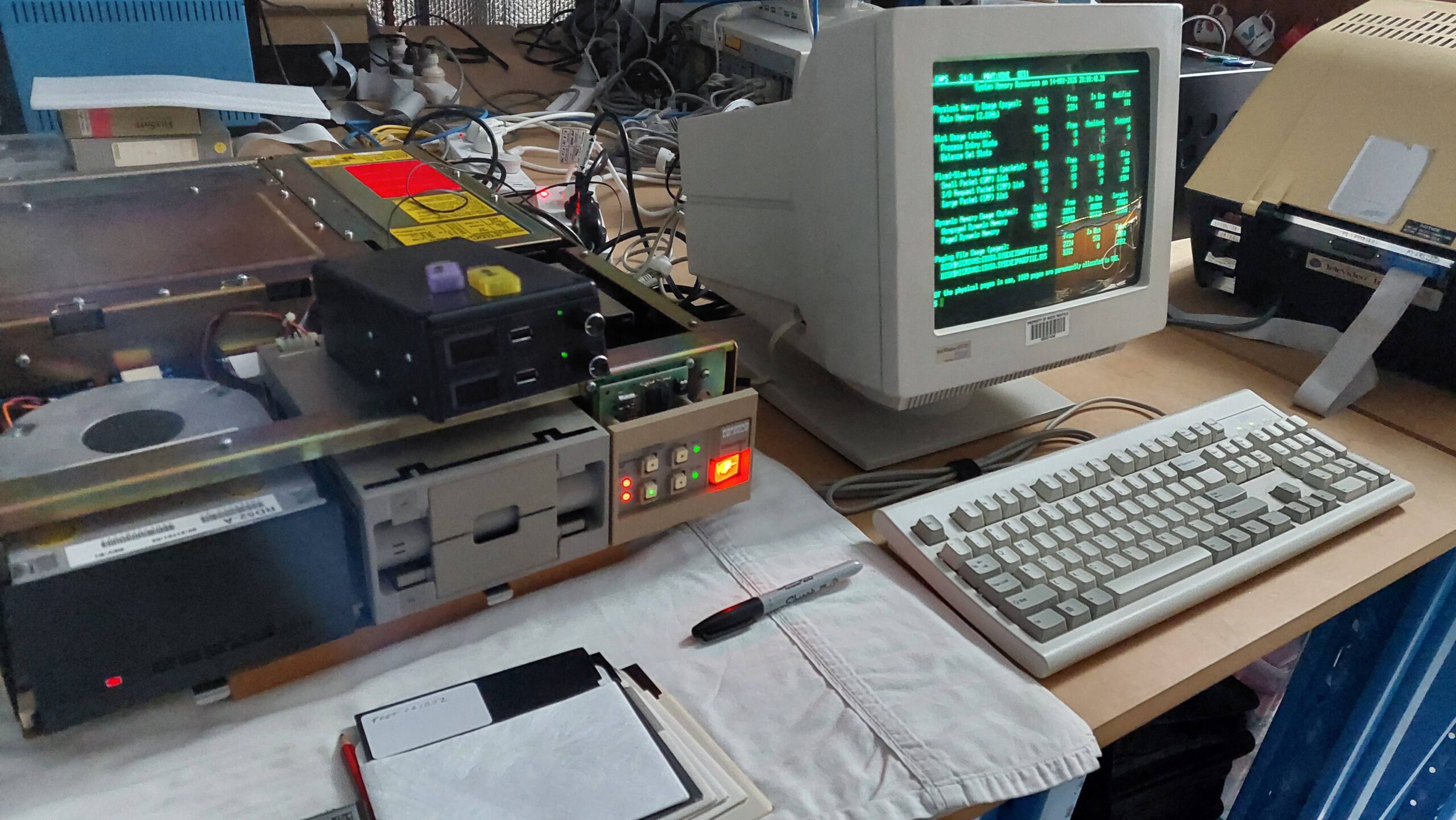
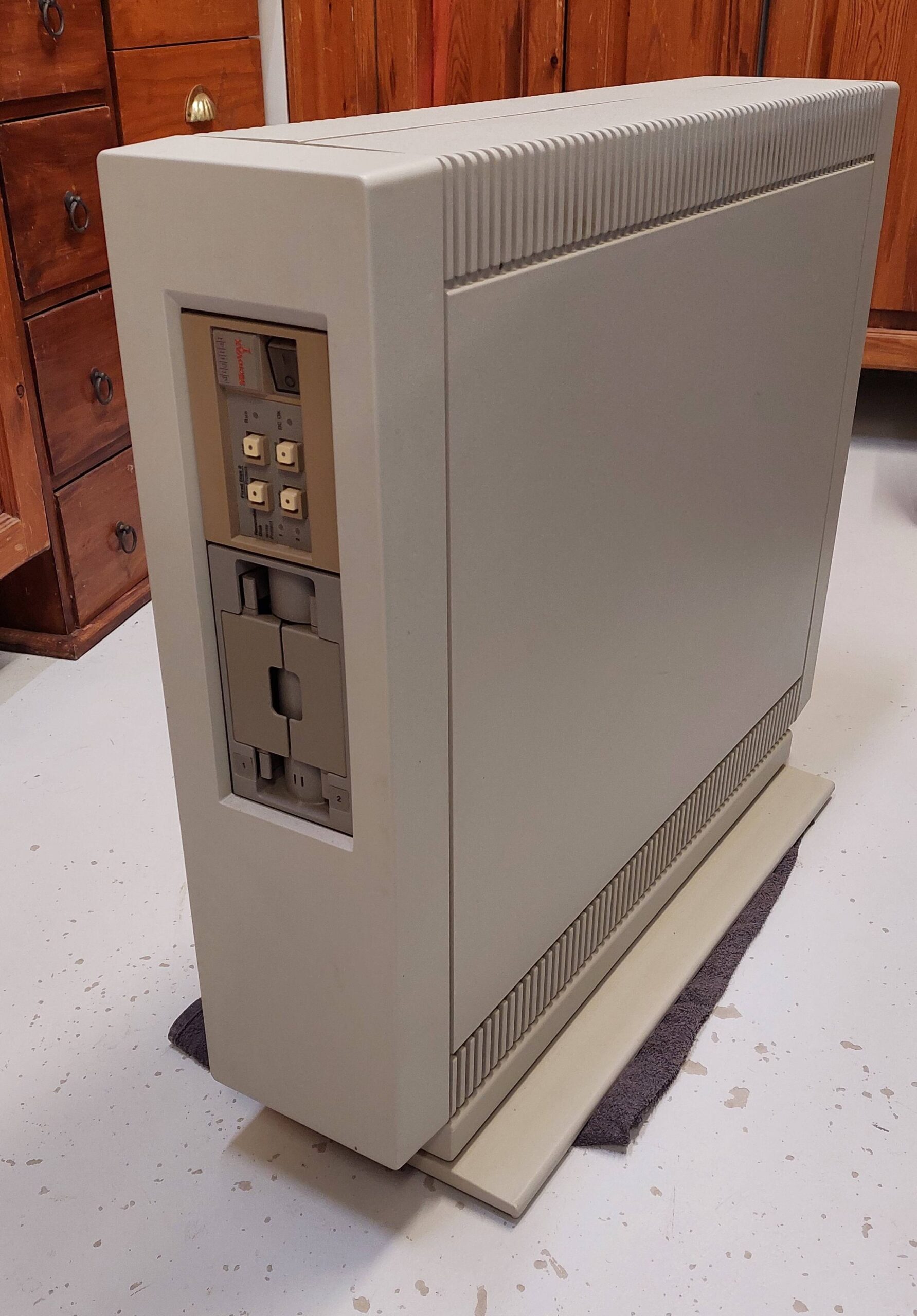
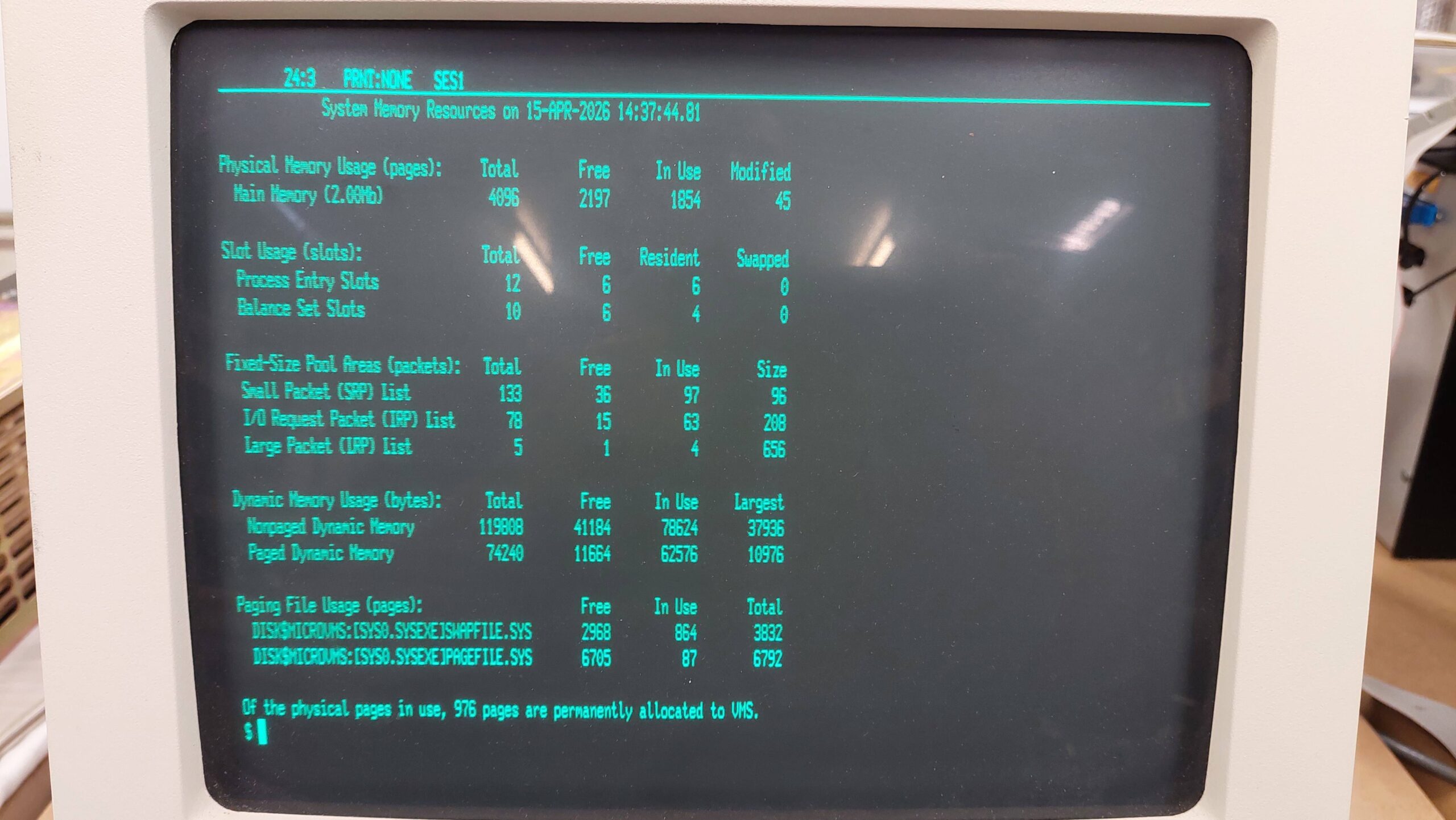
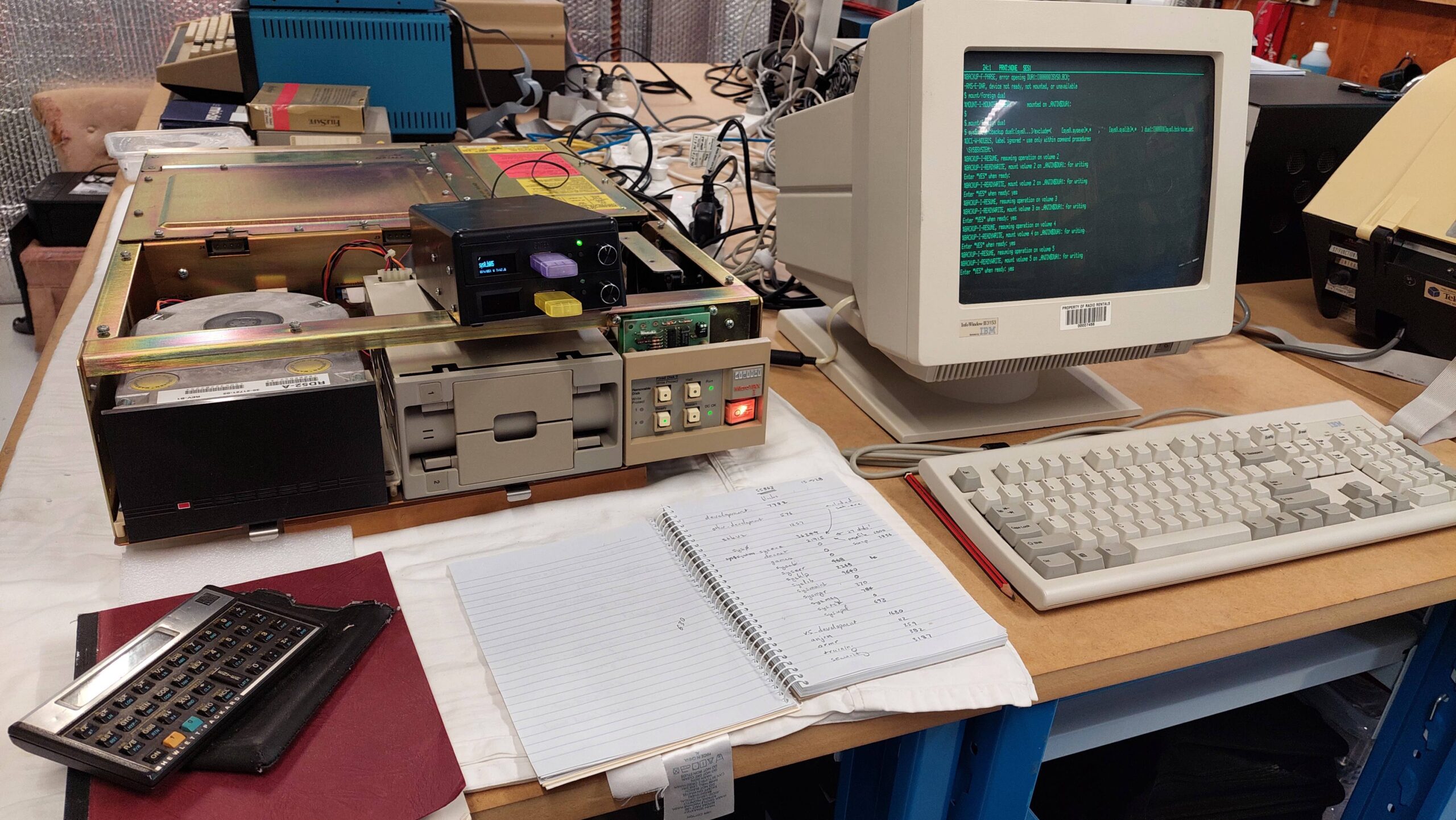
The subject of this site is microcomputers and although this unit has micro in the title it is actually a minicomputer. Why get hung up on consistency?
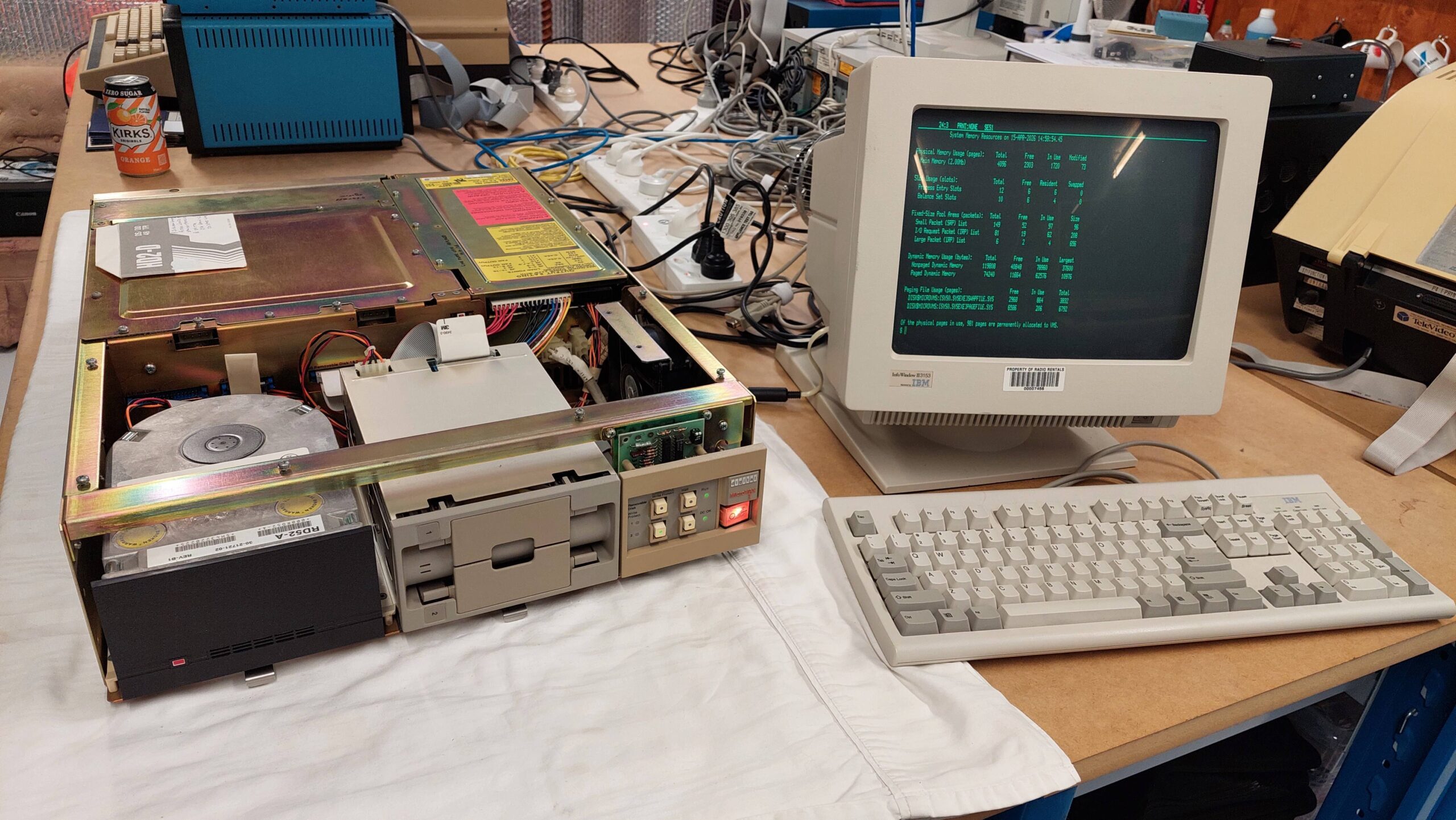
This machine is a recent arrival and so far it has not even been powered up. Update: It has now!
It belonged to a gentleman who developed security software for the VMS operating system although i suspect that this unit was possibly a nostalgic purchase rather than being a machine that was used by him for real work.
Curiously it came with a bunch of tapes and a few high density 5.25″ disks none of which can be read by this machine. This, together with a shipping label that was on the machine dated 2001 is why i think this machine was a nostalgic purchase. Perhaps more will be revealed if it ever boots.
The MicroVAX I was released in 1984 and was quickly superseded by the MicroVAX II which is a more common and more useable model.
The MicroVAX series was a more compact and less capable derivative of the VAX computers that i used as a student of Adelaide Uni in the early eighties, speaking of nostalgia.
The MicroVAX I uses a Q-bus backplane which was also used in some DEC PDP computers. The CPU consists of two Q-bus cards. The MicroVAX I typically shipped with 1MB memory. This one has a dual floppy disk drive and a 30MB hard disk and would therefore have a floppy/hard disk controller.
With the only wired I/O being a serial line for a console terminal this unit is truly standalone. Additional Q-bus cards can be added for many other functions but i imagine they won’t be easy to find.
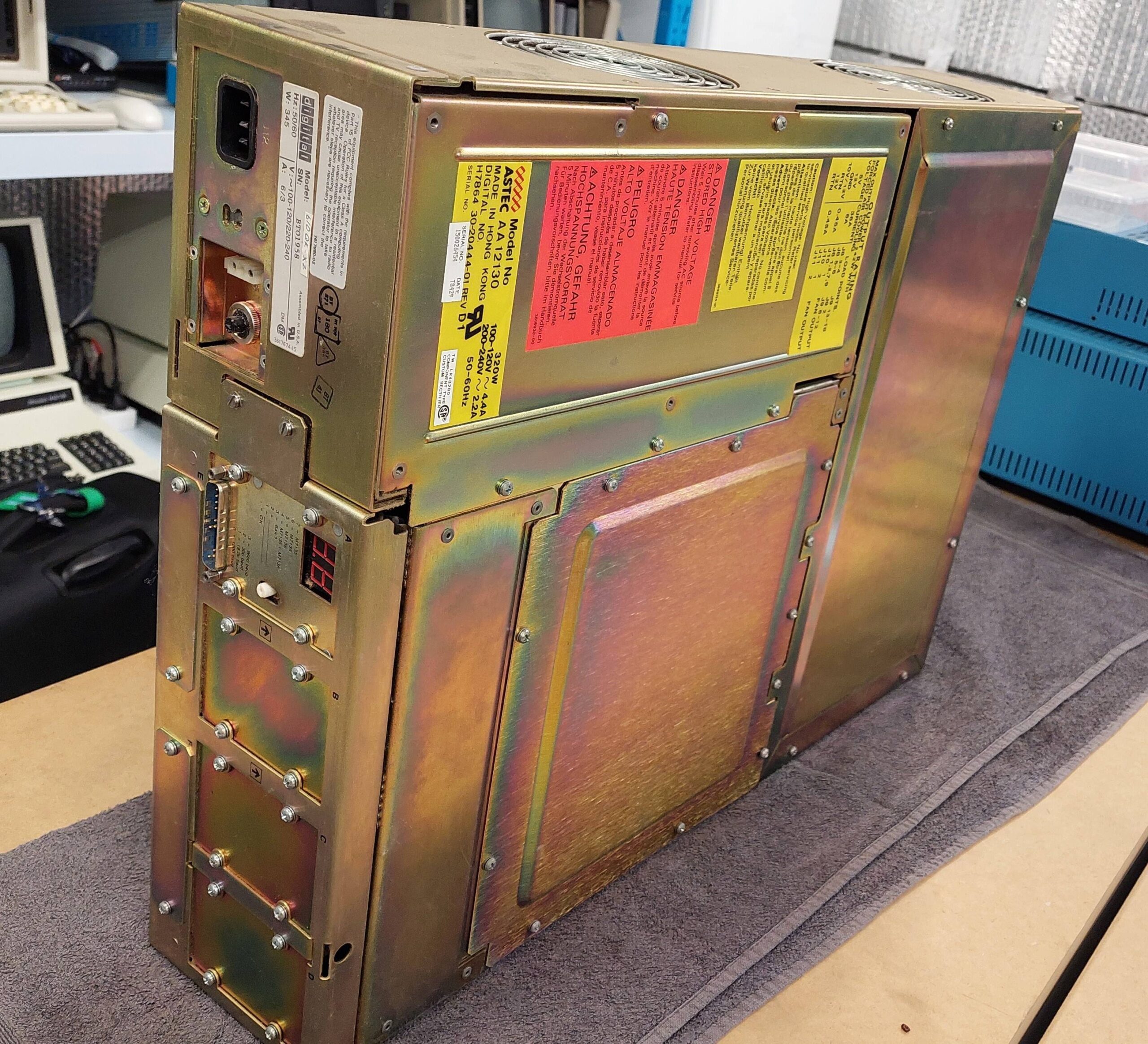
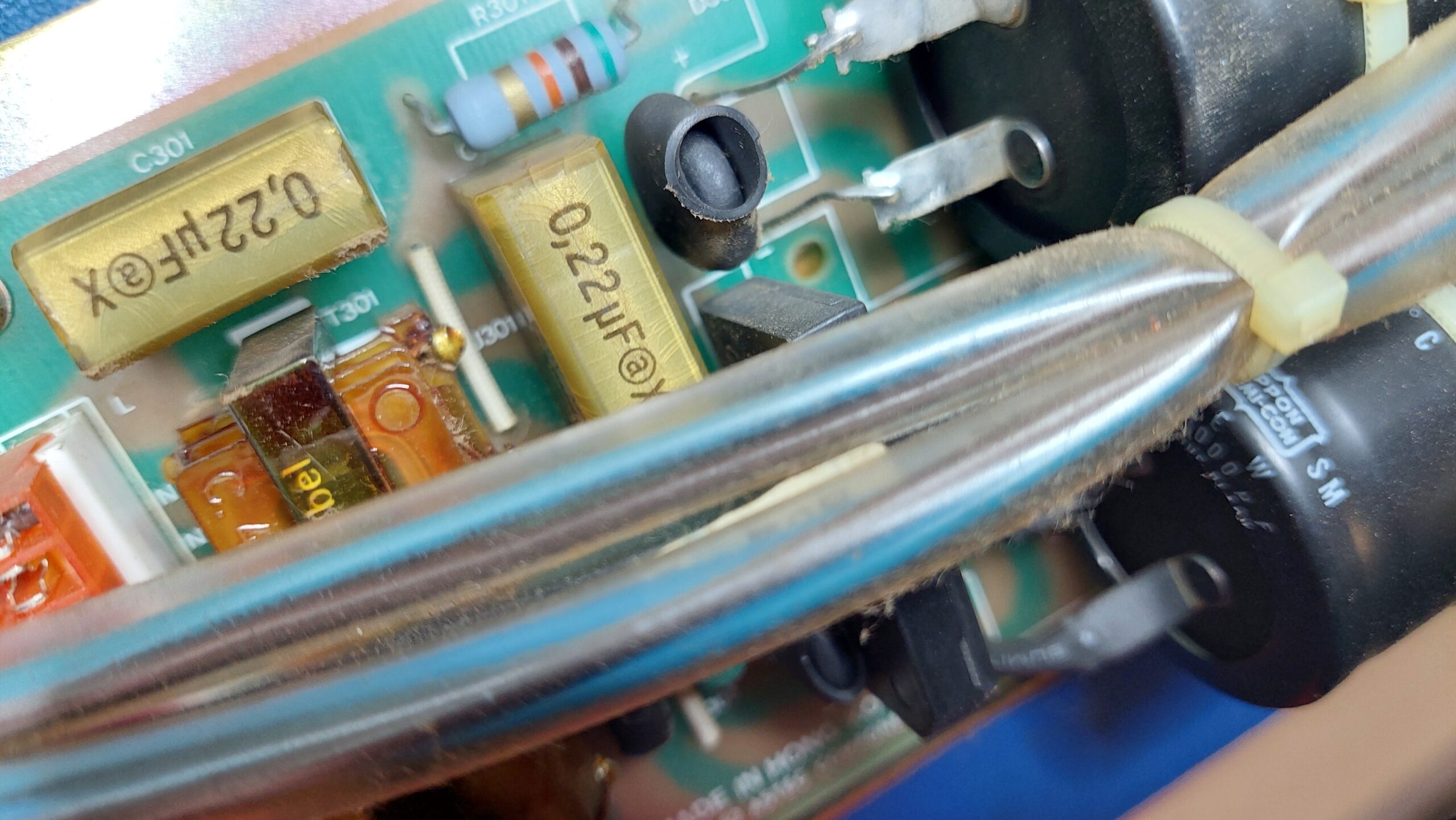
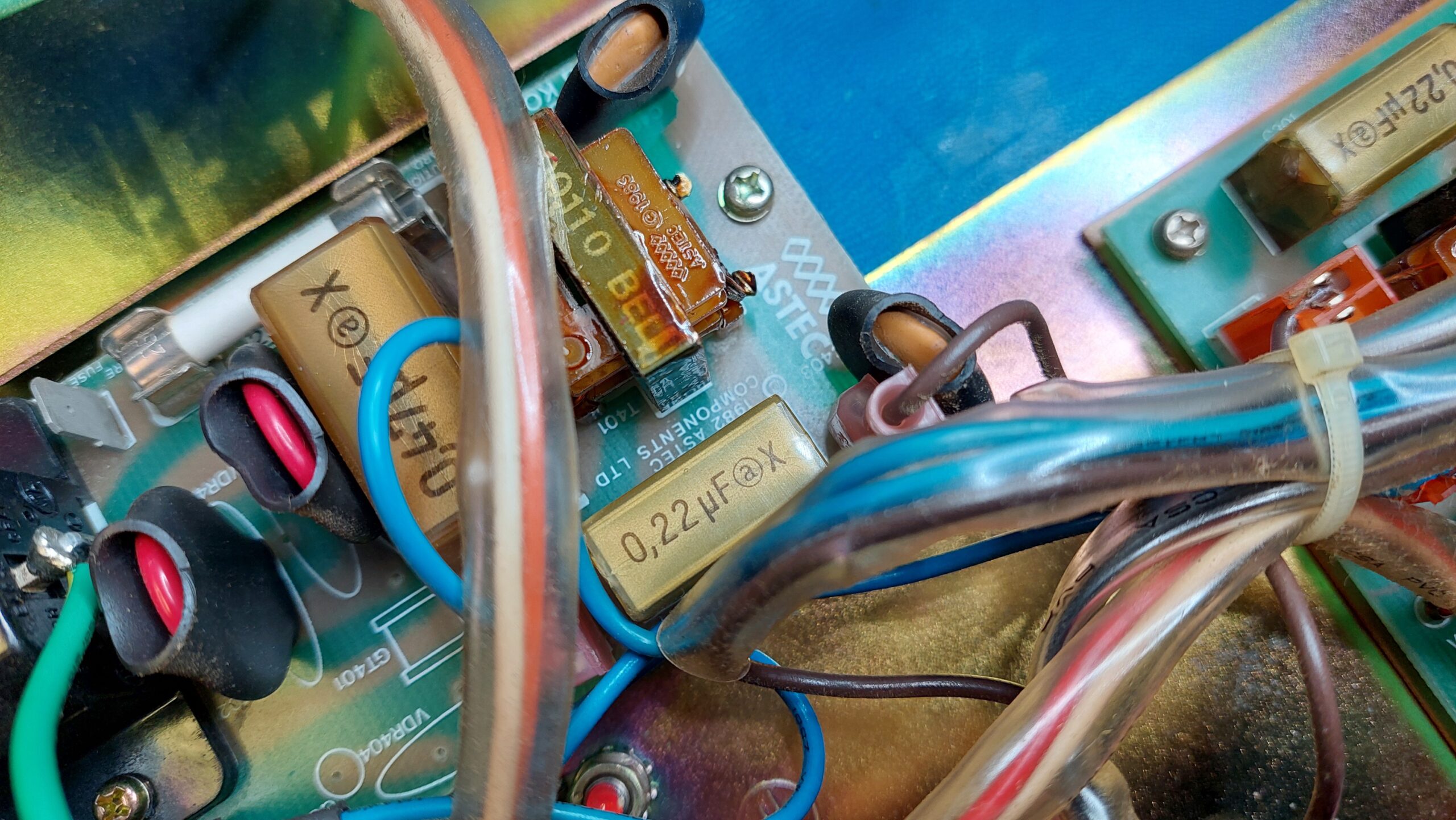
There are RIFA line filter capacitors inside, so there is work to be done before power can be applied.
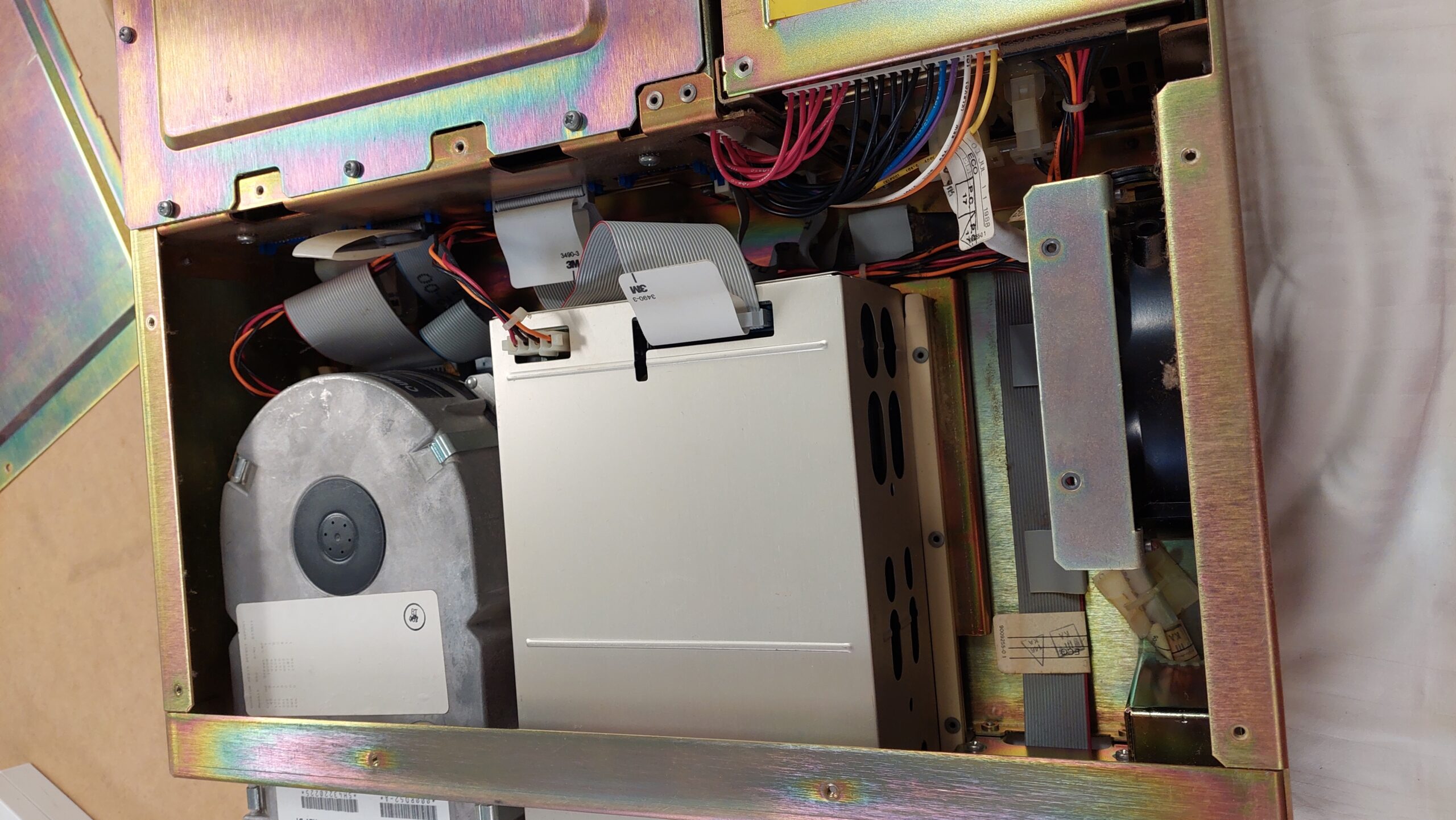
With two screws removed from the rear of the case the computer can be removed from its skin. The skin itself is very heavy and once gone the computer can be easily lifted on to a bench by two people.
The front panel comes off with the removal of several screws. The drives are on skids and can be released by pressing on the handles at the bottom of the case.
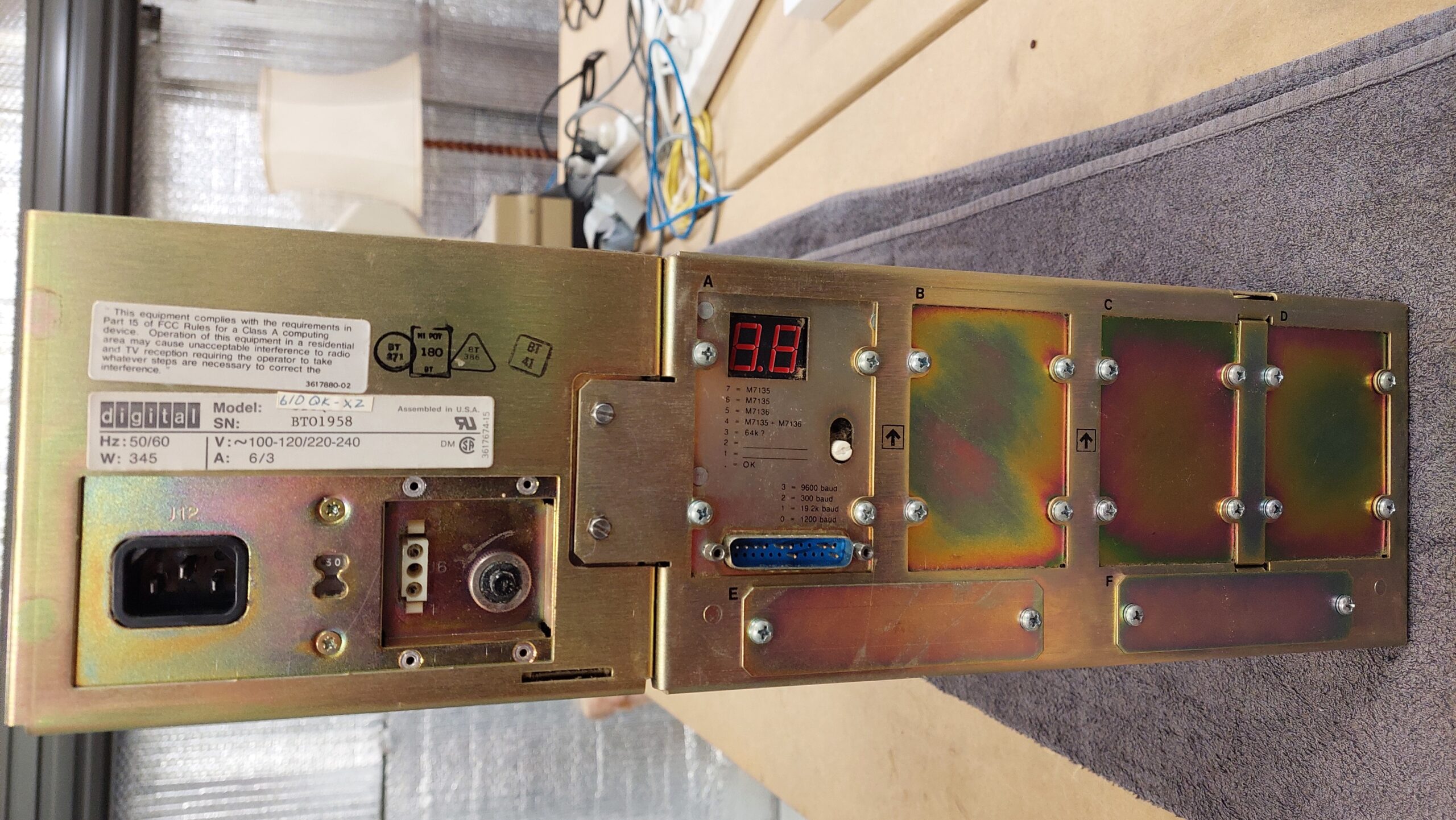
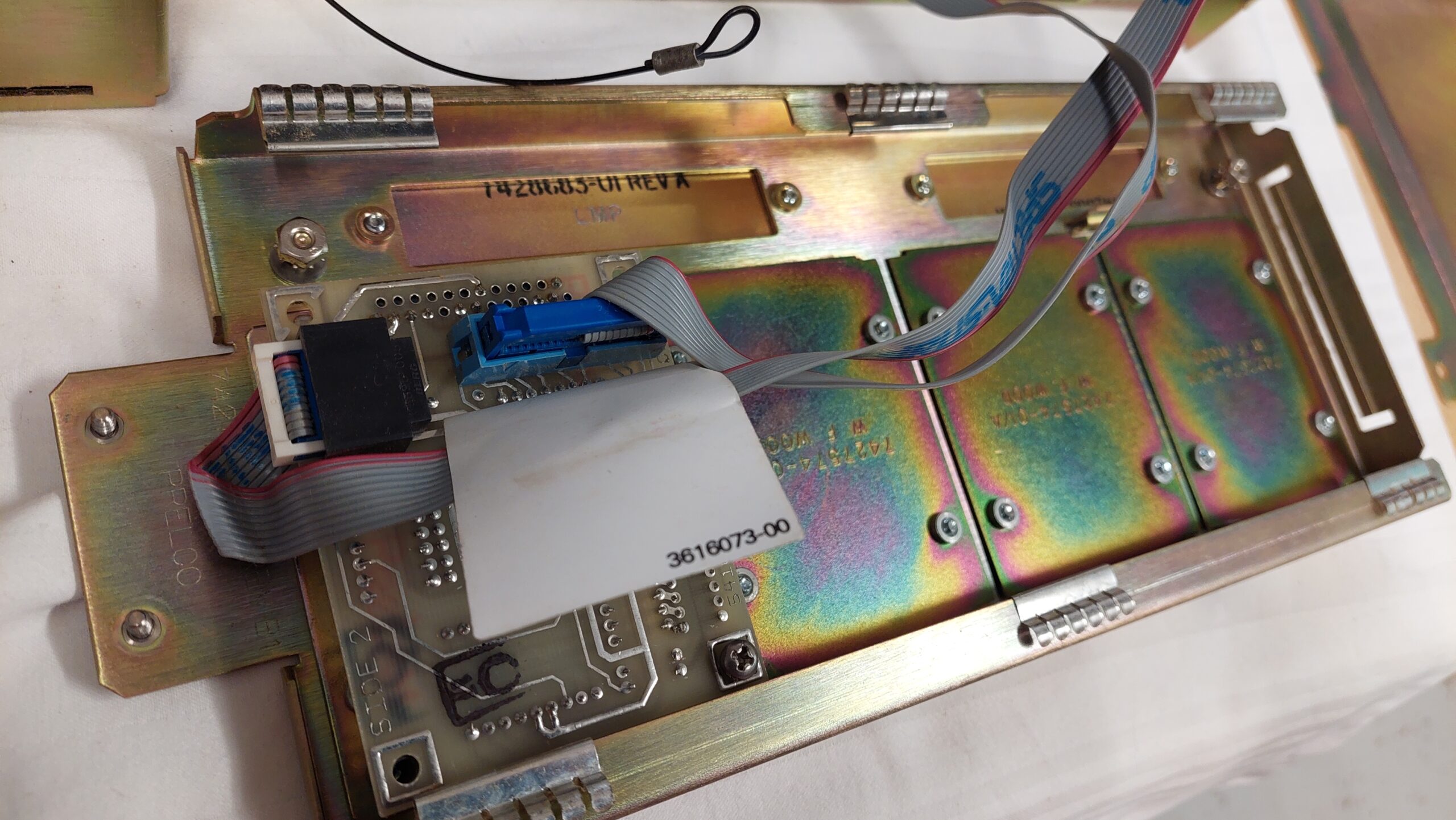
Two screws retain the back panel. Two ground leads need to be disconnected for the panel to be free and the rack to be revealed.
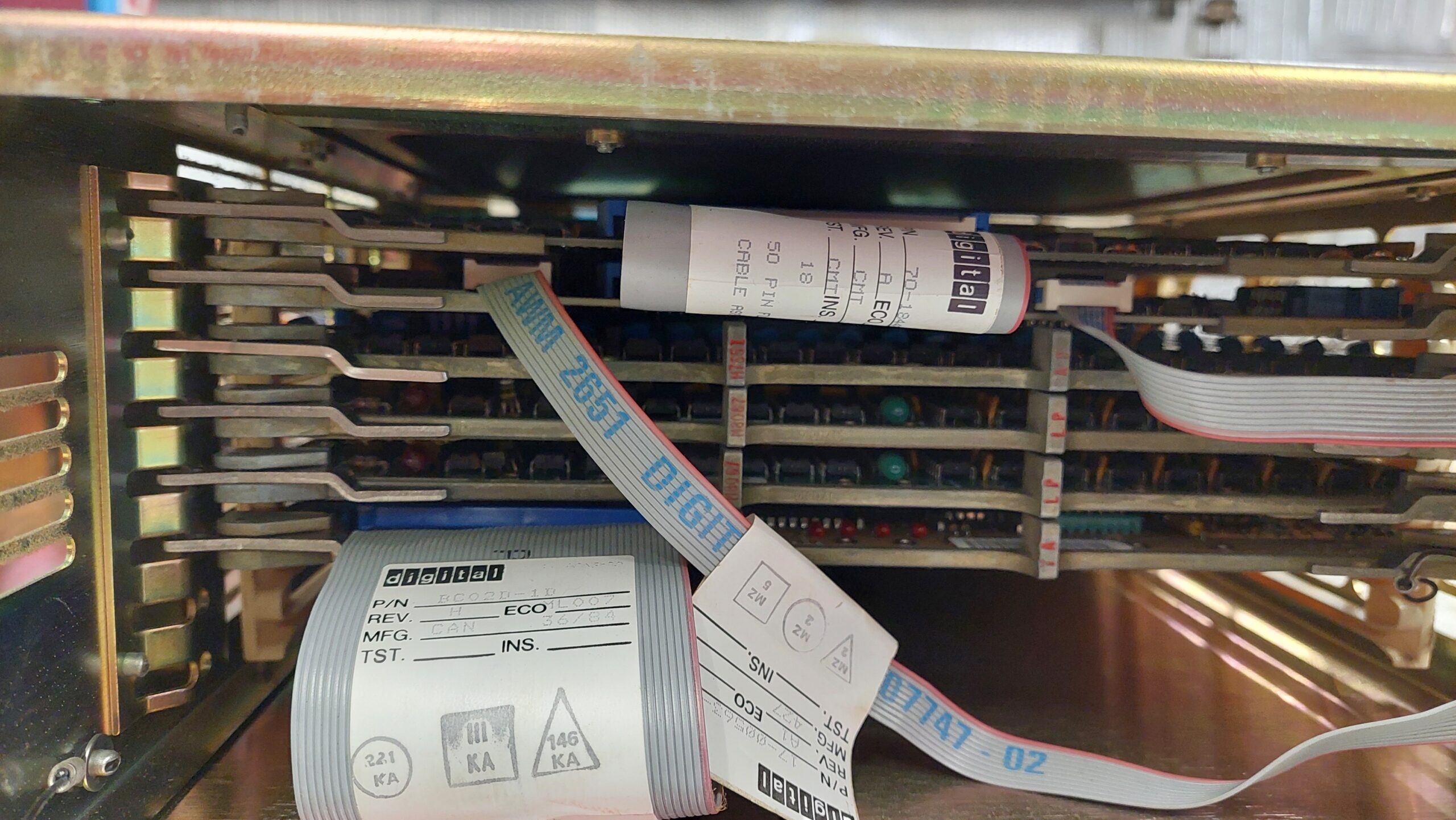
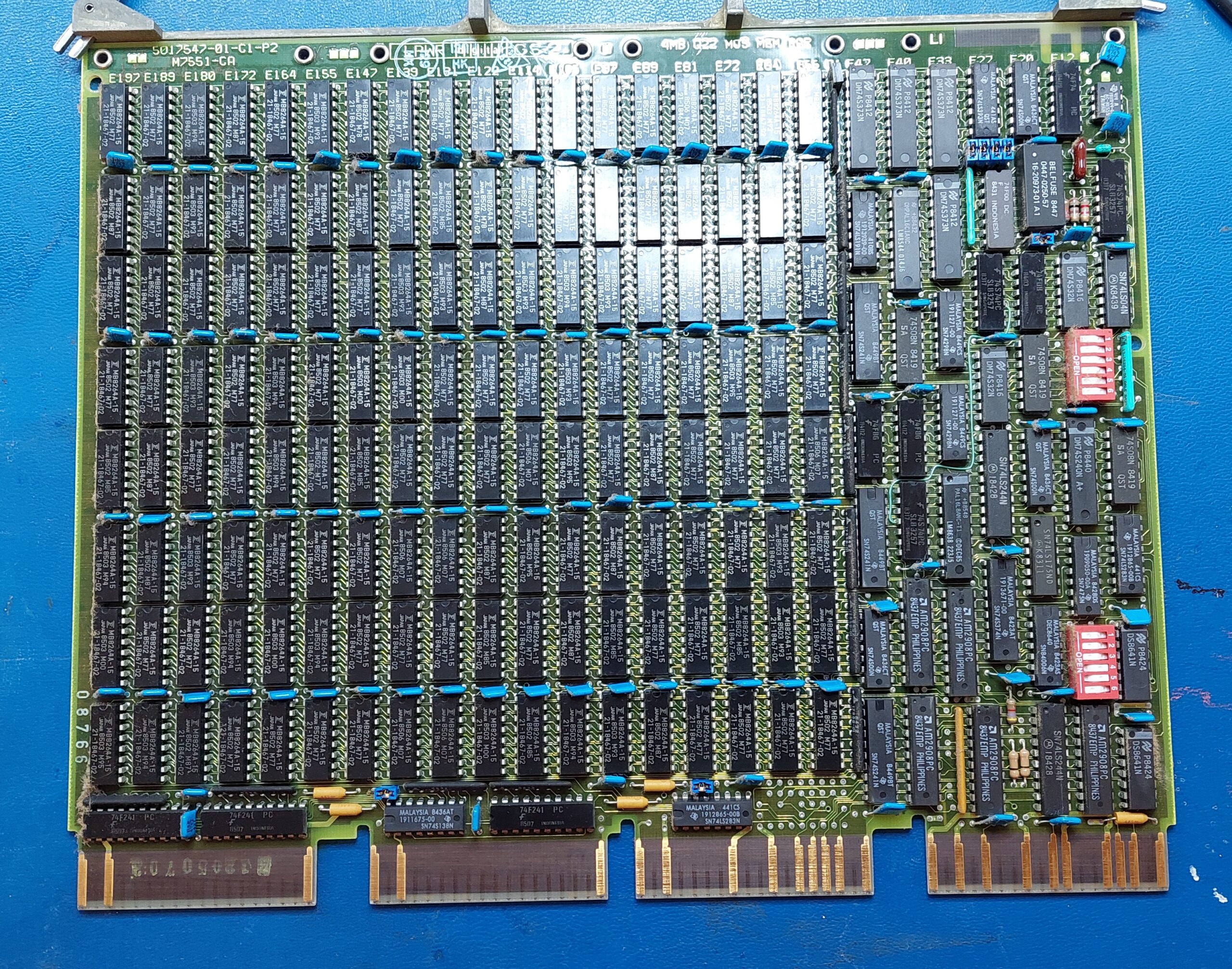
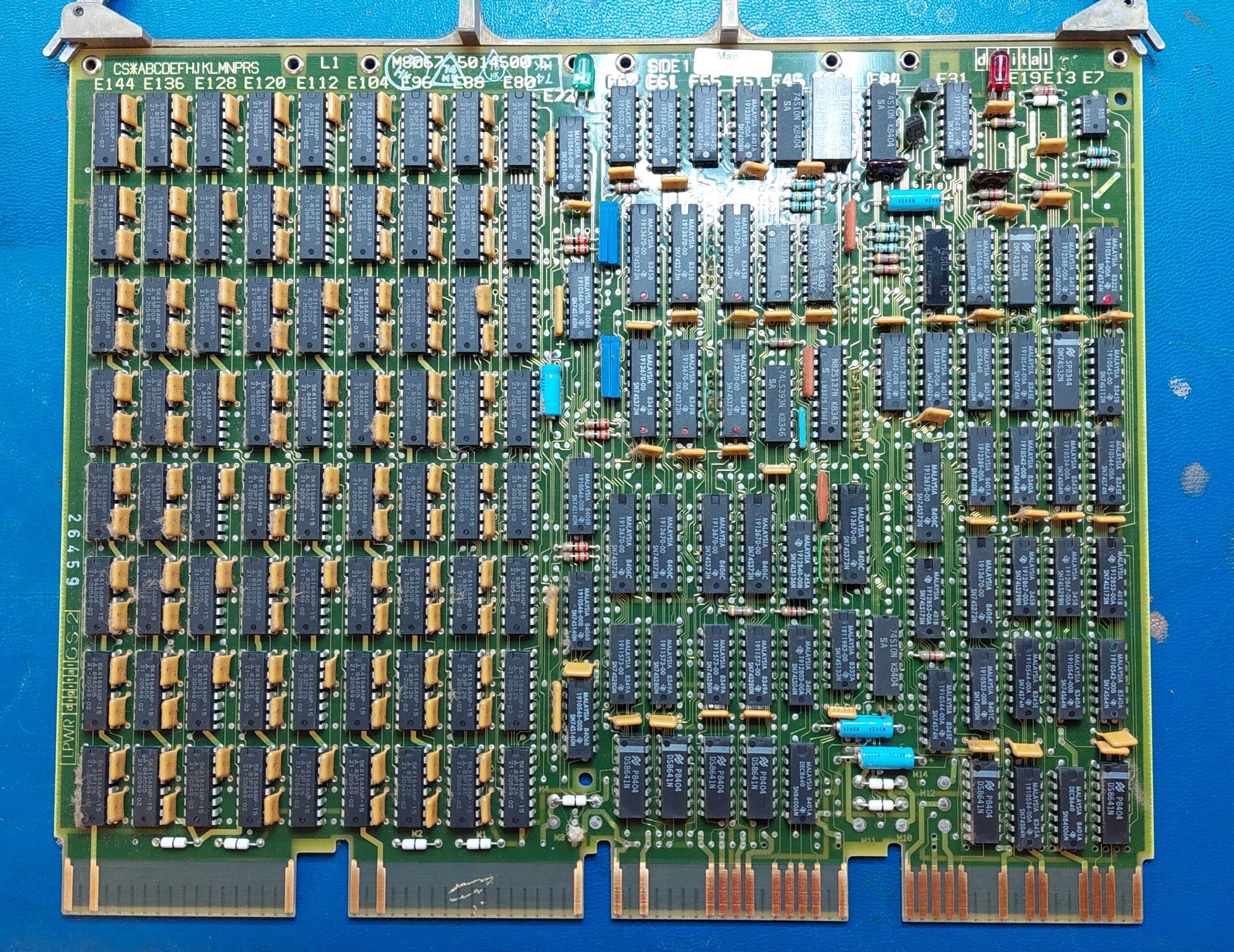
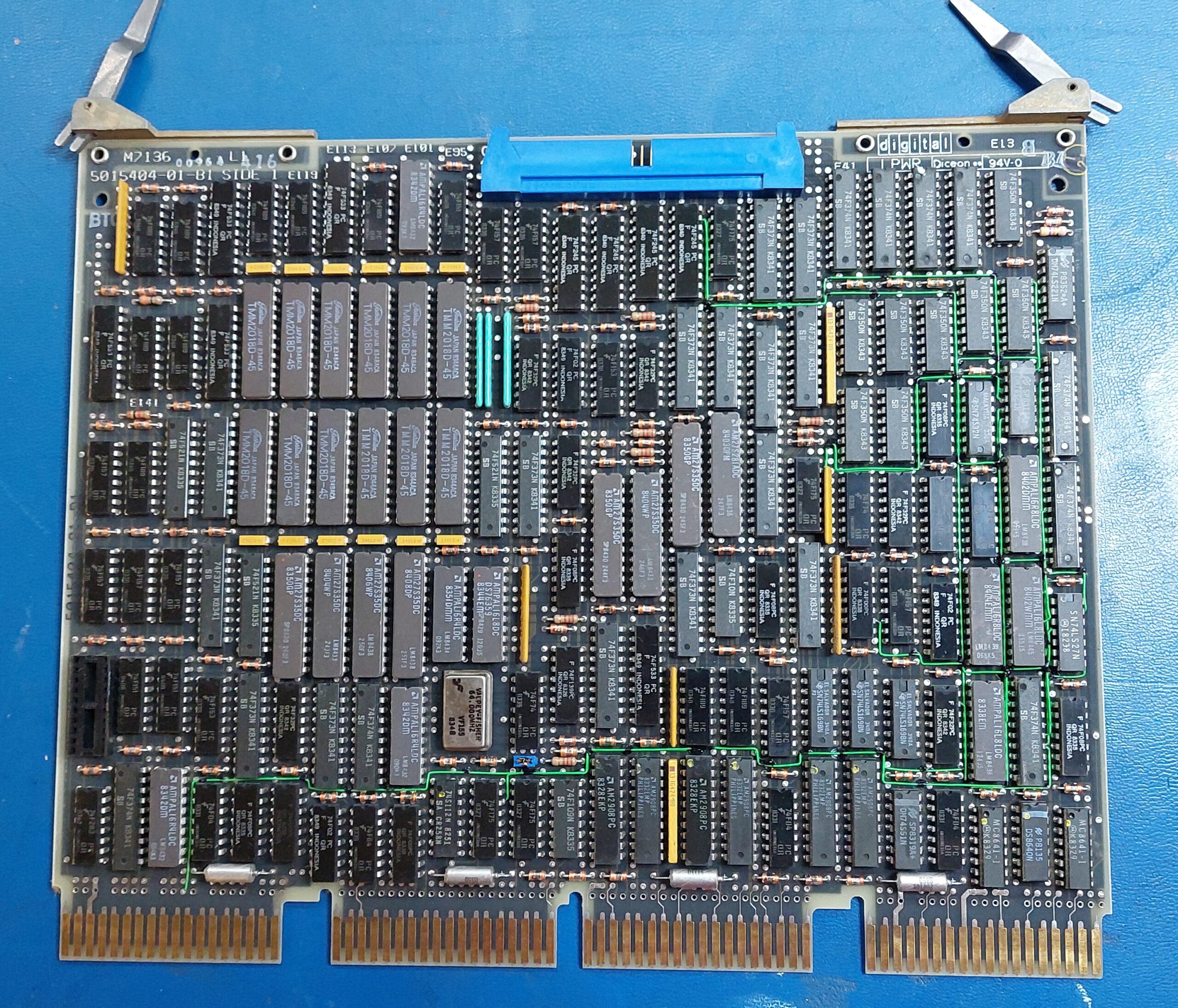
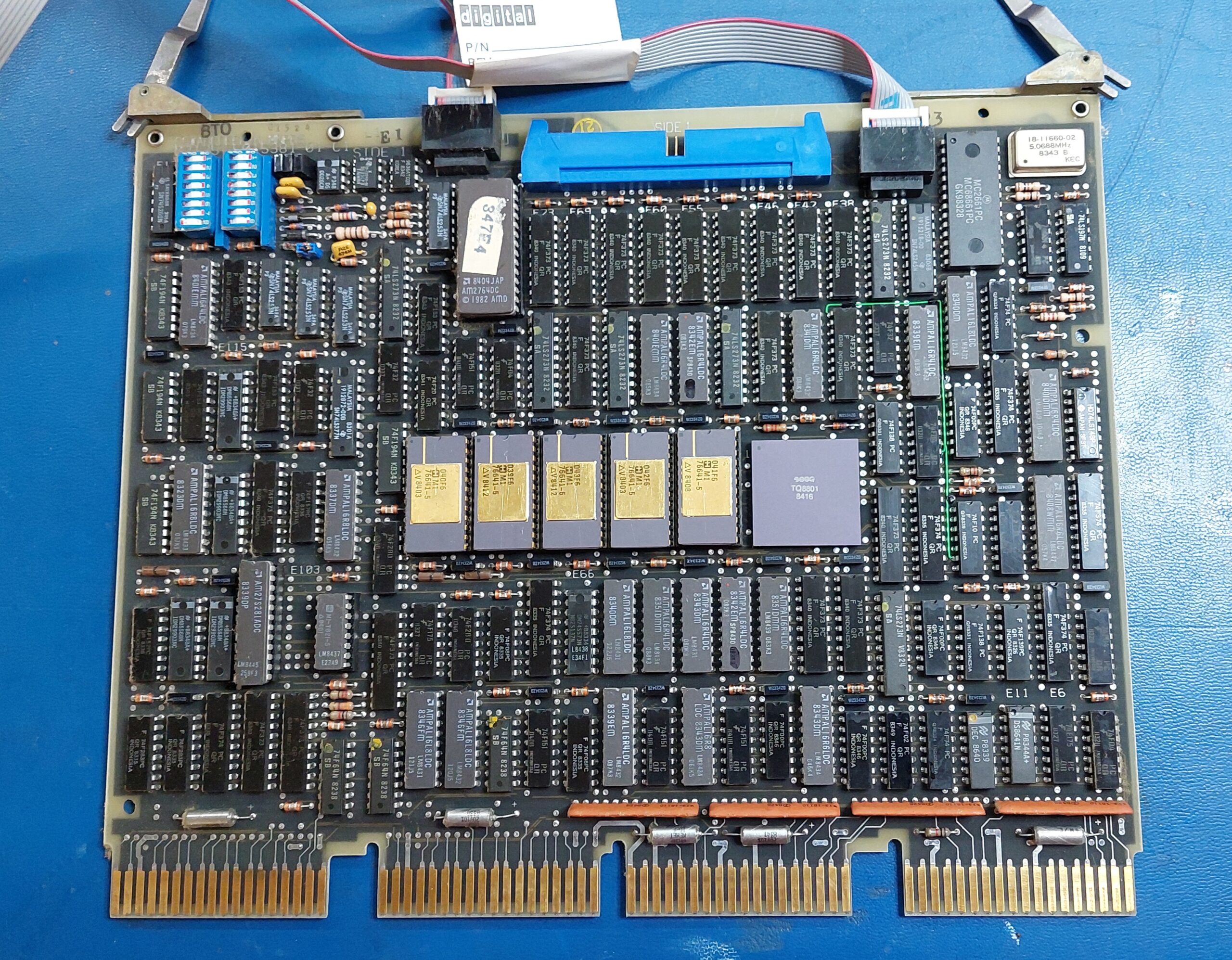
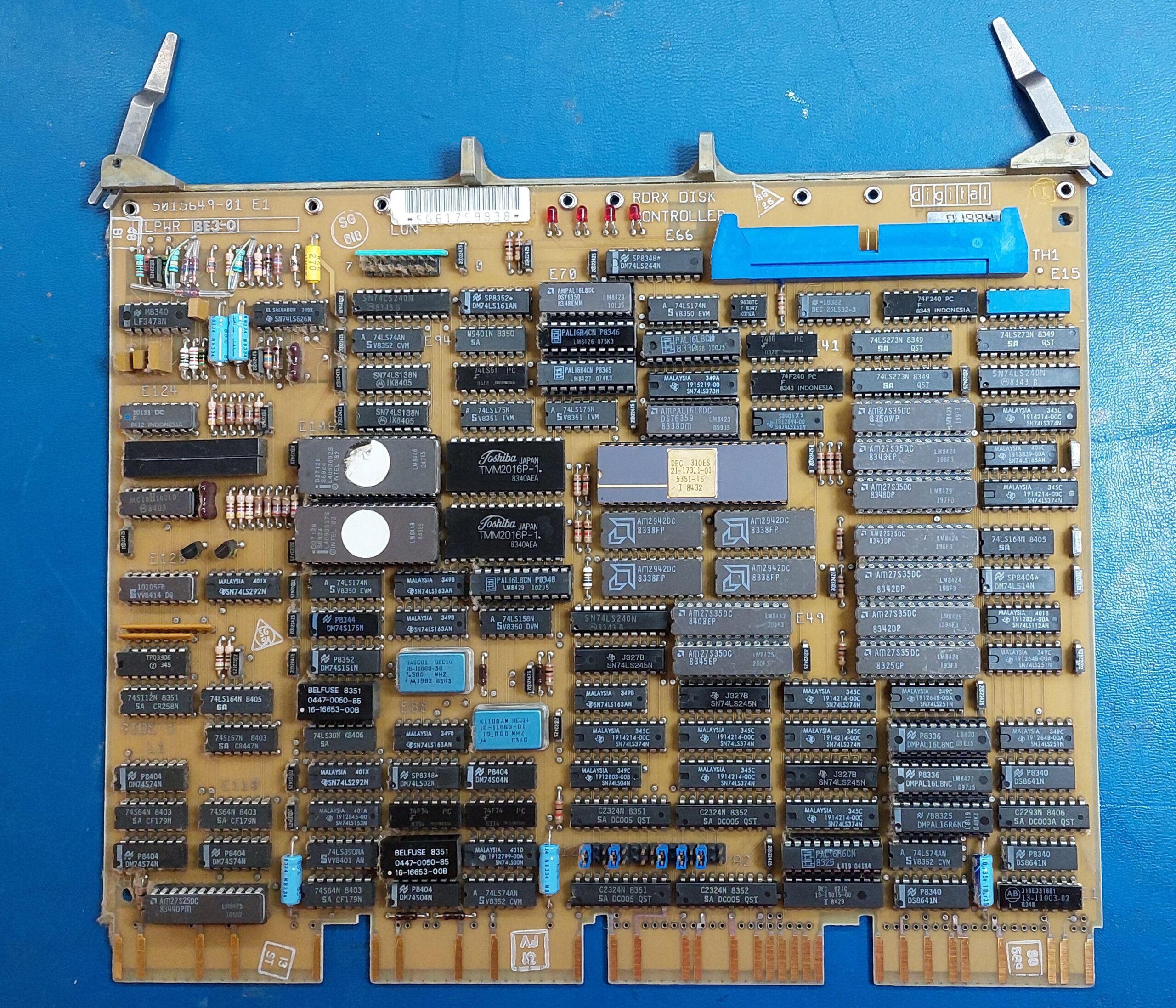
I pulled each of the cards just for a photo and to confirm the ID. The ejection handles are solid and require a fair bit of effort to operate. They have to be positioned correctly when the cards are inserted into the rack. The levers pull the cards home.
The machine has:
An KA610/KD32 CPU consisting of two cards M7135 Data Path Module and M7136 Memory Controller.
Memory modules including 1x M7551 MSV11-QA 1MB Memory Module and 2x M8067 MSV11-PL
M8639 RQDX1 Disk Controller – not sure of version. Could also be RQDX2.
The only external I/O is the console serial port so this is very much a standalone system. If it shows promise then i could acquire some additional cards. No point at this stage.
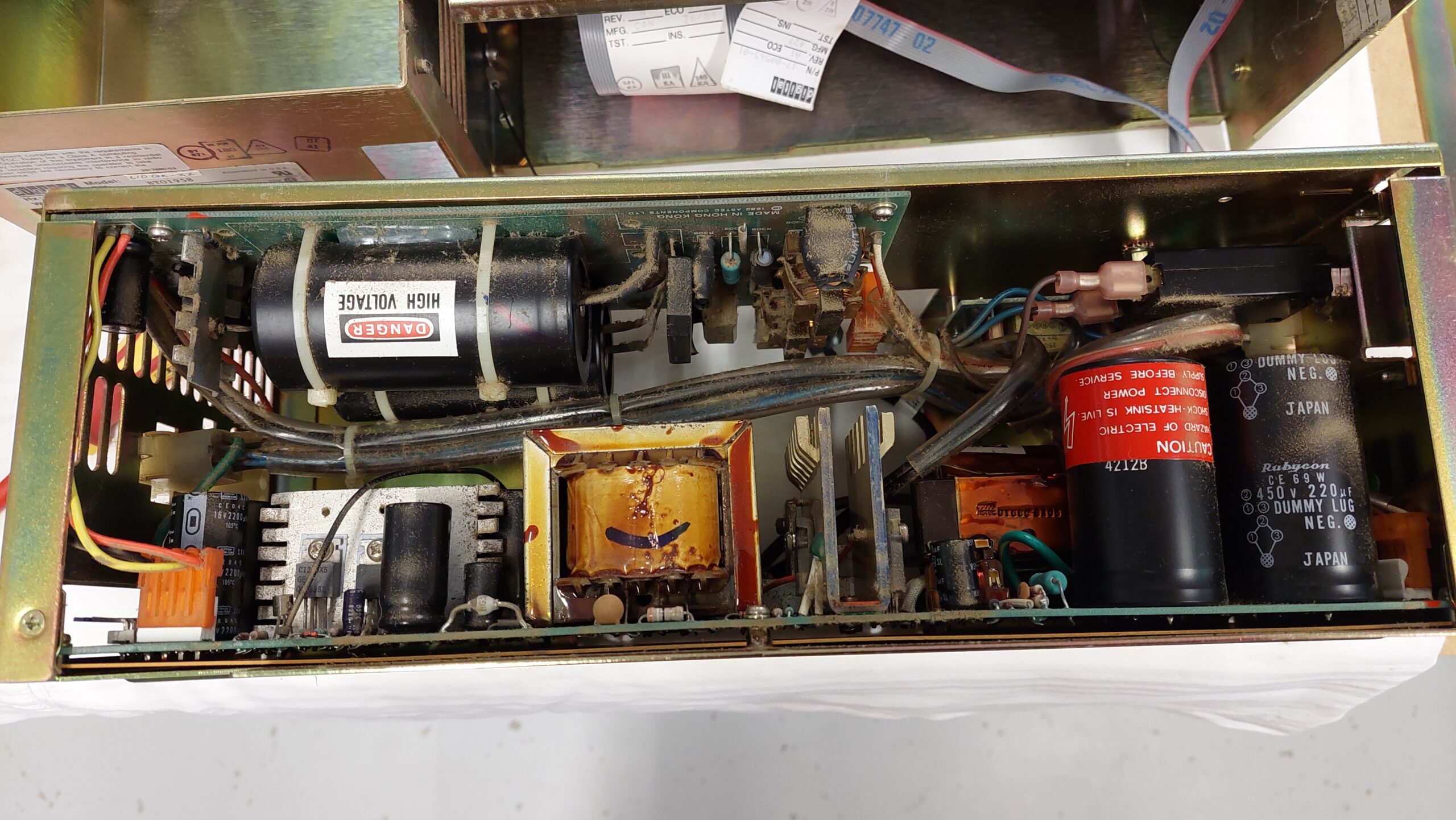
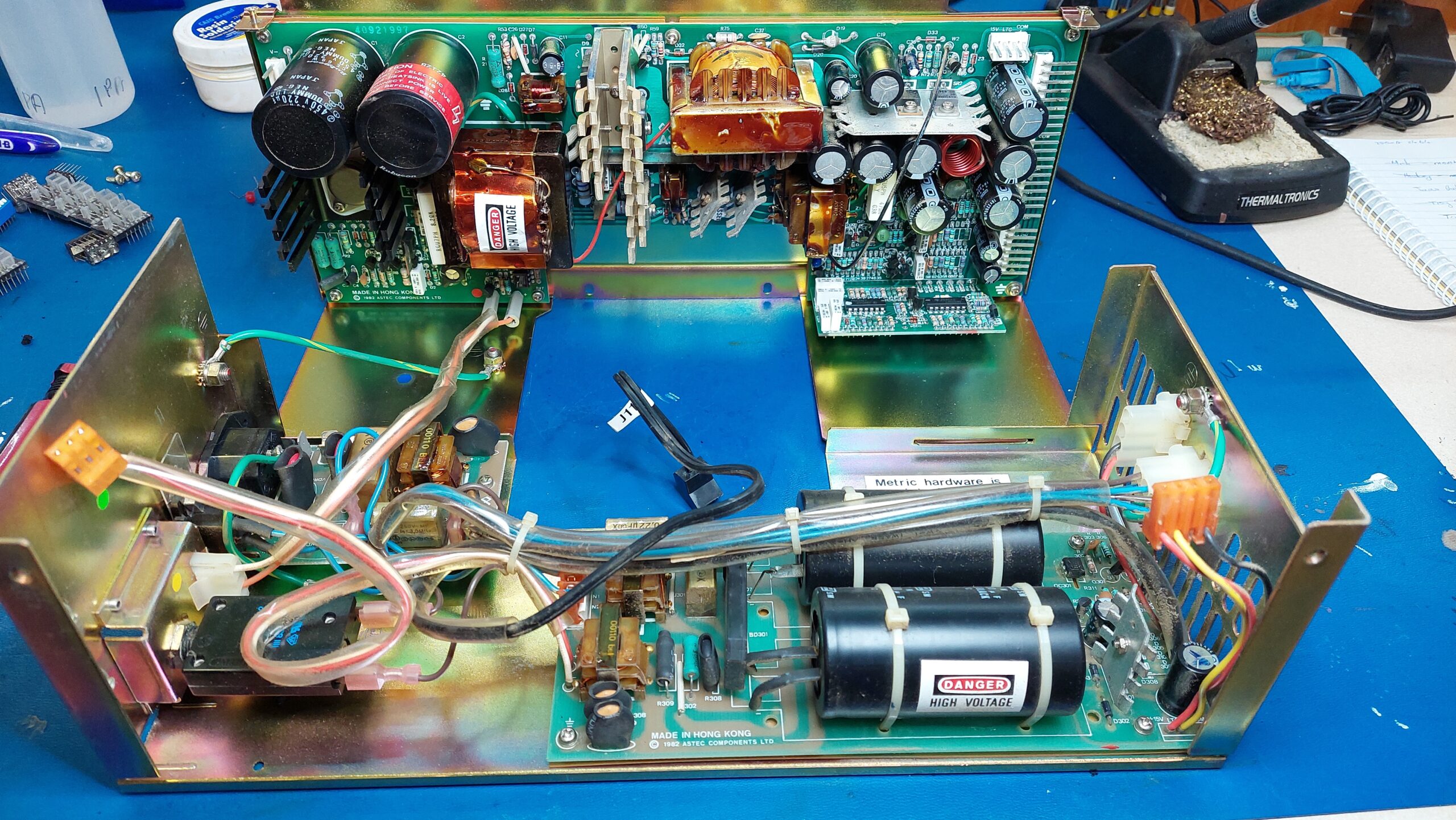
A few screws and some cable disconnections and the power supply is out. There are 4 RIFA line filtering capacitors and they are cracked as expected. There are no obvious issues with any other companents.
After replacing the line filter capacitors in the power supply i fired the supply up with a small load and checked the voltages. They seemed fine so i connected it up to the fans and some ide drives (just for supply checks) and that also looked good. A 3A dummy load was still required for the power supply to start.
Then i connected the backplane, and hooked up a terminal with VT100 emulation. The serial connection needs a null modem. On power up i was surprised to see the unit sign on and the initial diagnostics passed – except that it gave an error 6 because there was no boot device.
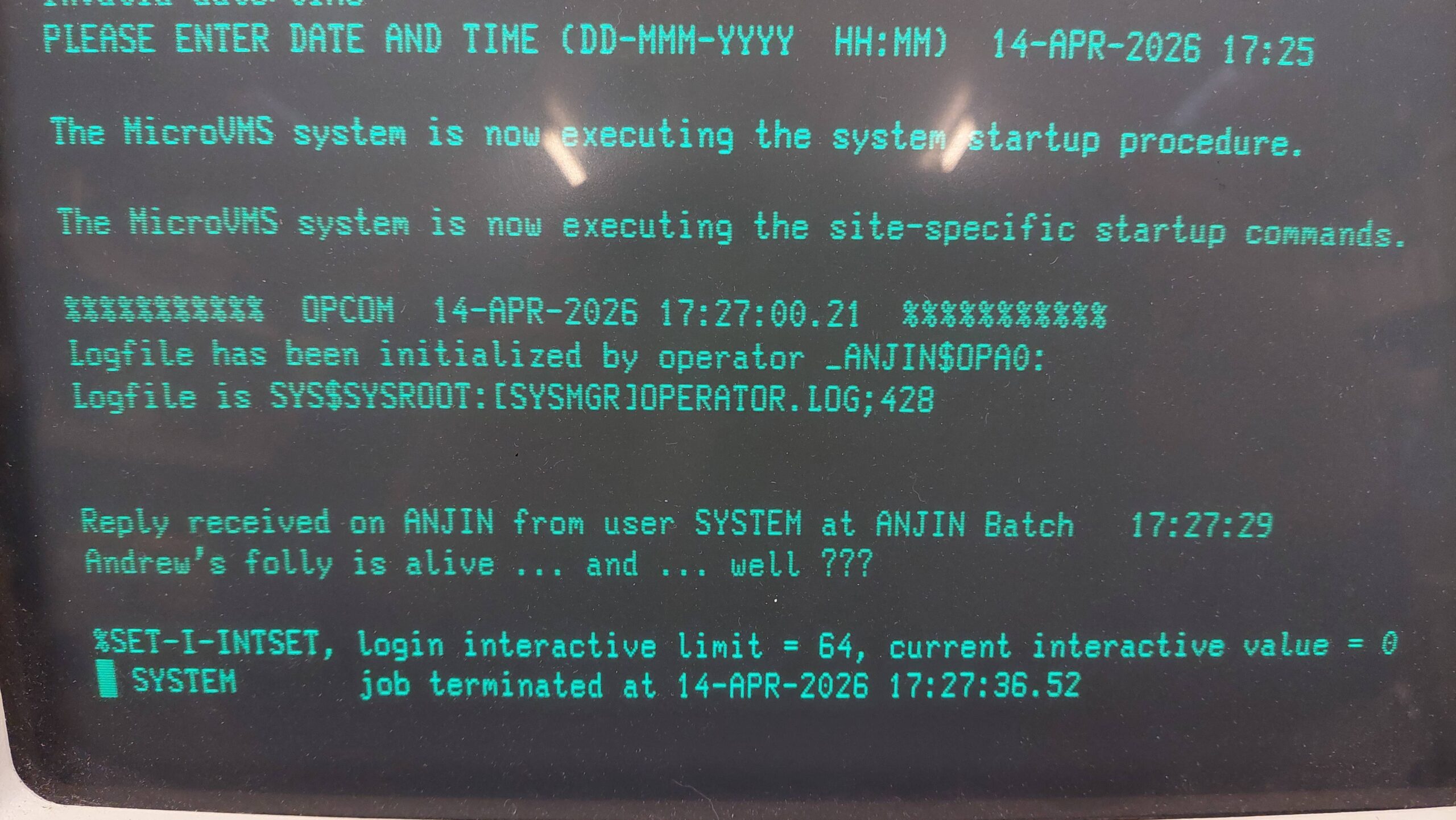
I crossed my fingers and hooked up the hard disk and it booted up. Awesome.
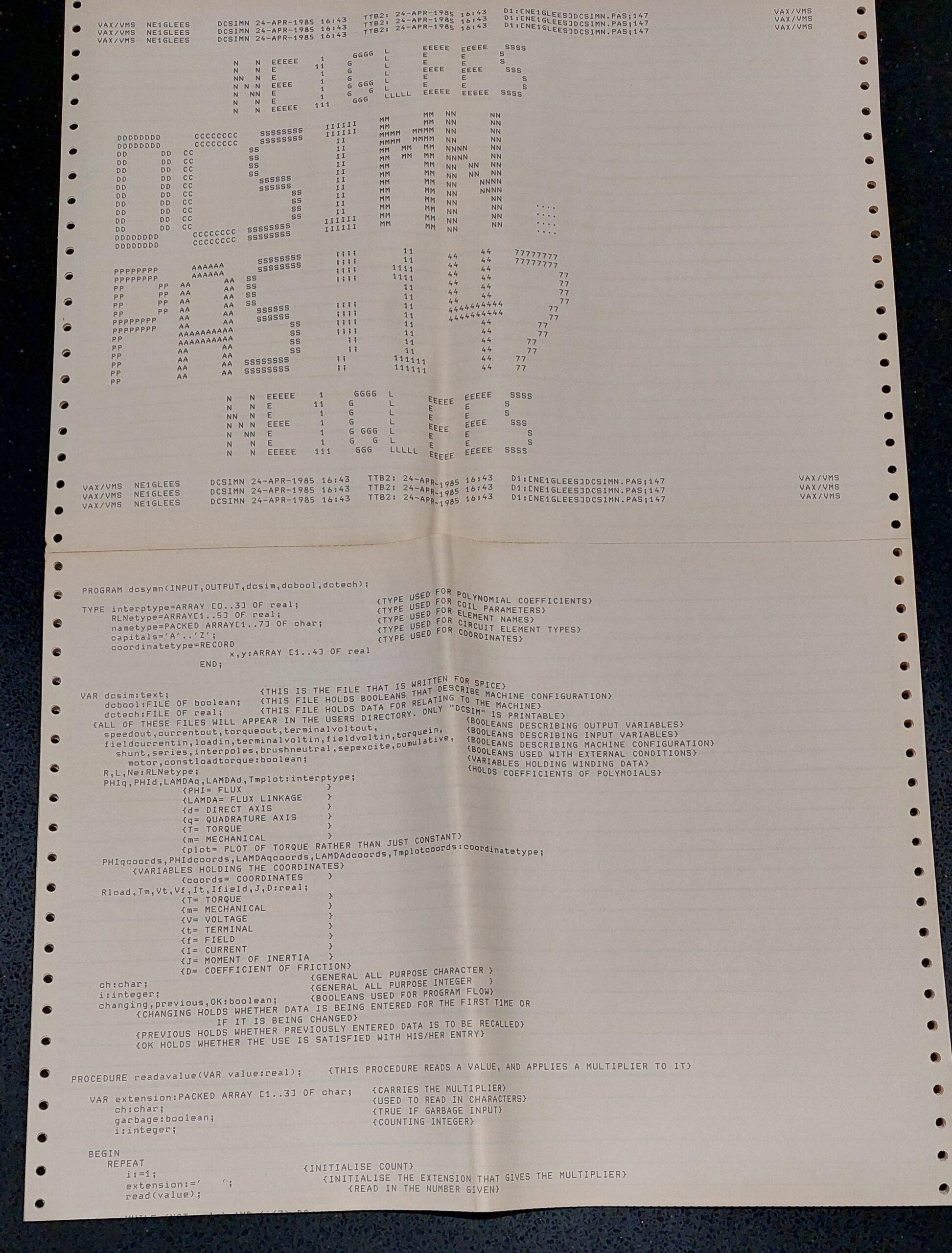
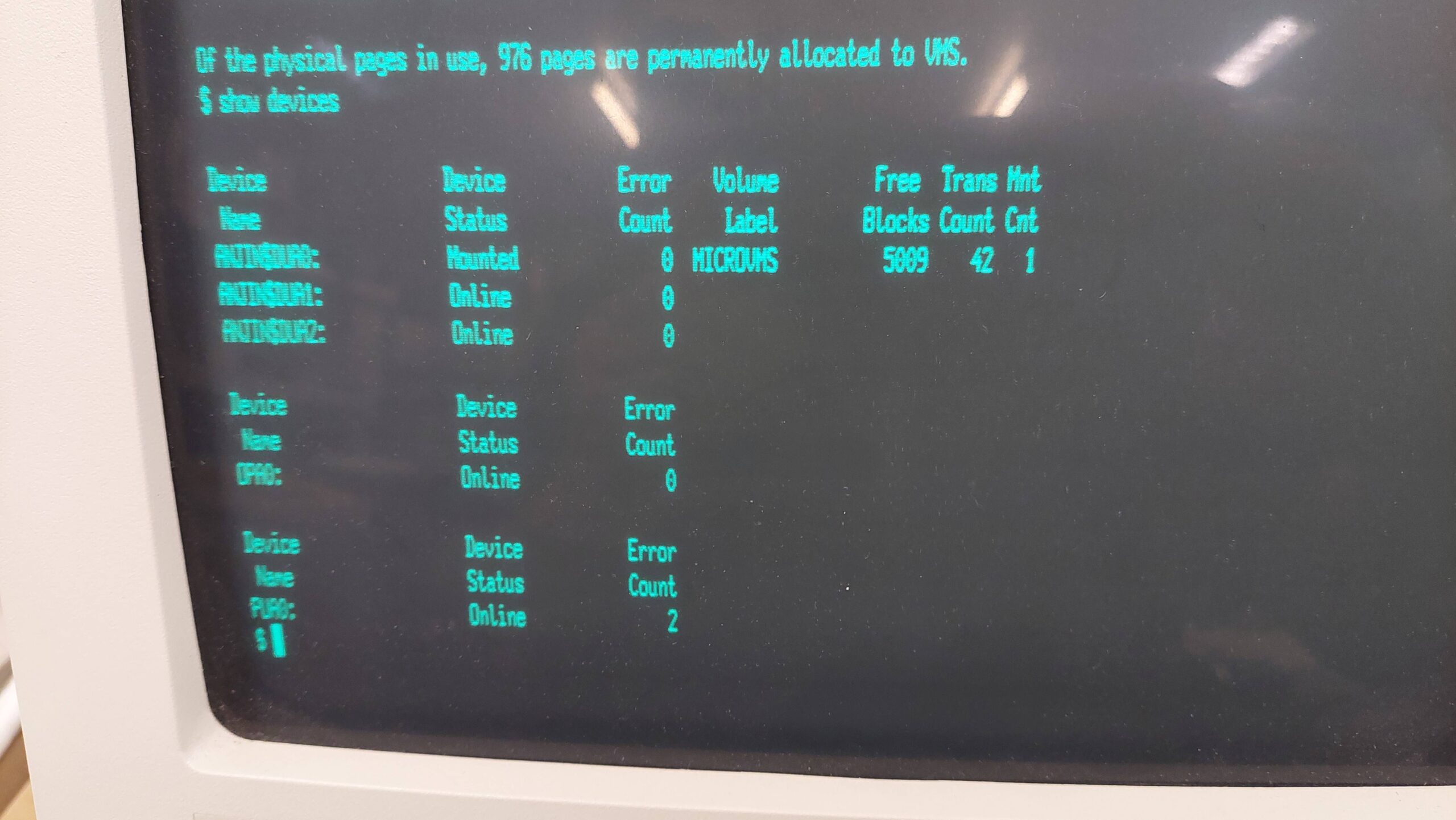
It was nice to see some humour from the previous owner in the startup message. The machine seems to be called ANJIN.
There was a problem though – i did not have any passwords.
It is possible to reset the system password using a rather convoluted and only loosely documented procedure. There are several different versions of VAX machines and operating systems and naturally commands evolved, so there was no bovious recipe. I had to experiment a little.
The first step is to enter a command boot mode. I found this worked:
Power on
Hit the halt button and then release. This gives the >>> ROM prompt.
Start the command boot mode with >>> B/1 0 (note the space)
A new prompt comes up SYSBOOT>
Parameters can be changed using the SET command. I have found limited information on these parameters. Initially i tried:
SYSBOOT> SET STARTUP_P1 "MIN"
SYSBOOT> CONTINUE
These settings are not cleared with a boot or power cycle. They have to be explicitly cleared from the SYSBOOT prompt or using the VMS SYSMAN program (see below).
This setting did have the effect of stopping startup scripts but i still could not log on.
With persistent googles i found a procedure that mentioned that an alternate user authorisation file (UAF) could be loaded.
The process is described in some detail in Sections 5.6 to 5.8 of “The OpenVMS Frequently Asked Questions(FAQ)”.
The default alternate UAF allows logon without a system password. The parameter is set as follows:
SYSBOOT> SET UAFALTERNATE 1
SYSBOOT> CONTINUE
After that i could log in with the system account and no password but i could not do a lot of things. I kept getting issues with library functions not being shared. The program that sets these attributes is called INSTALL. While reading about INSTALL i found that their share status is reset on every boot so it is necessary to reshare them at startup eg with a script. This all relates to making sure that only validated code is executed by privileged programs. All this stuff is above my pay grade!
Eventually the penny dropped that the startup scripts that i’d disabled really need to be re-enabled because they are setting the necessary attributes. I retraced my steps and cleared the STARTUP_P1 parameter. That was much better.
I could have blown away the original UAF but that could have had some unexpected consequences so i wanted to change the original. The program to change passwords is AUTHORIZE, but it really wanted to work on the alternate UAF.
More google and i found how to change AUTHORIZE to operate on the original UAF with the DEFINE command.
$ DEFINE/SYSTEM/EXECUTIVE_MODE SYSUAF SYS$SYSTEM:SYSUAF.DAT
$ RUN SYS$SYSTEM:AUTHORIZE
AUTHORIZE> MODIFY SYSTEM /PASSWORD=new_password
AUTHORIZE> EXIT
Once done, the UAFALTERNATE parameter can be set to 0 using SYSMAN (or via conversation boot):
$ RUN SYS$SYSTEM:SYSMAN
SYSMAN> PARAMETERS USE CURRENT
SYSMAN> PARAMETERS SET UAFALTERNATE 0
SYSMAN> PARAMETERS WRITE CURRENT
SYSMAN> EXIT
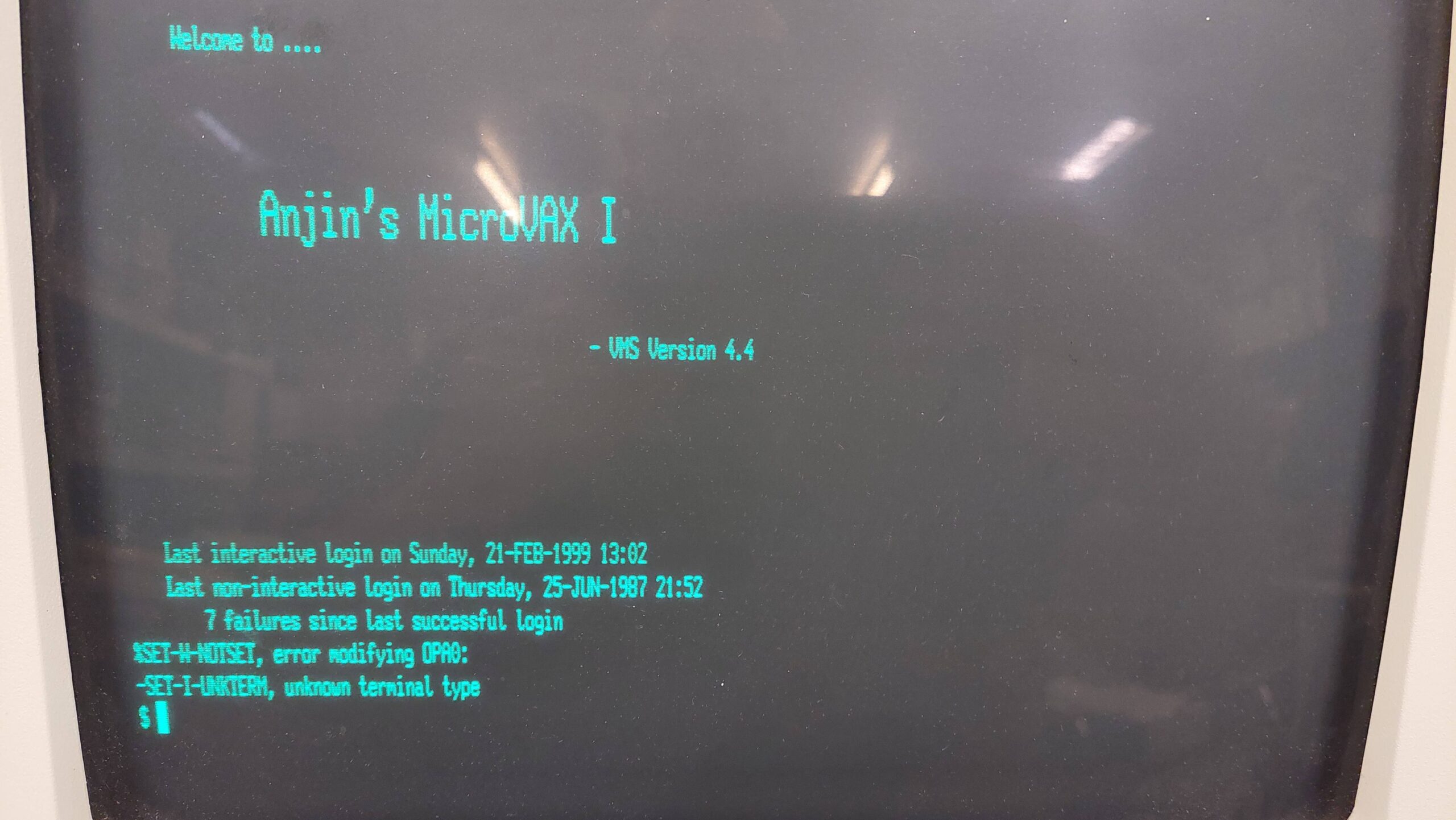
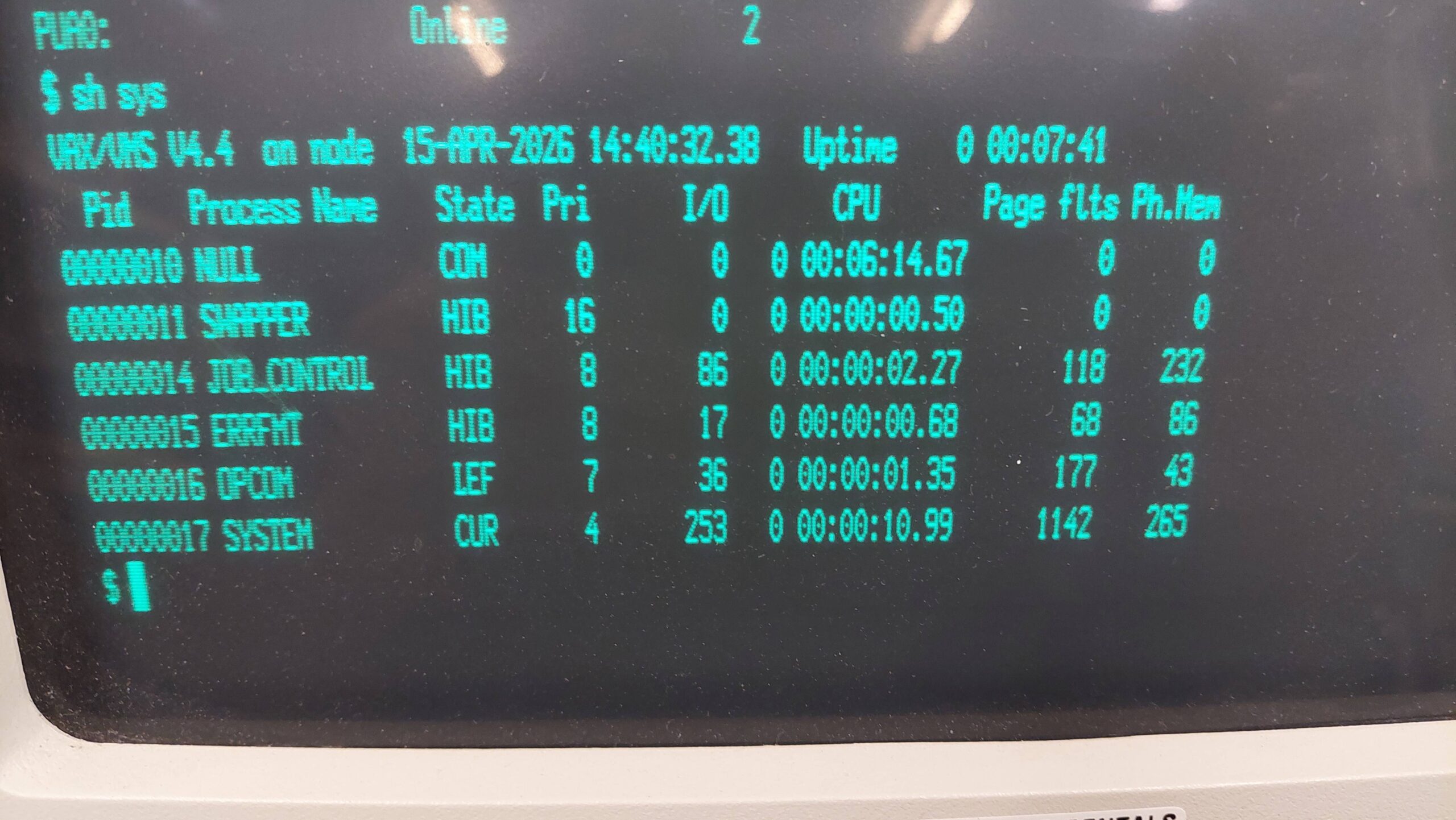
After a shutdown and reboot i had the original UAF with the new SYSTEM password and curiously a different login screen:
The system came with about 15 floppy disks which were archived using a Greaseweazle. Several were a high density format, one was not a VMS disk, and the rest were RX50 format. The first thing i wanted to do was to archive these disks.
There is some basic information on the rx50 format here:
I wasn’t sure if the disks were RX50 disks so i started by reading them as SCP files using greaseweazle.
An 80 track 96 TPI drive capable of writing double density disks is required. One option is the rx50 itself, but there are other drives that work fine as well. I have previously used a Panasonic JU-475-5 drive for making 80 track disks for the Sirius One and the BBC Master. I’d expect other drives to work as long as they observe the density select pin including changing the rotational speed to 300rpm for double density disks.
These disks can be archived with greaseweazle simply by reading the flux into an SCP file.
gw read --revs=5 --tracks="c=0-79:h=0" <file>.scp
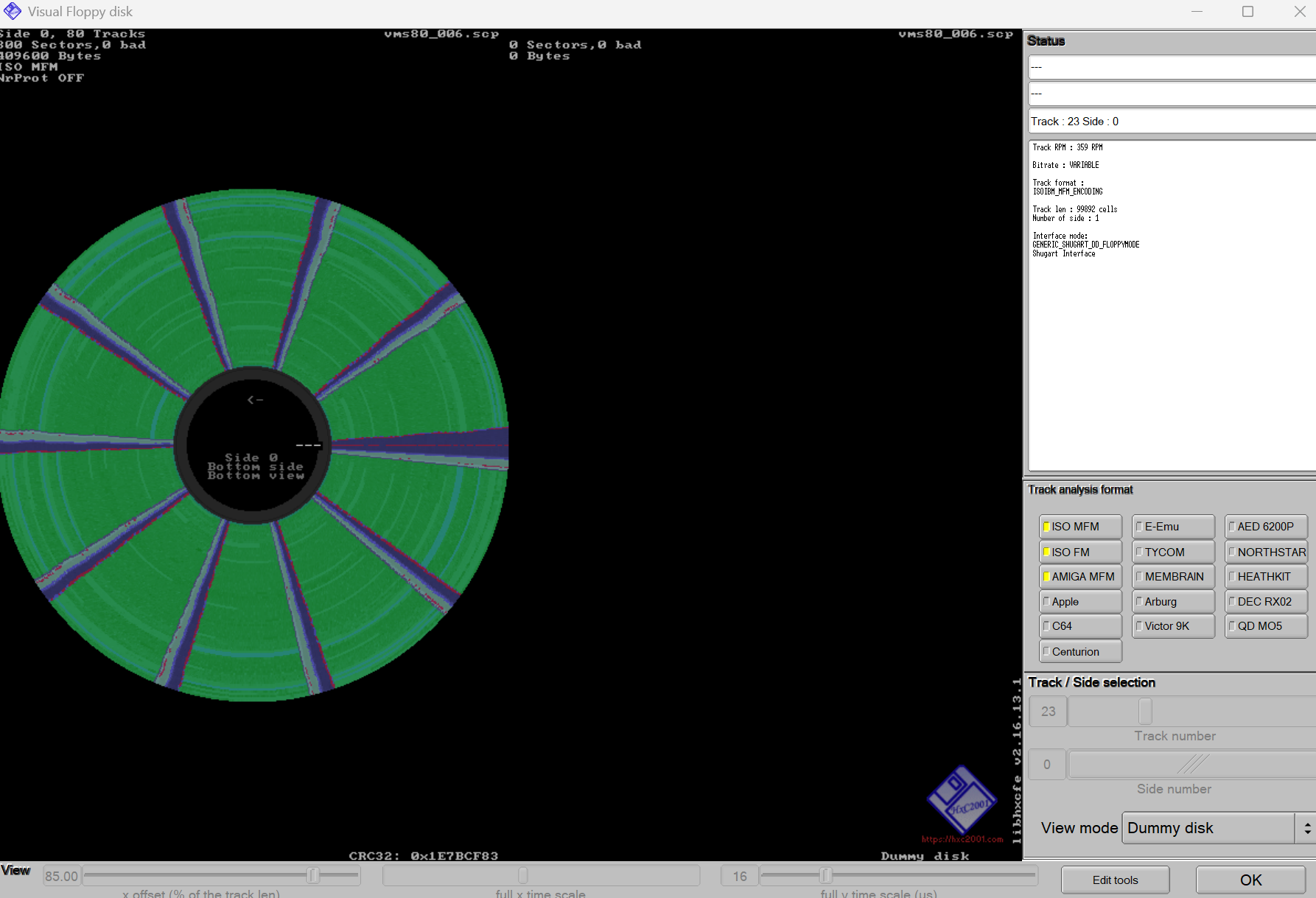
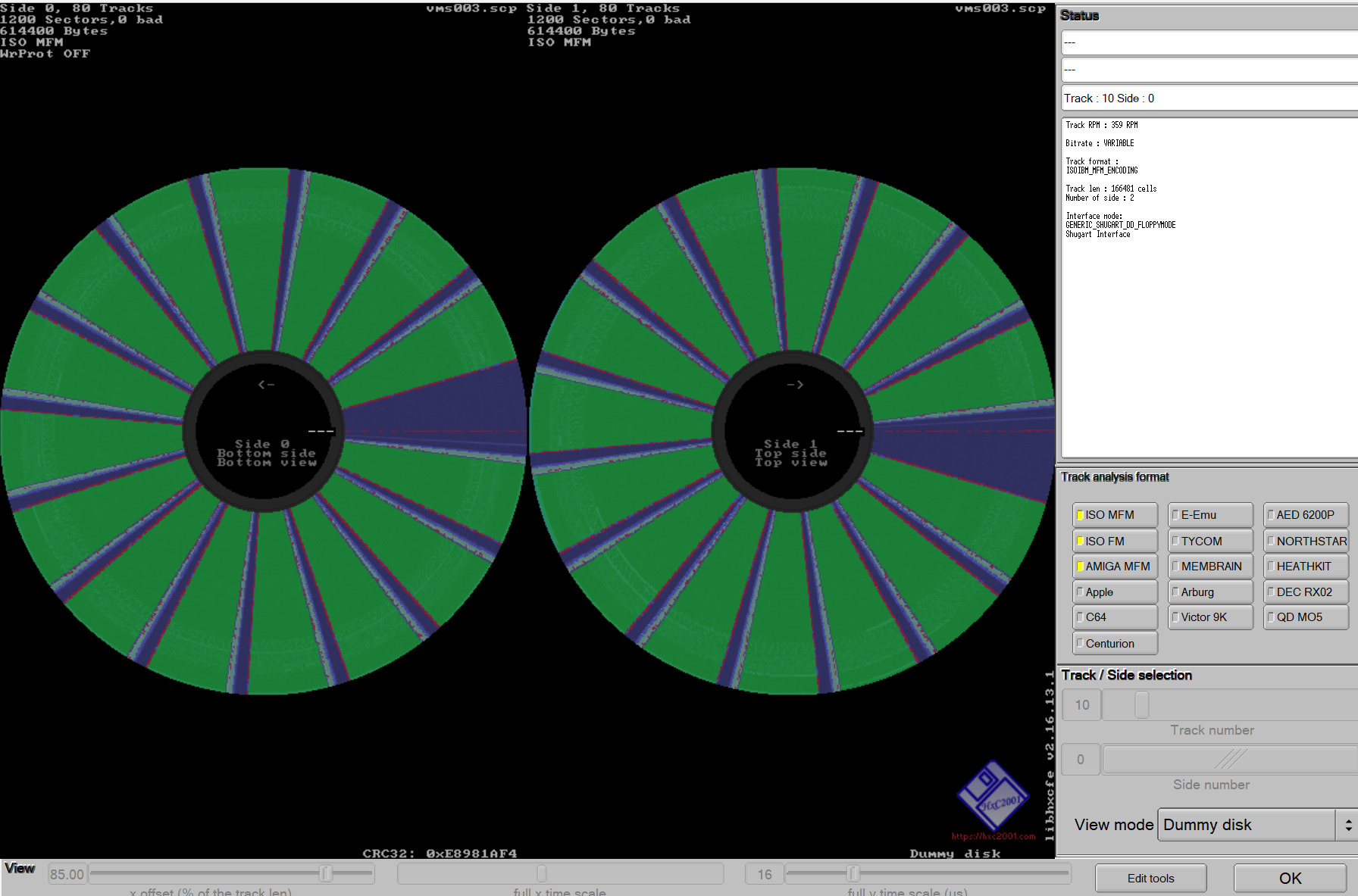
I could then load them into the HxC software for a look.
Then i exported them to IMG.
Greaseweazle is also capable of doing the conversion using a custom disk format and this is the more efficient approach if you already know the disk format.
# Example custom.cfg
disk RX50
cyls = 80
heads = 1
tracks * ibm.mfm
secs = 10
bps = 512
interleave = 1
rate = 250
rpm = 300
end
end
Greaseweazle could attempt the deinterleave here by setting interleave=2, but it turns out to be more convenient to not do this.
There was nothing particularly notable about the media. Given the format is 80 track 96 TPI single-sided disks i expect DEC would have insisted on quad density disks, but generally this was a labelling/certification exercise rather than any fundamental difference from normal double density (or single density) media. The disks that were labelled were single sided double density.
As it turned out, some of the disks were high density disks (probably RX33 compatible) and one was not for the MicroVAX at all.
I was hopeful of retrieving some games from them but it turns out that the first disk in the backup set is rotten. The remainder of the disks don’t have a lot of interest. Sometimes the journey is more interesting than the destination.
Having archived the disks i tried to mount them on the Microvax.
Each disk has a “label” written to it. I didn’t know the labels for these disks but if you put in a random word it will fail and tell you the actual label. I found most would not mount regardless.
$ mount dua1: <label>
I also tried to initialize a fresh disk but this also failed which didn’t seem like a good sign. I even tried a disk that had been erased with the Greaseweazle erase function. No joy.
$ initialize dua1: test
It was the same with the second drive. This dual drive is a curiosity in that it has only one hub motor and one head position motor shared by the two drives. The disk is inserted upside down in the bottom drive.
At this point i thought it would be worth pulling the drive, giving it a good clean, and testing it out with ImageDsk on an old PC. I found enough commentary on the web to believe that the interface was generally consistent with the shugart interface – noting that there are a few variations.
This allows the alignment to be checked and some read/write tests to be done. Alignment relies on reference disks and with the drive being 80 track double density my commercial DOS disks weren’t going to cut it. Instead, i just used the disks that came with the machine.
One of the pressure pads was loose and the other seemed to be worn. I re-glued the good one and replaced the other with a handcrafted felt.
The rotational speed was good, but the drive was a little out of alignment. Adjustment is by loosening the head position motor screws and rotating the body a little. DEC have made this more awkward than it needed to be:
Remove the rear side plate screws and loosen the middle ones.
Remove the rear PCB
Loosen the screws on the body motor – but just a little
Reassemble
Test and adjust (it is hard to get a good grip) using the Image disk alignment function
Repeat steps 1-2. Tighten the motor body screws.
Reassemble
After this i could mount all the DDSS disks that came with the unit. They generally have backup files on them so i have not had time yet to install.
I still found there was a problem initialising disks. I could only initialise disks that had been previously initialised. I think this may be a DEC thing. I suspect that they sold pre-formatted disks rather than providing a genuine format program.
It is easy enough to work around this by writing an archived disk using greaseweazle and then initialising it. Once that’s done the freshly initialised disk can be archived and used to write more formatted disks.
Lexitron pulled a similar swifty with their word processors.
I’m interested in writing third party images to physical floppy disks for use in the MicroVAX. Images available via the net are often used with simh eg
They often have an extension of DSK, but there are some others. On the face of it these images contain the raw sector data.
In my naivety, i thought that i would be able to take these images and write them with greaseweazle in much the same way as i had read the disks that came with the machine.
# Example custom.cfg
disk RX50
cyls = 80
heads = 1
tracks * ibm.mfm
secs = 10
bps = 512
interleave = 1
rate = 250
rpm = 300
end
end
I attempted this and achieved an epic fail. The MicroVAX could not make sense of them. Sometimes it recognised the label, other times it recognised an unexpected label, but it could never find its “home block”.
I was able to “initialise” these disks though, and it was interesting to read these back and compare the resulting IMG file with the original.
The first track ie the first 10x512byte sectors are the same. It is as-if the MicroVAX ignored the first track when it initialised the disk. The original label remains on this track.
Once the disk is re-initialised, the MicroVAX sees the new label which is on the second track. This gives the impression that there is a search order ie it looks for a label on the second track and then, if it does not find one, it tries the first track and perhaps all tracks. It gives the appearance of searching the whoe disk.
Is it possible that the track zero sensor is out by a track? If there is a problem then the disks that came with the unit must have been written with that fault because they all work.
Or is there some track numbering magic going on eg 0 to 79 vs 1 to 80?
This post on VCF provides some insight (and solutions):
The first track is only used by the DEC Rainbow – a CP/M machine that also uses the RX50 floppy disk drive. It also says that images used with simh have the first track moved to the end of the image. Important info.
This is not the only difference though. The position of the sector that holds the root directory on the original image is in the third sector of the first track whereas the disk formatted in the MicroVAX has this directory in the sixth sector of the third track. This hints that the downloaded files may have the sectors in a logical order. Several sources state that the disk controller uses an interleave of 2. Just changing the interleave to 2 when creating the img does not resolve the problem.
But the above post does contain a solution in the form of two python scripts that handle the conversions between a raw image and the images used by simh. Inspection of them reveals some detail regarding the interleave.
I would never have worked out the rotation. Bravo to shirsch for solving it and coding the translators!
Depending on direction of conversion:
skewtab = [8, 0, 2, 4, 6, 9, 1, 3, 5, 7]
skewtab = [1, 6, 2, 7, 3, 8, 4, 9, 0, 5]
So we have two different image/binary formats.
The first represents the sectors in the order in which they are occur on the disk surface. The first track is unused. I am using the IMG extension for these files.
The second has the unused first physical track moved to the end of the file, and the sectors in logical order. I will use the DSK extension for disk images simh files which is the opposite of the author’s assumption so:
Using these scripts, i have been able to move floppy disk images easily between the simh and physical environments.
The IMG files can be read from, and written to, disk by greaseweazle using the definitions near the top of this page.
I haven’t found a way to move files in and out of images. There are some programs that appear to do this, but they may not support the Files-11 Structure Level 2 that is used by the MicroVAX. If the available tools support file extraction (and i’m thinking of cpmtools for the DEC rainbow) they may not support directories, for example. I would have to give it a whirl.
I was keen to find a way to archive files from the MicroVAX hard disk. In time i may acquire a hard drive emulator or even get Kermit up and running, but with the disk being a time-bomb i need to get the critical stuff off now.
The 30MB disk is about 90% full so it would take a lot of floppies to do the lot – about 75! A lot of it is system files, but i can still easily see 30 disks being required. Practically it is easier to use solid state storage even if it is still limited to 400kB at a time.
Flashfloppy on a gotek supports the RX50 disk format. A configuration file is required. The key lines are:
interface = shugart
host = dec
I found this worked well with the IMG files that i read with Greaseweazle. The Microvax was happy to initialize disks and copy over data.
When i was a student back in the eighties i had the pleasure of using VMS on the uni’s VAX systems. We were very much constrained in our usage though so my expertise was very limited. I remember the versioning of files, and having to purge old versions to get under the quota requirements, but that’s about all that i remember. I now find myself with a little VAX/VMS system and system privileges – and i have no skills at all.
I started with the VAX/VMS primer which describes things like how to use the command line, how to use the editor, EDT, how filenames work, directories including the default directory, and few commands. It’s a gentle start but leaves a lot unsaid.
I don’t have a full manual set for MicroVMS 4.4. Instead i have found a mix of resources for various versions with OpenVMS probably having the most comprehensive documentation. I have spent a lot of time googling to discover things that are probably very obvious to a regular VMS user.
The rest of this page is really a set of adhoc notes. Don’t take them too seriously.
Built-in commands are described in the VAX/VMS Command Language User’s Guide
Hard disk: dua0
First floppy disk drive: dua1
Second floppy disk drive: dua2
Change to a specific directory: $ SET DEFAULT DISK$USER:[USERNAME.SUBDIRECTORY] Move to a higher-level directory (Parent): $ SET DEFAULT [-.SUBDIRECTORY] Move up two levels: $ SET DEFAULT [--] Return to user login directory: $ SET DEFAULT SYS$LOGIN Change to a new disk: $ SET DEFAULT DISK2:[000000]
$ show default
SYS$SYSROOT:[SYSMGR]
shows the current directory.
The root directory on a drive is 000000.
To see what is in the root directory:
$ dir dua0:[000000]
Directory DUA0:[000000]
000000.DIR;1 BACKUP.SYS;1 BADBLK.SYS;1 BADLOG.SYS;1
BITMAP.SYS;1 CONTIN.SYS;1 CORIMG.SYS;1 INDEXF.SYS;1
SYS0.DIR;1 SYSEXE.DIR;1 SYSMAINT.DIR;1 USER.DIR;1
VOLSET.SYS;1
Total of 13 files.
$
Subdirectories appear as files with a .DIR extension.
For the first level the 000000 is not required eg with the subdirectory sys0 and its subdirectory tmp:
$ dir dua0:[sys0]
Directory DUA0:[SYS0]
SYSCBI.DIR;1 SYSERR.DIR;1 SYSEXE.DIR;1 SYSHLP.DIR;1
SYSLIB.DIR;1 SYSMAINT.DIR;1 SYSMGR.DIR;1 SYSMSG.DIR;1
SYSTEST.DIR;1 SYSUPD.DIR;1
Total of 10 files.
$ dir dua0:[sys0.syshlp]
Directory DUA0:[SYS0.SYSHLP]
EDTHELP.HLB;1 EXAMPLES.DIR;1 HELPLIB.HLB;1 UAFHELP.HLB;1
Total of 4 files.
$
Console output can be redirected with /output=filename
Subdirectories are included with …
$ dir dua0:[000000...]*.dir
Directory DUA0:[000000]
000000.DIR;1 SYS0.DIR;1 SYSEXE.DIR;1 SYSMAINT.DIR;1
USER.DIR;1
Total of 5 files.
Directory DUA0:[SYS0]
SYSCBI.DIR;1 SYSERR.DIR;1 SYSEXE.DIR;1 SYSHLP.DIR;1
SYSLIB.DIR;1 SYSMAINT.DIR;1 SYSMGR.DIR;1 SYSMSG.DIR;1
SYSTEST.DIR;1 SYSUPD.DIR;1
Total of 10 files.
Directory DUA0:[SYS0.SYSHLP]
EXAMPLES.DIR;1
Total of 1 file.
Grand total of 3 directories, 16 files.
The machine has a RD52-A hard disk with a capacity of about 30MB. Ideally this would be backed up using an image backup to a solid state drive with a matching configuration. Maybe one day i will have such a drive but presently i do not.
The simplest approach, although arduous, is to backup to floppy disk. The hard disk is close to full. With a disk capacity of 400kB this will about 75 disks.
Doing this with real floppy disks would be unlikely to succeed – there would inevitably be a bad sector and the process would grind to a halt. The odds improve with solid state storage but i would still run the risk of a bad sector on the hard disk causing a halt.
Instead, of doing one single backup i thought it might be more practical to do it in sections requiring less than 20 disks.
I started by working out where stuff was stored in the directory structure. This means running a bunch of directory commands eg.
dir dua0:[000000] /size /grand_total
dir dua0:[sys0] /size /grand_total
This revealed a tree as follows:
Directory (- is one level) (> is a file)
Size (blocks)
Approx Floppy Disks (800 blocks)
dua0:[000000]
55863
70
-development
7782
10
-v5_development
1680
3
-security
3187
4
-sys0
36244
46
–syslib
9640
13
–sysexe
21915
28
–>pagefile.sys
6800
Not backed up
–>swap.sys
3836
Not backed up
—the rest of sysexe
11279
15
–the rest of sys0
4689
6
–the rest of root
6970
9
I backed up the bolded folders above. This required using the exclude option for some backups and that gets quite complicated (for me).
Along the way i learnt that the first disk needs to be initialised and mounted as foreign. The backup command to floppy disk is of the form:
It took a lot of experimenting to get the hang of the backup command. Some of the commands became very long, so i changed the terminal settings to use 132 columns. Commands and qualifiers can be abbreviated as long as uniqueness is unaffected.
Directory
Approx Floppy Disks (800 blocks)
Actual Disks
-development
10
13
-v5_development
3
3
-security
4
5
–syslib
13
16
—the rest of sysexe
15
18
–the rest of sys0
6
10
–the rest of root
9
9
Several files were not copied because they were locked including accounting.dat and operator.log. Pagefile.sys and swap.sys were excluded but probably would have been locked.
Backing up sysexe gave an error re a bad block in dua0:[sys0.sysexe]set.exe and stopped the backup. I can’t see this file so i just excluded it. Perhaps a disk integrity issue.
It will prompt for each disk. It was curious to see that some disks seemed to be more full than others. Perhaps it splits files across disks. Not sure.
I believe i have now taken a copy of everything that matters (and i don’t think it matters a lot) from the hard disk. I don’t think this would be sufficient to rebuild the disk as it stands right now; i have no boot track.
To achieve this i would need to do an image backup. Given the number of disk required, that looked daunting at the start, but it seemed possible after getting some confidence in the backup process.
The restoration is faster because simh runs faster than the real hardware, but is more tedious because of the convoluted process for changing media.
I created a new instance of simh by attaching the new image to dua0:. It was a great relief to see it come up. There was reported issue, but otherwise it seems to behave in much the same way as the physical system. This ticks two boxes: firstly the backup seems to be good and secondly i have a good emulation of the physical MicroVAX I as received (more or less).
The issue was:
%%%%%%%%%%% OPCOM 28-APR-2026 20:37:46.41 %%%%%%%%%%%
Microcode for device _PUA0: (RD/RX controller) is not up to the current revision level
I think this is saying that the storage controller used by simh is earlier than that on the physical hardware. I could try running sysgen.
As i have no V4.4 installation disks it may be impossible to add devices, eg an ethernet card, unless the driver is already installed. This may prove limiting.
A potential method for installing MicroVMS from tape (eg 4.7) is described here:
Moving the system from the MicroVAX II to the MicroVAX I may have some issues. Running sysgen after restoration might help. Definitely a case of suck it and see. An experiment for another day.