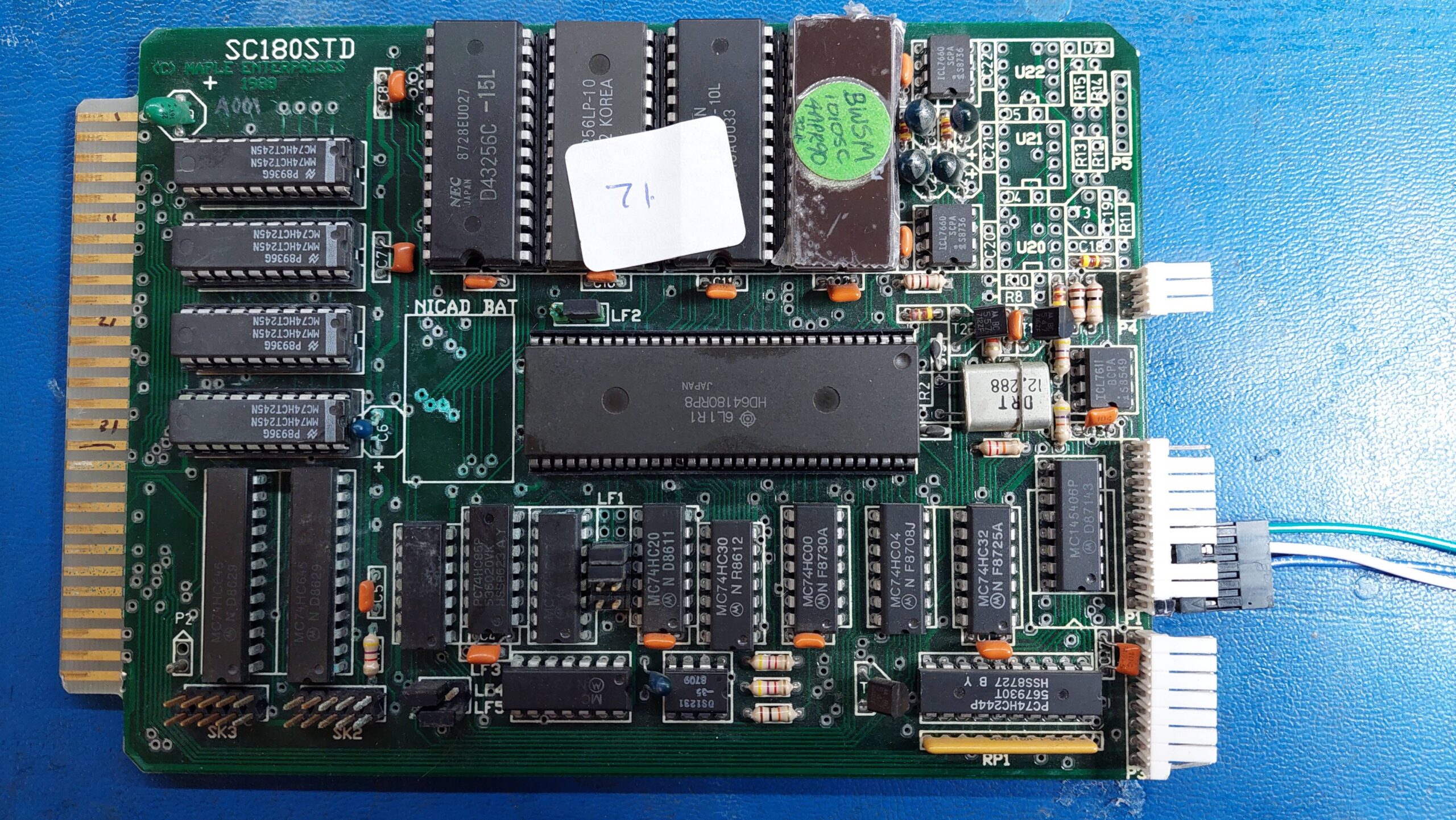
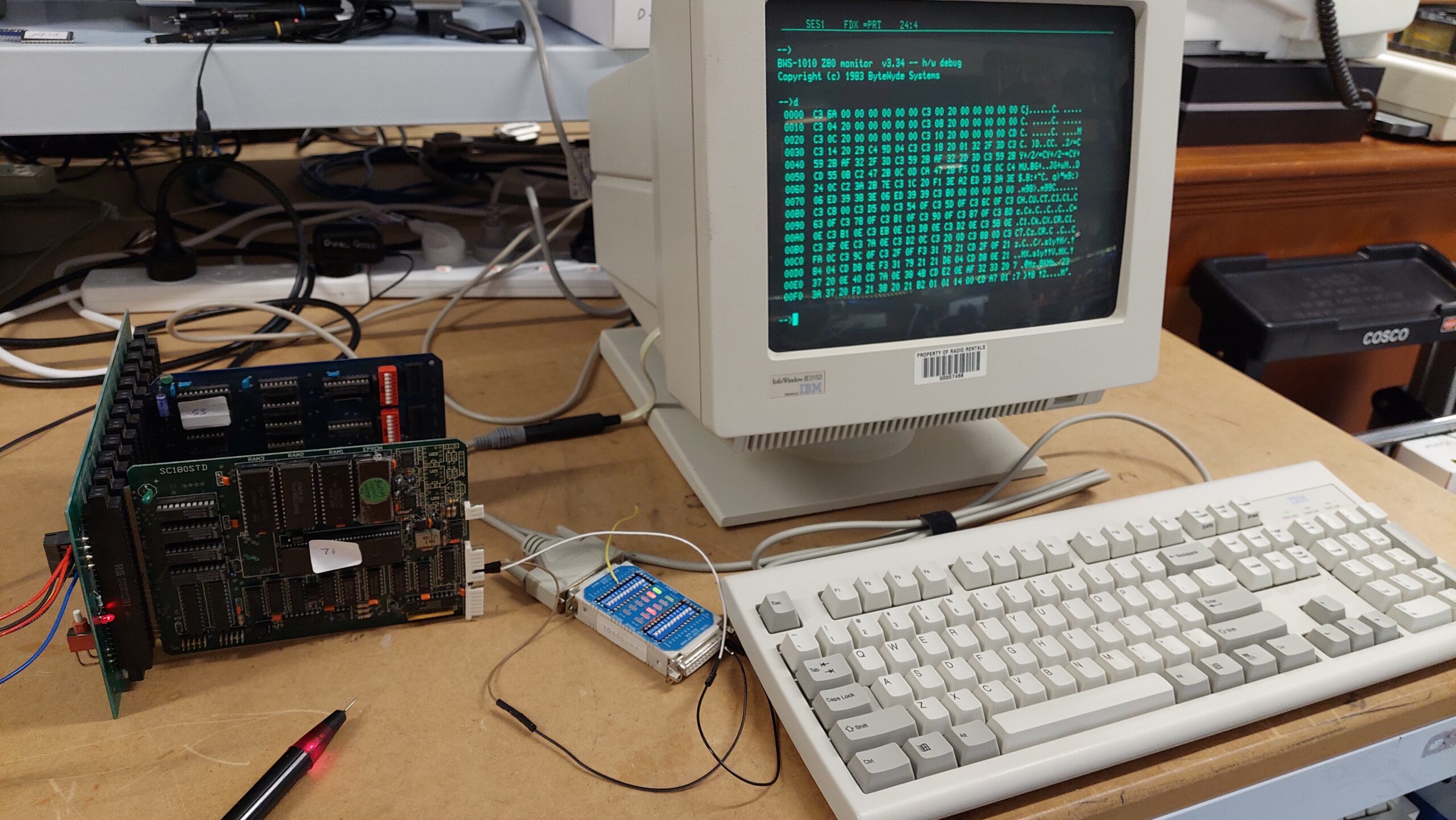
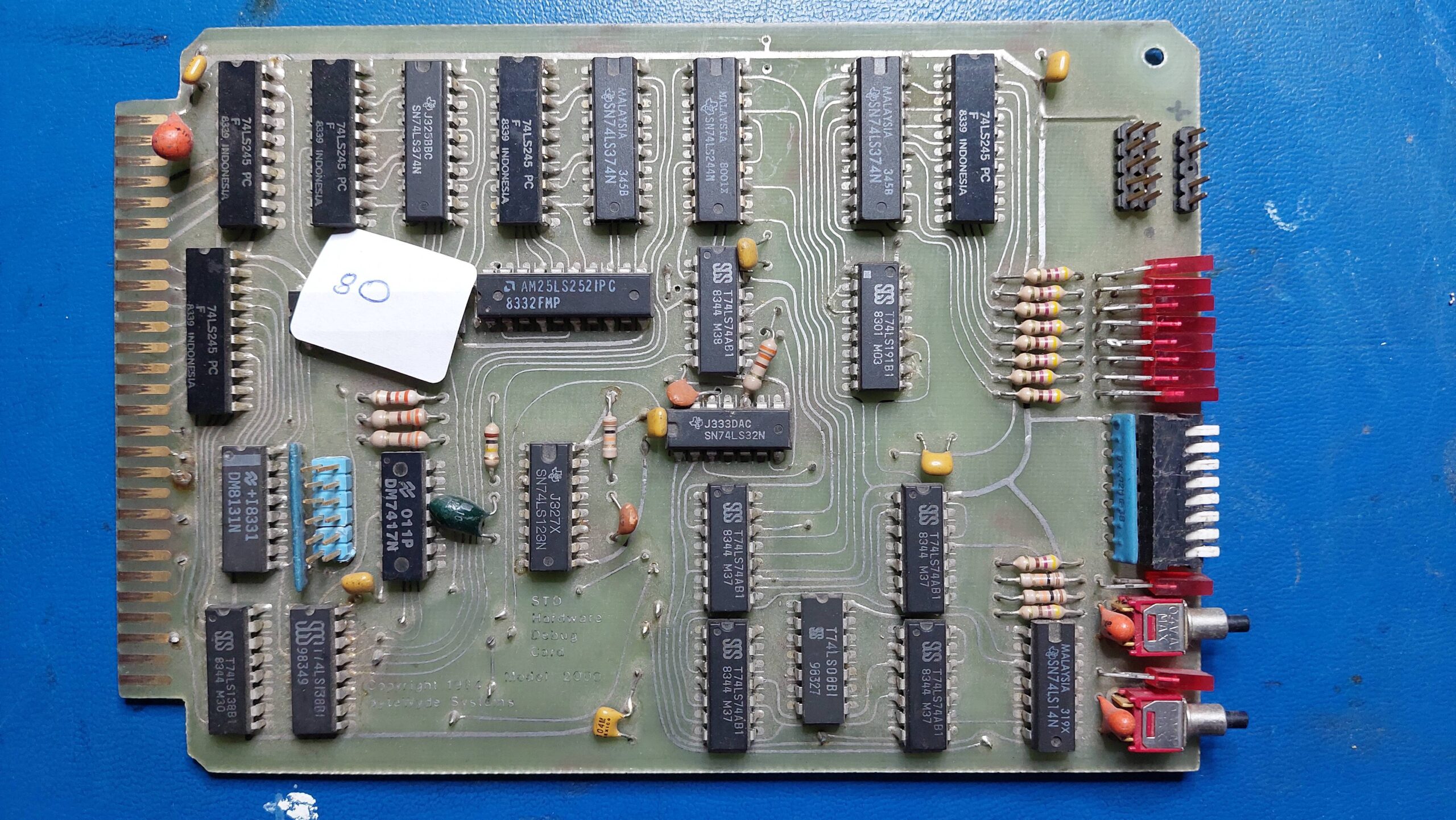
This card seems to have been manufactured by Microlog, but to be fair, my only evidence of that is that Microlog appears in the ROM. And the sockets are blue like some other Microlog boards.

I have no manual for this card, and that’s a problem for what appears to be quite a complex card. It has 128kB of RAM which seems like a lot for what i assume is a monochrome card. The NEC uPD7220 graphics processor chip is particularly interesting.
Initially, this card appeared to me to be a graphics card – a processor would access it via the STD bus. In light of my experience with the Little Video Card, i had a closer look and the STD bus interface seemed to be limited to some I/O, and it did appear to have a serial port. A 6809 processor (itself a little unusual) seems to hold the thing together.
I popped the card into an STD backplane, and had a look at the video output. The syncs were clearly present and at 50Hz / 15kHz. I connected a monitor, and a cursor was visible in the top left corner.
Then i buzzed out the serial port. It appeared to be a similar setup to the Little Video Board, so i thought that it may play nicely with a Pulsar Little Big Board, but it just caused the LBB to hang. I tried the Microlog MC52 card instead, but this had the added complexity that it needed a couple of spaces to automatically set the baud rate. At this point, i realised that the card should have a keyboard input. I suspect that there is DIL header for an ASCII keyboard, which i don’t yet have.
I improvised and used my trusty IBM terminal with the MC52 and forked the transmit line from the MC52 to the Hi-Res Graphics Card. After the obligatory RS232 trial and error, i was happy to see the MC52 basic prompt come up on both the terminal and the monitor.
I had already dumped the ROM. I figured i would probably have to disassemble it to get all the answers, but there was one clue in plain sight:

There seemed to be a dialogue that would allow entry into the graphics mode. There were also some tantalising numbers that looked a lot like pixels.
I didn’t have a clue as to how to provoke the dialogue, though. I hoped the card might just emulate a Tektronix 4010 or something similar, but i could not get any of the sequences to do anything – other than move the text cursor as might be expected for, say, a televideo text terminal emulation.
Out of desperation, i prodded somewhat randomly and did indeed get the prompt to come up – and it was a very tidy graphics prompt. With some brute force, i discovered that ESC D was the magic key combination. I got no response from entering Q or E, but it was definitely in graphics mode.

Fortunately, the magic sequences in the ROM also worked through the serial port so they told me some of the graphics commands.
Eventually the penny dropped that the response to the prompt was not simply “Q” or “E” but “Q,” and “E,”. The comma is an important delimiter.
I worked out several of the commands through trial and error, and i used ChatGPT to help analyse the ROM to confirm/clarify them. ChatGPT could not find ASCII commands for an Arc or to set the fill pattern as might be expected from the uPD7220 manual. ChatGPT could not unravel the C command, but said that it was copying sections of memory.
| B, | Bell |
| C, | Not sure. It does some funky stuff. |
| D,x0,y0,<x1,y1> …. | Draw line from current position to x,y to x1,y1 etc etc |
| E, | Erase screen |
| F,a,x,y, | As for R but with a filled rectangle. |
| H, | Home 0,0 |
| L,p, | Changes the line pattern to the binary value from 0 to 255. |
| M,x,y | As per P but is there a subtle difference? Yes, it is relative. |
| O,r, | Draw a circle centred on current position and with a radius of r |
| P,x,y, | Set the current position to x,y |
| Q, | Quit to text mode |
| R,a,x,y, | Draw a rectangle starting at the current position with sides equal to x and y. A sets the orientation in 45 degree steps. At 45,135,225, 315 degrees the rectangle is bigger – the sides are set to the diagonal length. |
| W,<text><CR> | Writes text. |
| X,s,n, | Draw x axis. Space s, Number N |
| Y,s,n, | Draw y axis. Space s, Number N |
| Z,s, | Set text size. S= 0 to 15. |
I wrote a little basic program to try out some of the commands. Having the character stream go to both the terminal and the card allows text mode at the same time as graphics mode, but with the side effect that just typing in or listing the program would create commands. Separate ports are probably a better idea.


The next step will be to rig up a ASCII keyboard eg PS/2 keyboard and an arduino. Then this card can go into a standalone box for use as a terminal on any of several different computers.