After replacing the line filter capacitors in the power supply i fired the supply up with a small load and checked the voltages. They seemed fine so i connected it up to the fans and some ide drives (just for supply checks) and that also looked good. A 3A dummy load was still required for the power supply to start.
Then i connected the backplane, and hooked up a terminal with VT100 emulation. The serial connection needs a null modem. On power up i was pleasantly surprised to see the unit sign on and the initial diagnostics passed – except that it gave an error 6 because there was no boot device.
I crossed my fingers and hooked up the hard disk and it booted up. Awesome.
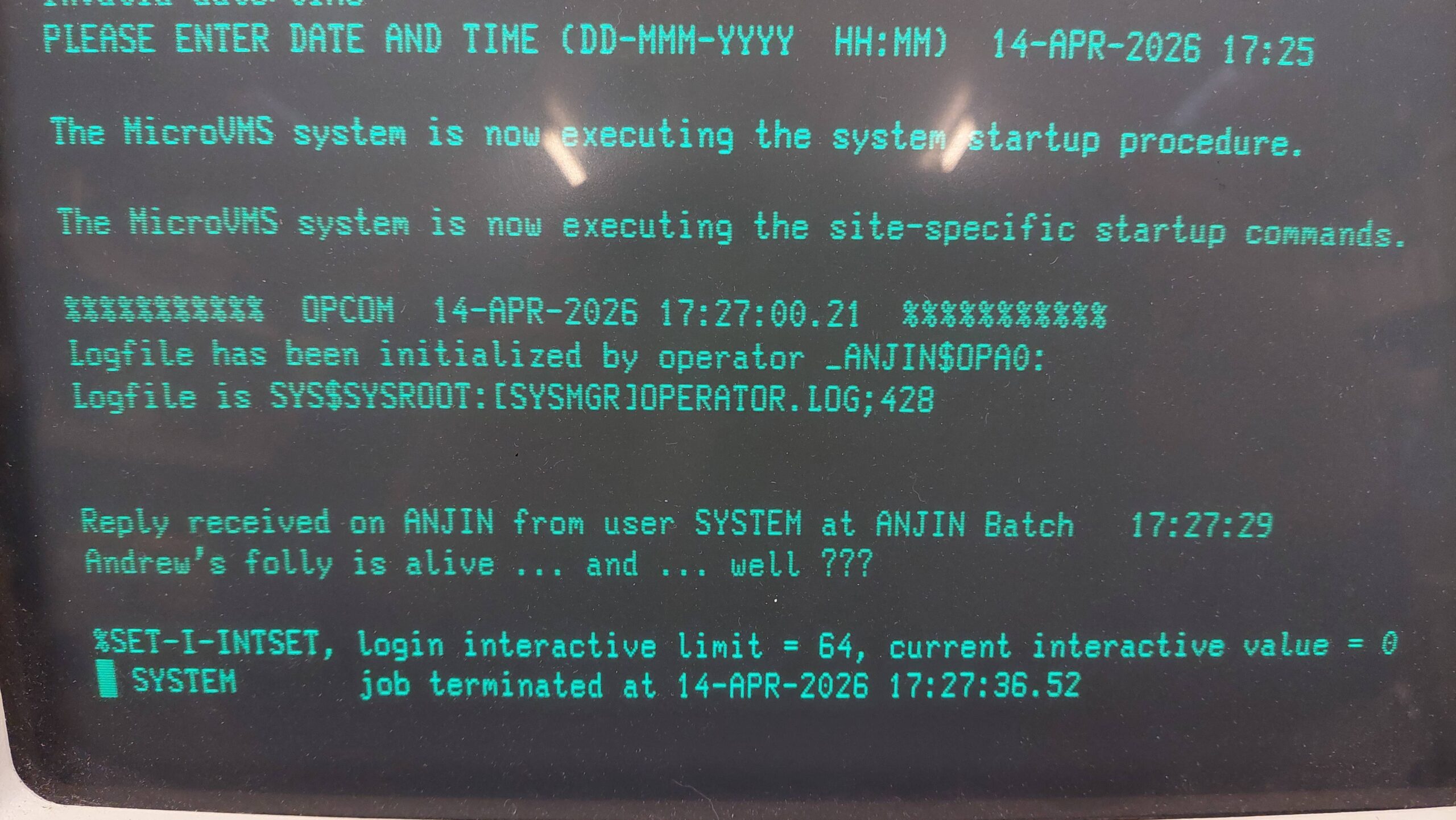
It was nice to see some humour from the previous owner in the startup message. The machine seems to be called ANJIN which i think relates to the company owned by the original owner.
There was a problem though – i did not have any passwords.
It is possible to reset the system password using a rather convoluted and only loosely documented procedure. There are several different versions of VAX machines and operating systems, and naturally commands evolved, so there was no obvious recipe. I had to experiment a little.
The first step is to enter a command boot mode. I found this worked:
- Power on
- Hit the halt button and then release. This gives the >>> ROM prompt.
- Start the command boot mode with >>> B/1 0 (note the space)
- A new prompt comes up SYSBOOT>
Parameters can be changed using the SET command. I have found limited information on these parameters. Initially i tried:
SYSBOOT> SET STARTUP_P1 "MIN"

SYSBOOT> CONTINUE
These settings are not cleared with a boot or power cycle. They have to be explicitly cleared from the SYSBOOT prompt or using the VMS SYSMAN program (see below).
This setting did have the effect of stopping startup scripts but i still could not log on.
With persistent googles i found a procedure that mentioned that an alternate user authorisation file (UAF) could be loaded.
The process is described in some detail in Sections 5.6 to 5.8 of “The OpenVMS Frequently Asked Questions(FAQ)”.
The default alternate UAF allows logon without a system password. The parameter is set as follows:
SYSBOOT> SET UAFALTERNATE 1

SYSBOOT> CONTINUE
After that i could log in with the system account and no password but i could not do a lot of things. I kept getting issues with library functions not being shared. The program that sets these attributes is called INSTALL. While reading about INSTALL i found that share status is reset on every boot so it is necessary to reshare them at startup eg with a script. This all relates to making sure that only validated code is executed by privileged programs. All this stuff is above my pay grade!
Eventually the penny dropped that the startup scripts that i’d disabled really need to be re-enabled because they are setting the necessary attributes. I retraced my steps and cleared the STARTUP_P1 parameter. That was much better.
I could have blown away the original UAF, but that could have had some unexpected consequences so i wanted to change the original. The program to change passwords is AUTHORIZE, but it really wanted to work on the alternate UAF.
More google and i found how to change AUTHORIZE to operate on the original UAF with the DEFINE command.
$ DEFINE/SYSTEM/EXECUTIVE_MODE SYSUAF SYS$SYSTEM:SYSUAF.DAT
$ RUN SYS$SYSTEM:AUTHORIZE
AUTHORIZE> MODIFY SYSTEM /PASSWORD=new_password
AUTHORIZE> EXIT
Once done, the UAFALTERNATE parameter can be set to 0 using SYSMAN (or via conversation boot):
$ RUN SYS$SYSTEM:SYSMAN
SYSMAN> PARAMETERS USE CURRENT
SYSMAN> PARAMETERS SET UAFALTERNATE 0
SYSMAN> PARAMETERS WRITE CURRENT
SYSMAN> EXIT
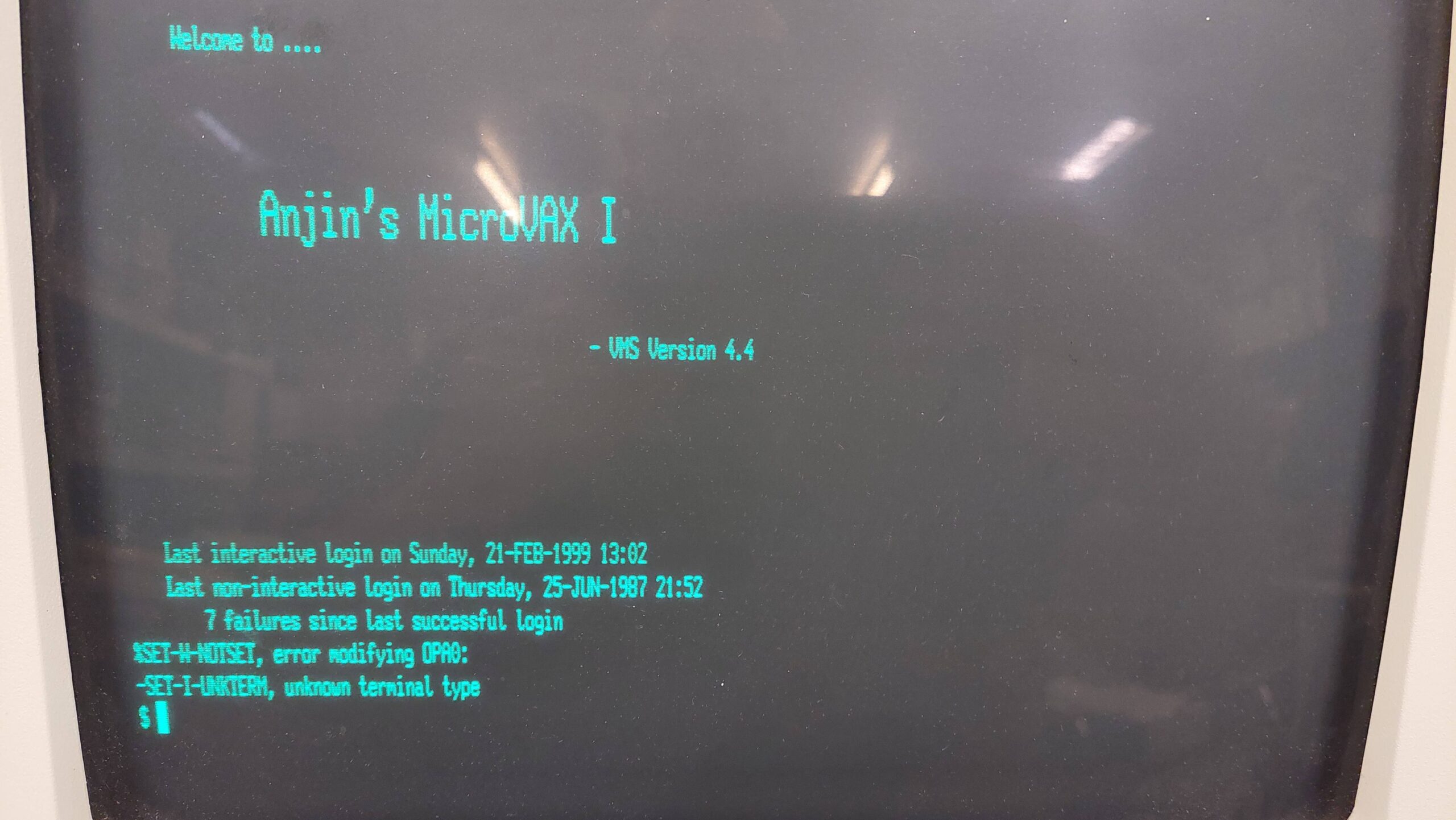
After a shutdown and reboot i had the original UAF with the new SYSTEM password and curiously a different login screen:
$ set terminal/device_type=vt100$ sh mem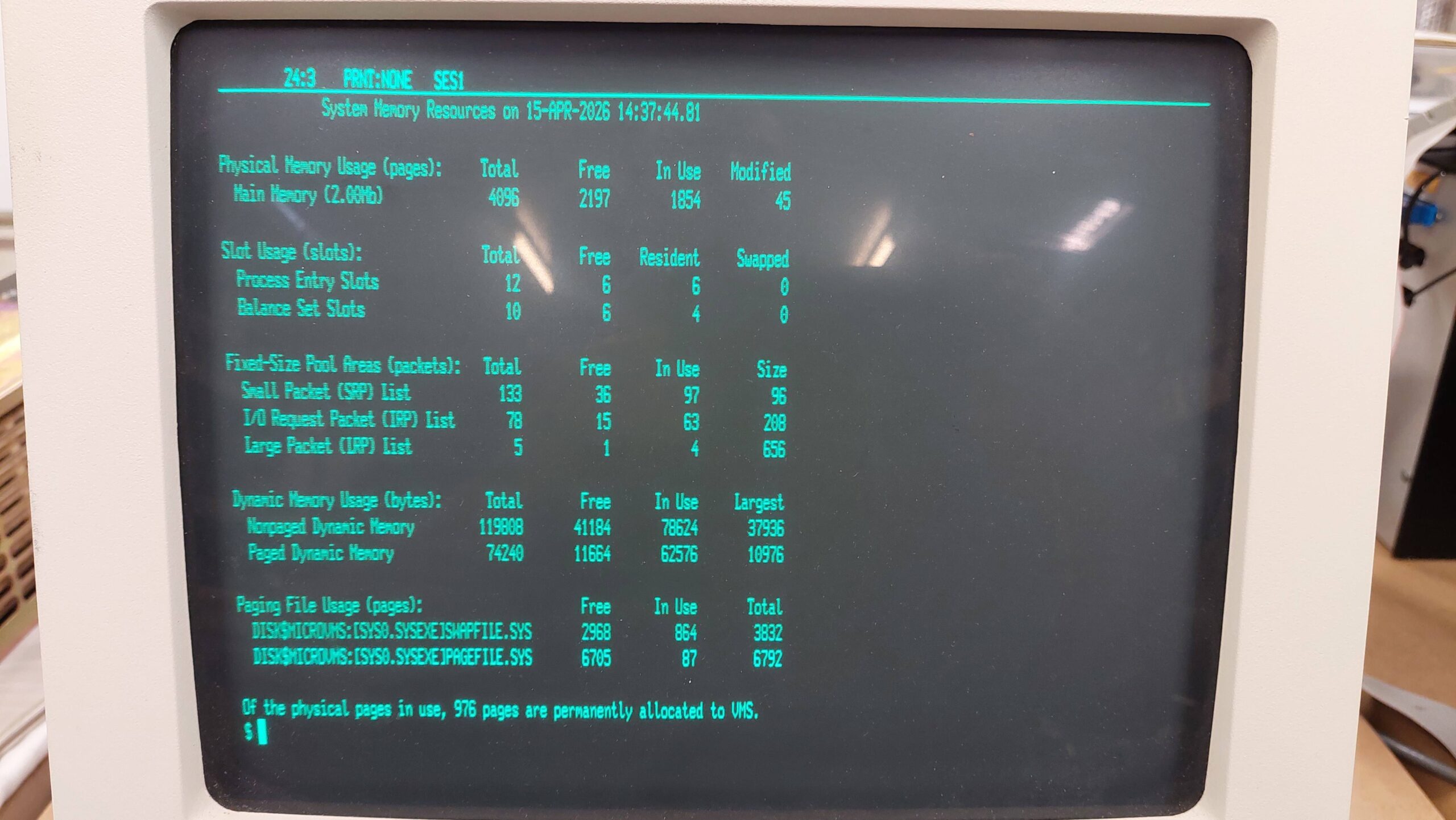
$ sh devices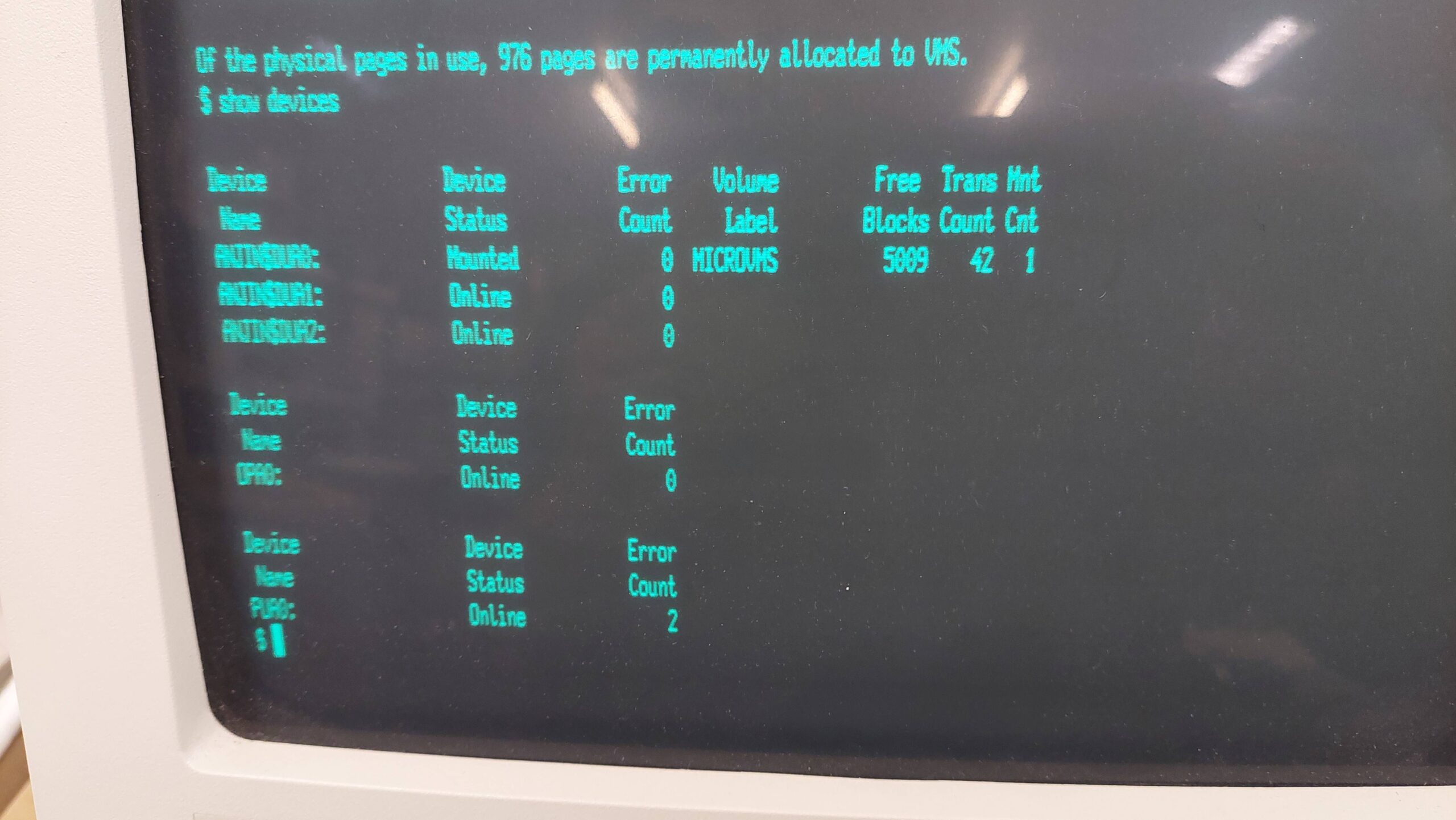
$ sh sys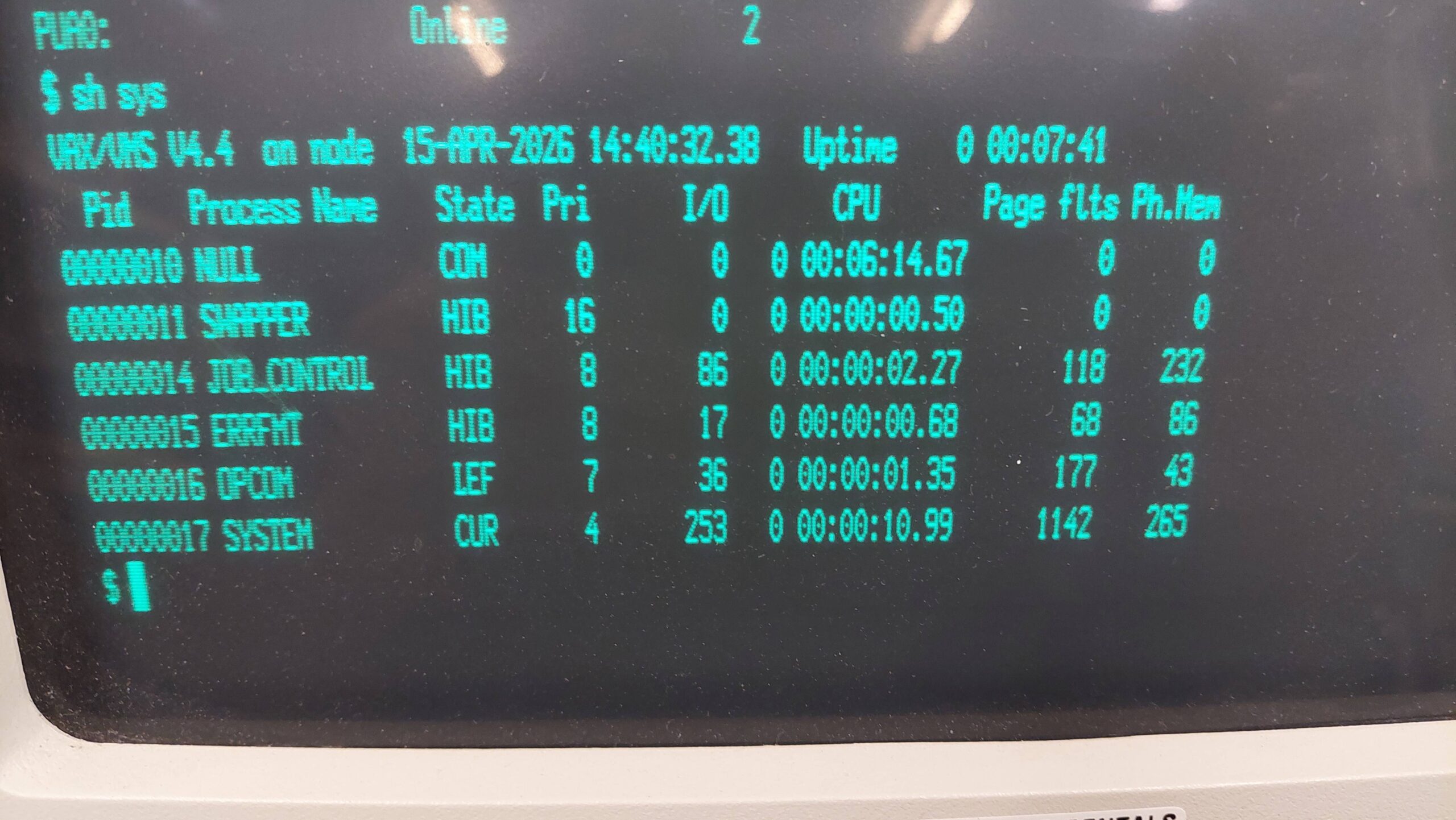
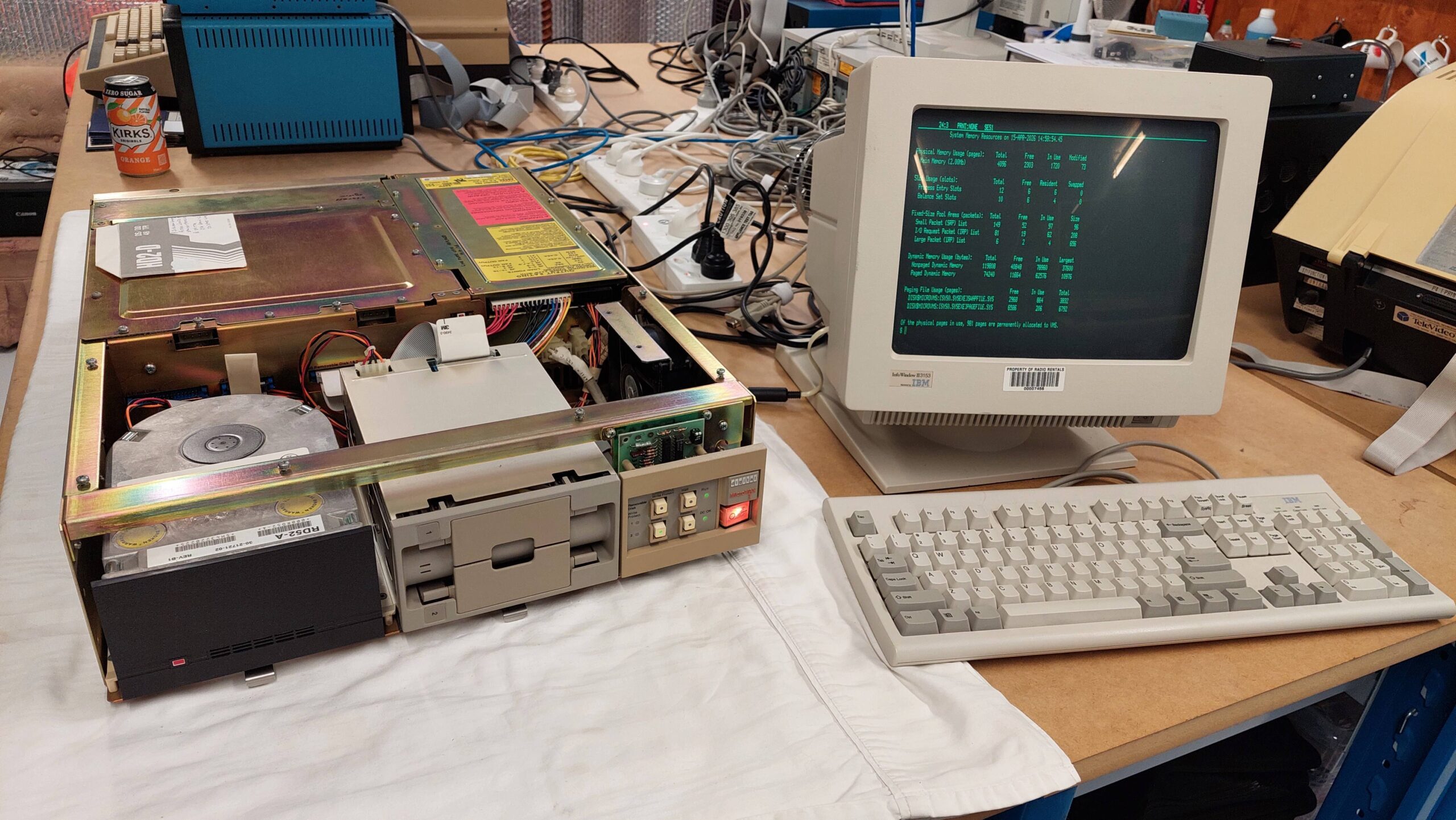
Now i need to learn some more about VMS.