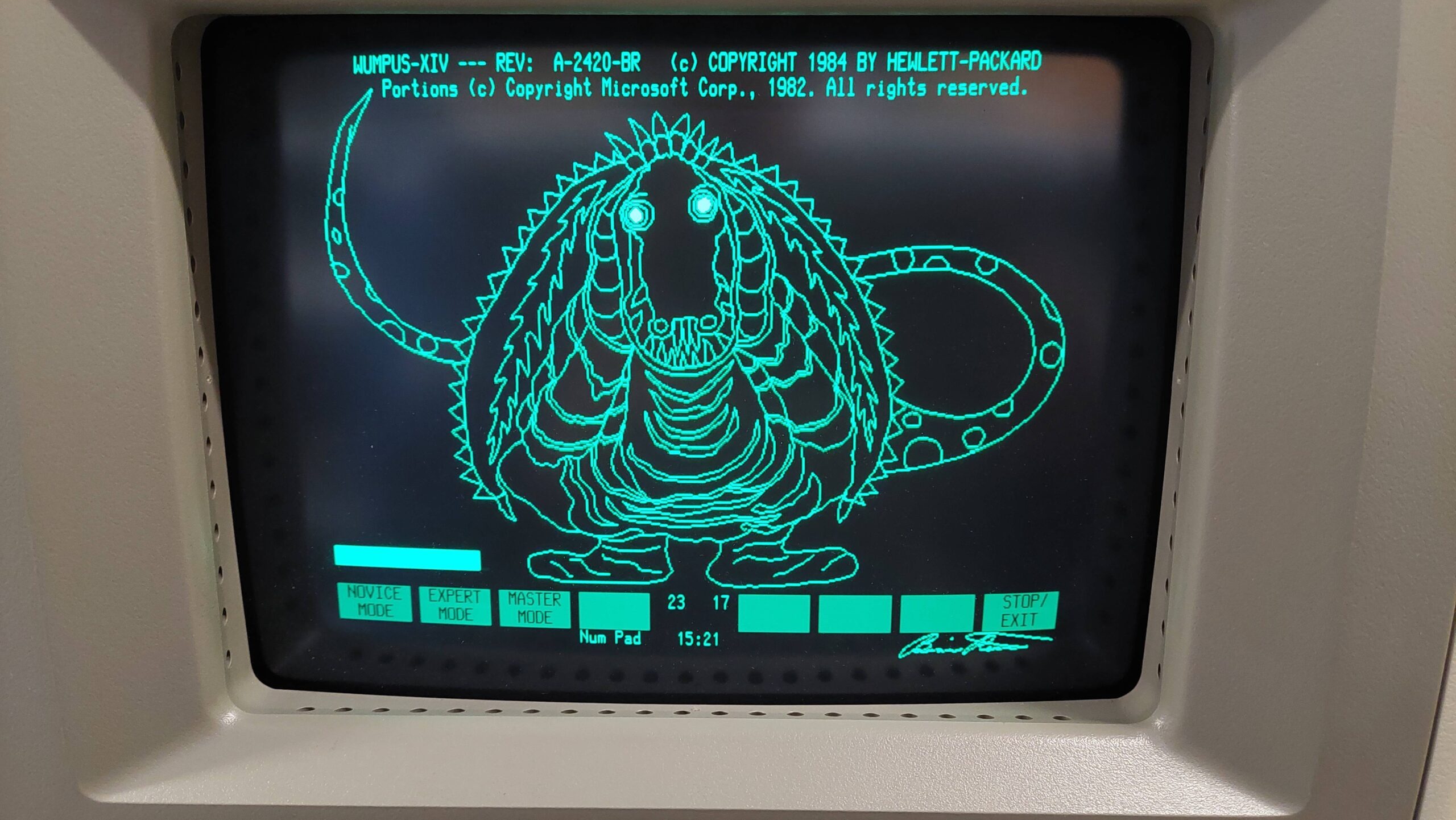
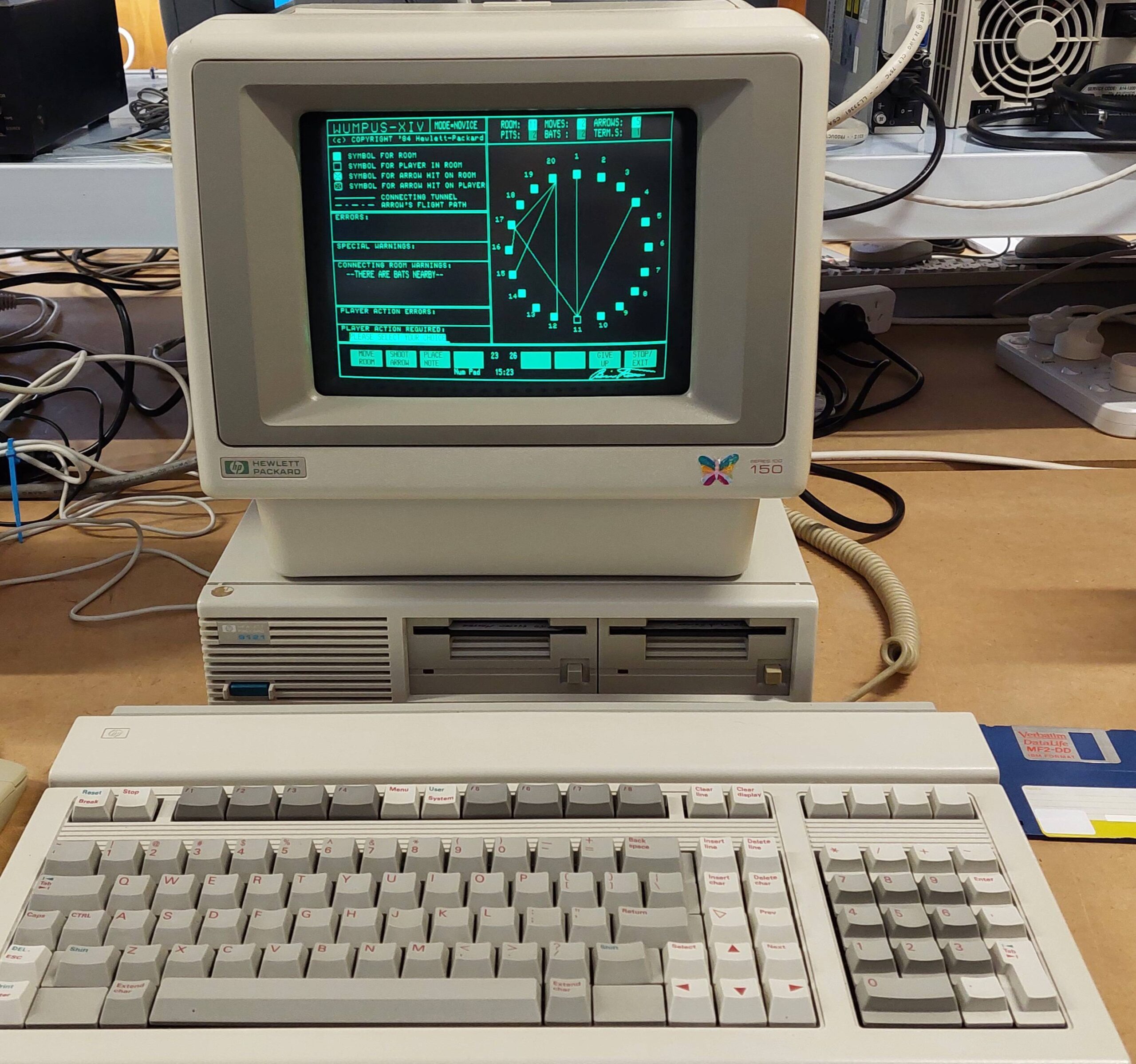
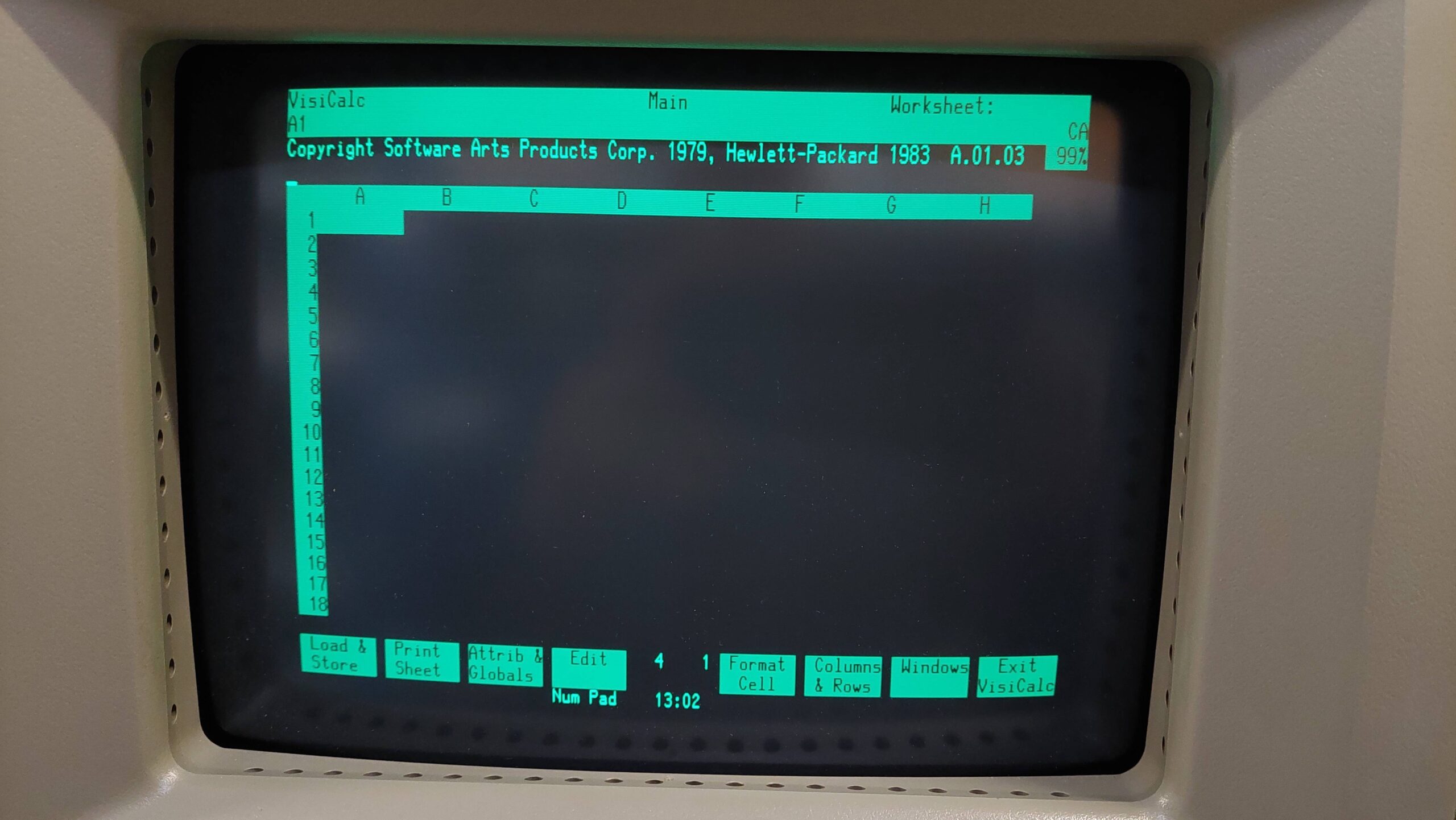
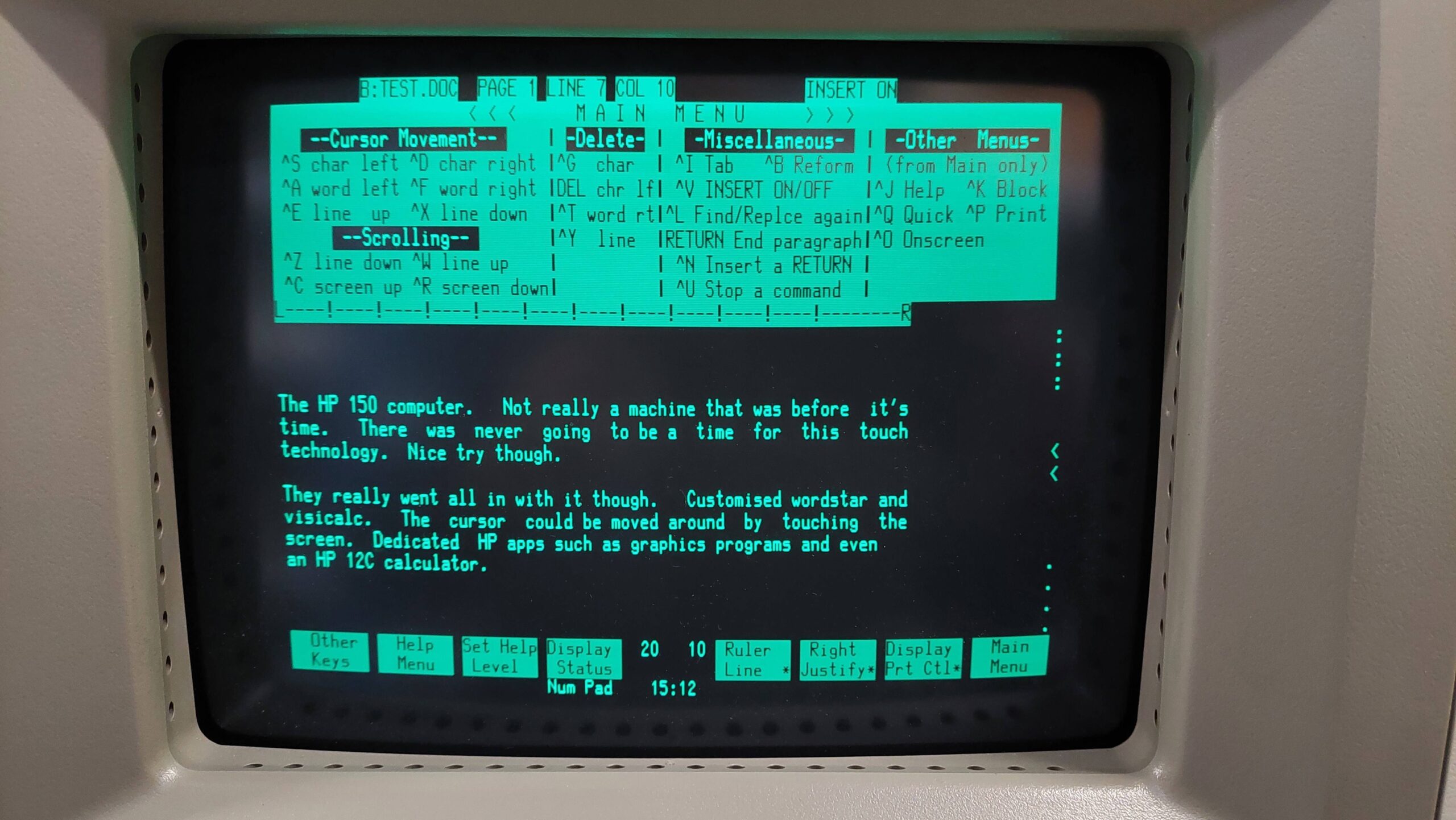
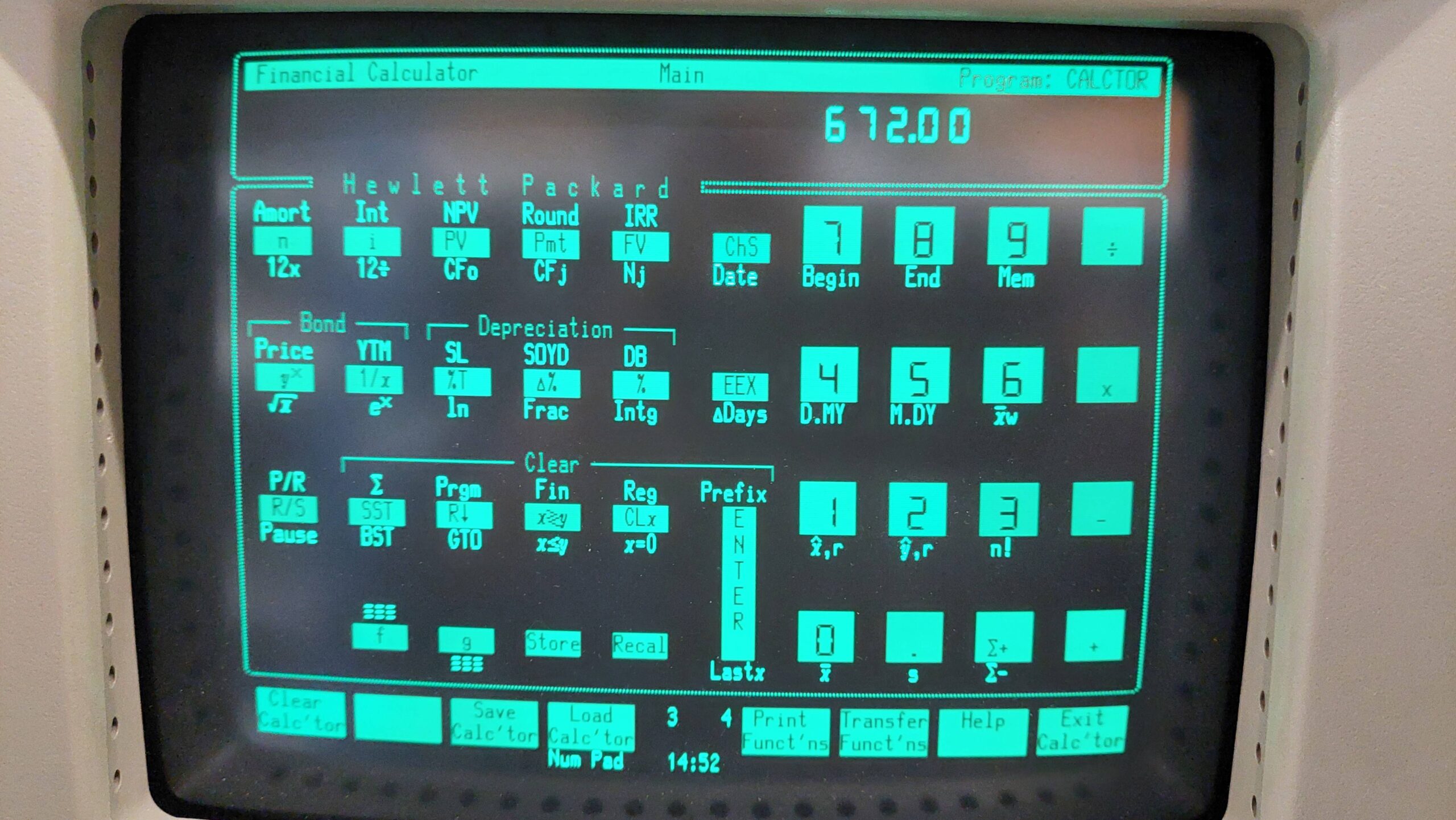
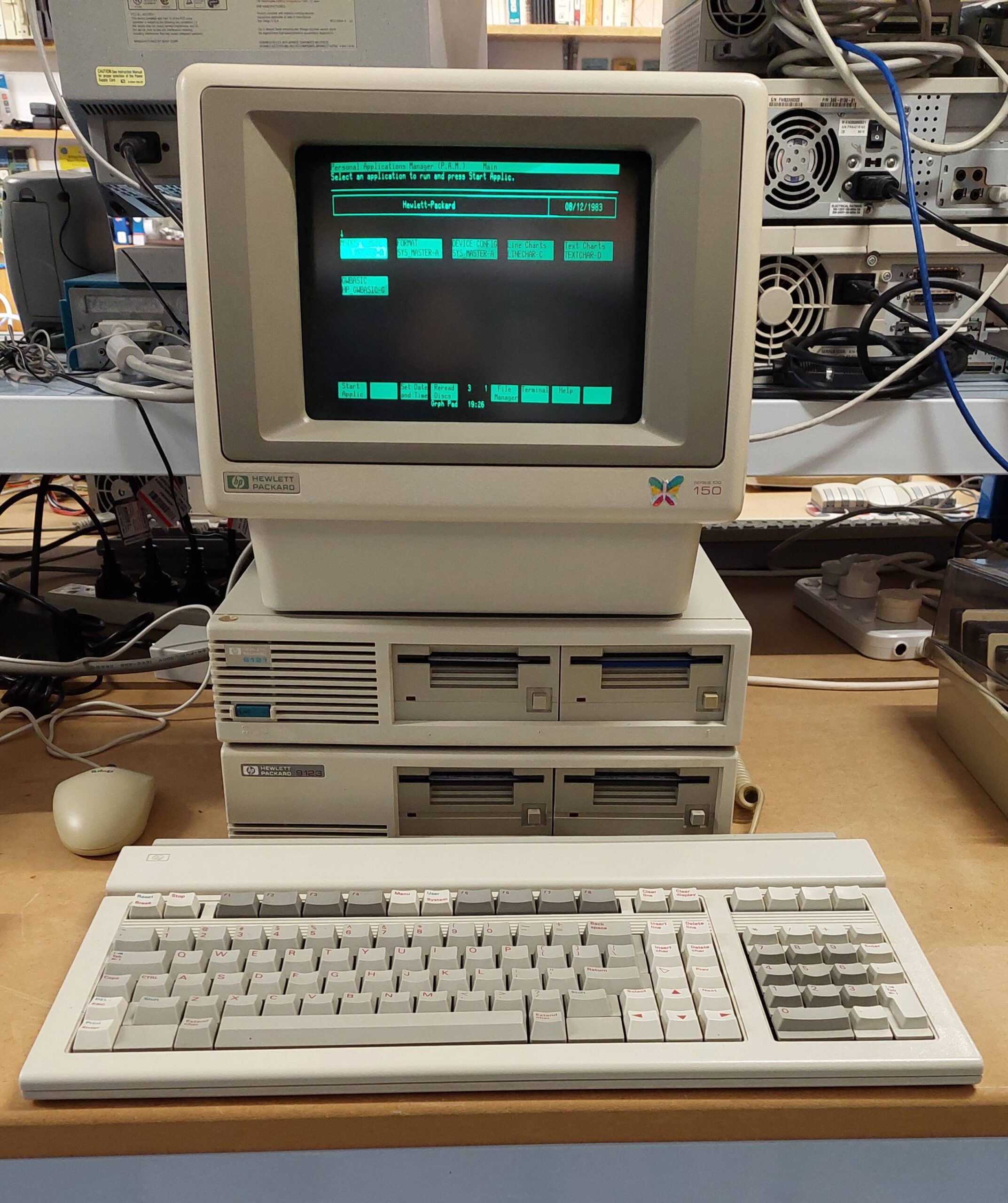
Software setup is somewhat complicated by HP’s Personal Application Manager (PAM). This is a shell which provides touch buttons for applications. You can just exit the shell (or circumvent it at startup) but then the charm of the machine is somewhat lost.
Programs with command line parameters are best run from the normal command.com shell.
Application software is distributed with installation files (<app>.IN$) that provide some basic info on the application, including required files etc. Details of how to create these files are in section 20 of the HP 150 MS-DOS User’s Guide.
Installation is done using the Personal Application Manager disk (which itself should be installed on another disk). It will ask for the source and destination drives, and then the required applications are selected.
During this process, the required files are copied and a new hidden file, PAM.VOL, is created. <app>.RM$ files are created for each app. These provide info for PAM installation program to uninstall apps if required.
The HP Computer Museum archive images (usually Teledisk format) are often images of installed disks. They often don’t have the IN$ files or even the PAM.VOL file.
If they have the PAM.VOL file, it’s probably hidden. This means that simply copying a disk image using the emulator is fraught with peril even though they run ok from the emulator. It is better to write the image with Teledisk or to use the HxC software to convert to HFE and then write with greaseweazle.
In a couple of cases the PAM.VOL file had been renamed PAM2.VOL and this stops them from working. Renaming resolved the problem.
If the IN$ files don’t exist and the PAM.VOL file does not exist, then the IN$ files can be recreated with an editor following the instructions in section 20 of the HP 150 MS-DOS User’s Guide. Wordstar in non-document mode works well for this task. I did this for the 150GAMES and Microsoft Word disk images.
The HP 150 disk format is awkward. There are no HP Community tools for accessing files as there is for the HP 85, and Greaseweazle does not have a predefined format (as far as i know).
On the plus side, there is an HP 150 disk driver (HP150.SYS) for the IBM PC so at least files can be shuffled using, say a 5170 with a 3.5″ disk drive. I have used this method to smuggle some utilities on to the system eg a program to change file attributes.
Note that some of the images on the HP Computer Museum site are corrupt and some are double-sided (they can be accessed with MS-DOS 3.2). Everyone thinks that the HP Computer Museum has a complete archive so there are not a lot of alternatives (hmm – noted).
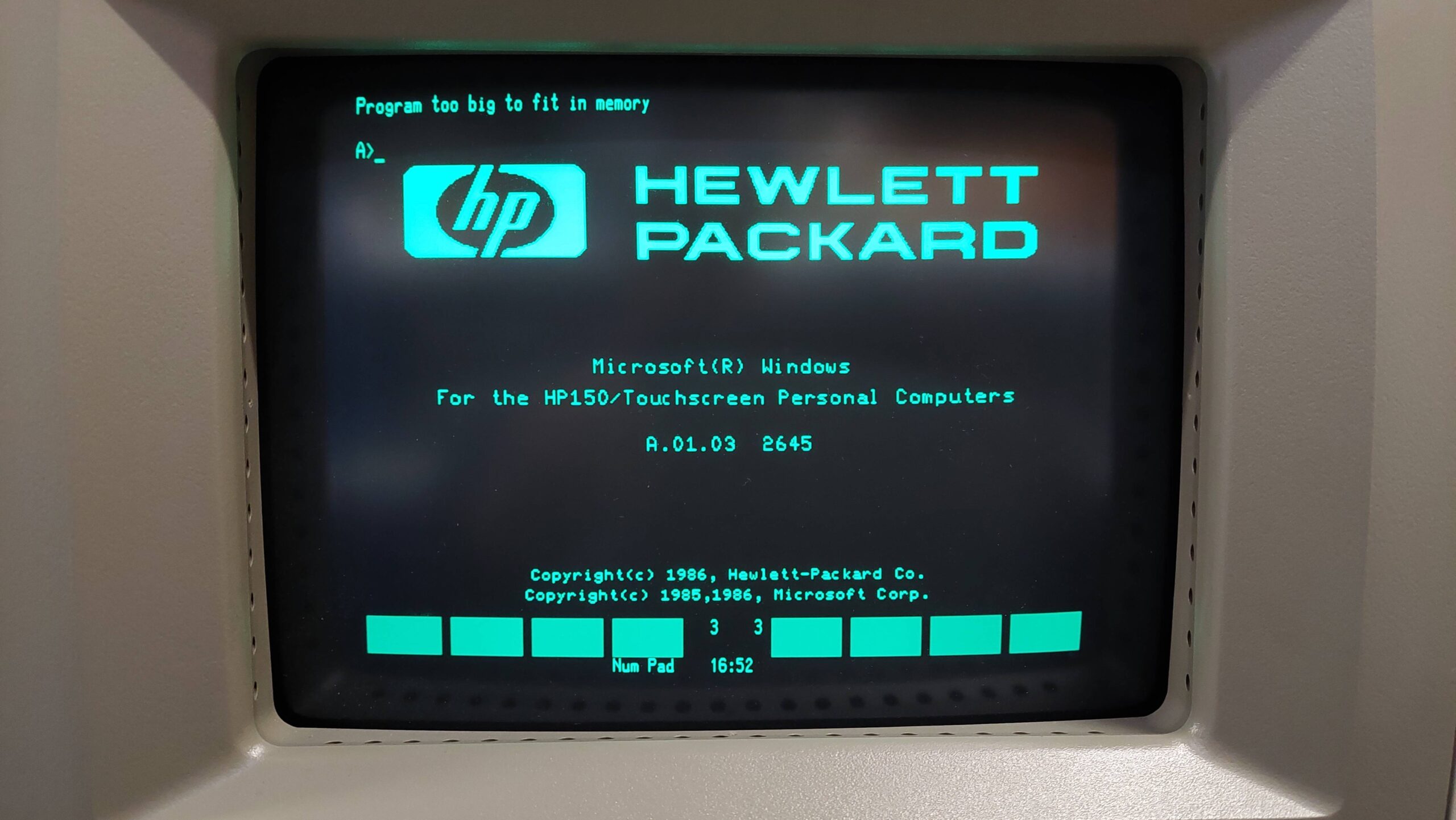
Also note that some disks require Windows, which does run on the HP 150, but not on my HP 150 because of insufficient memory.
Also note (there are lots of notes) that some software is dongle protected eg Diagraph and Picture Perfect. It is possible to make the dongles – there is information on the HP Computer Museum website to assist.
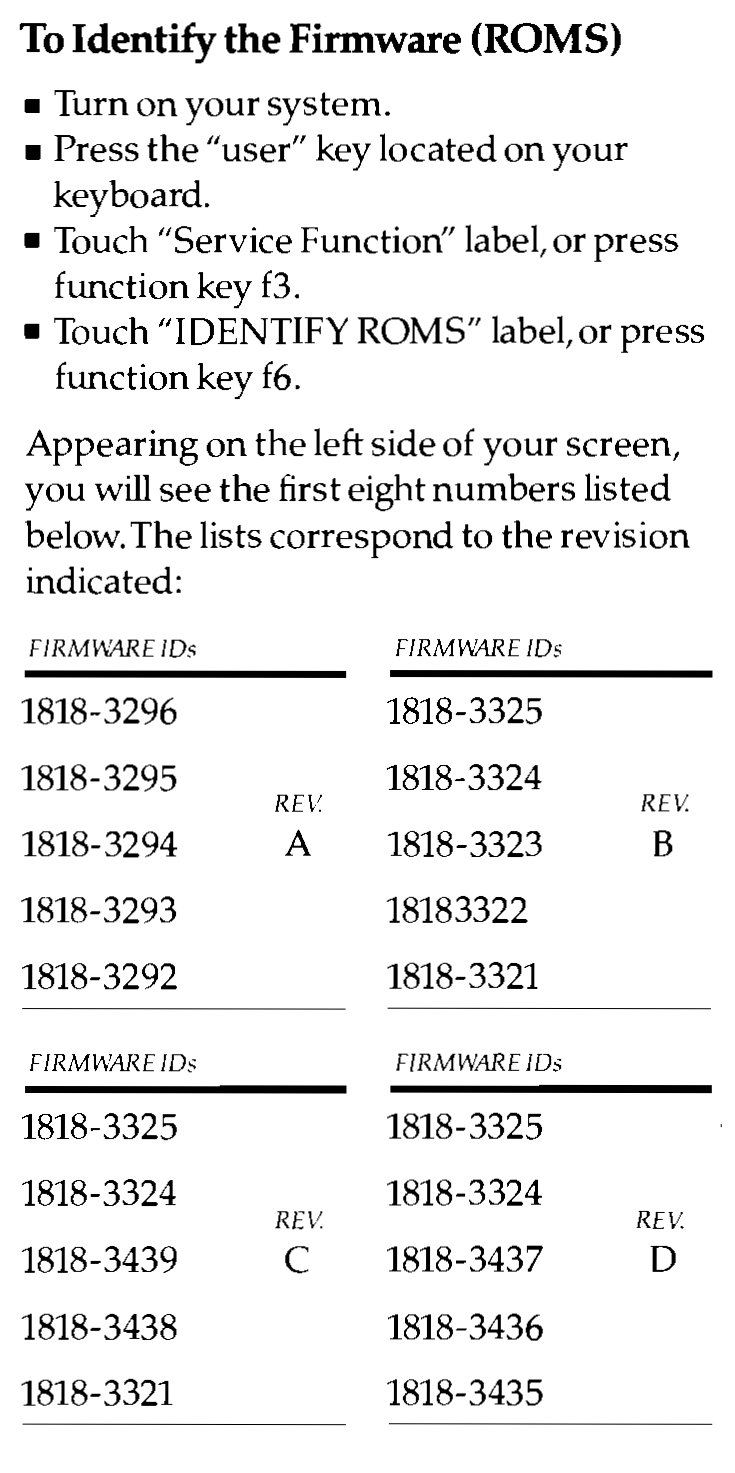
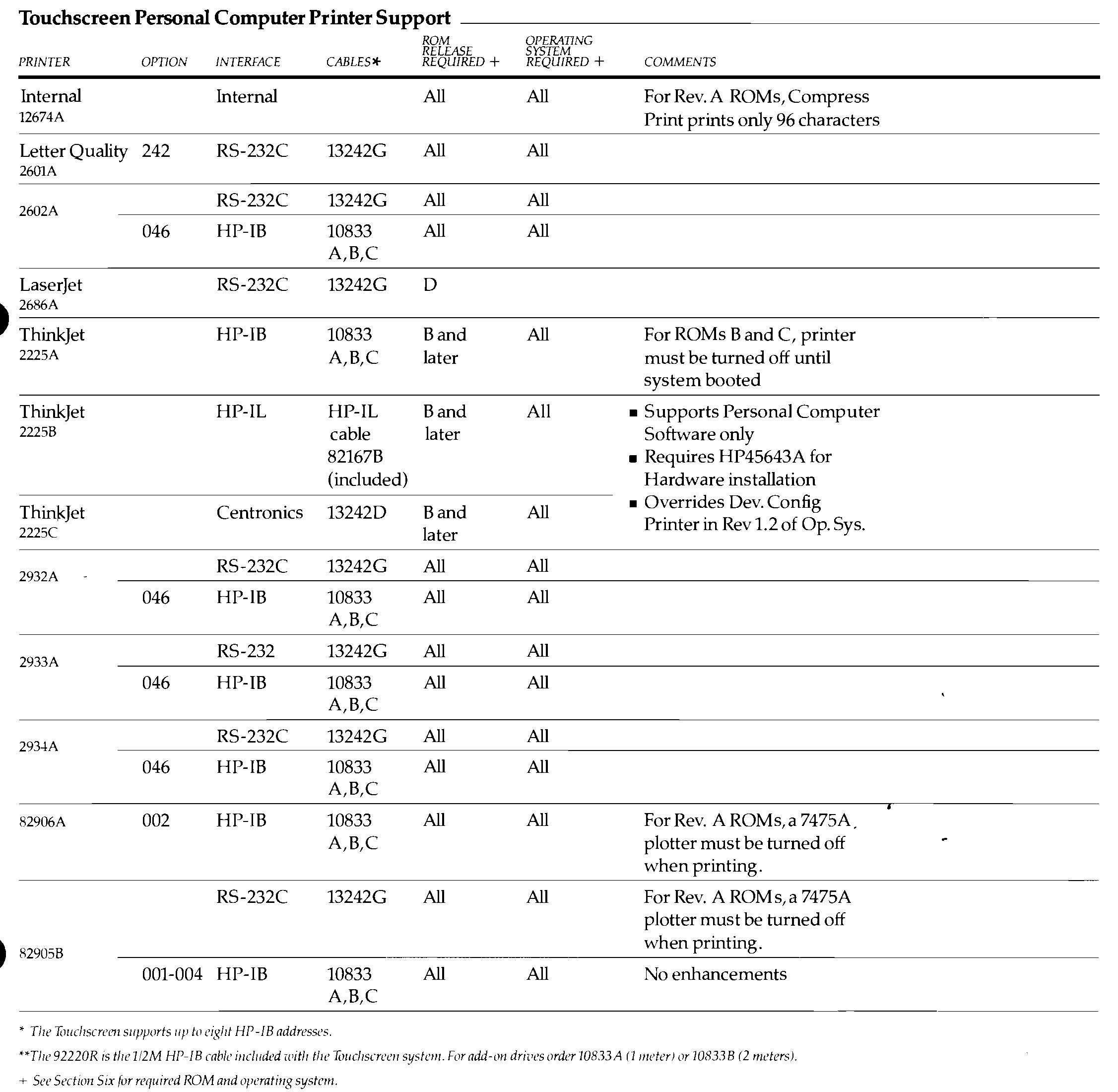
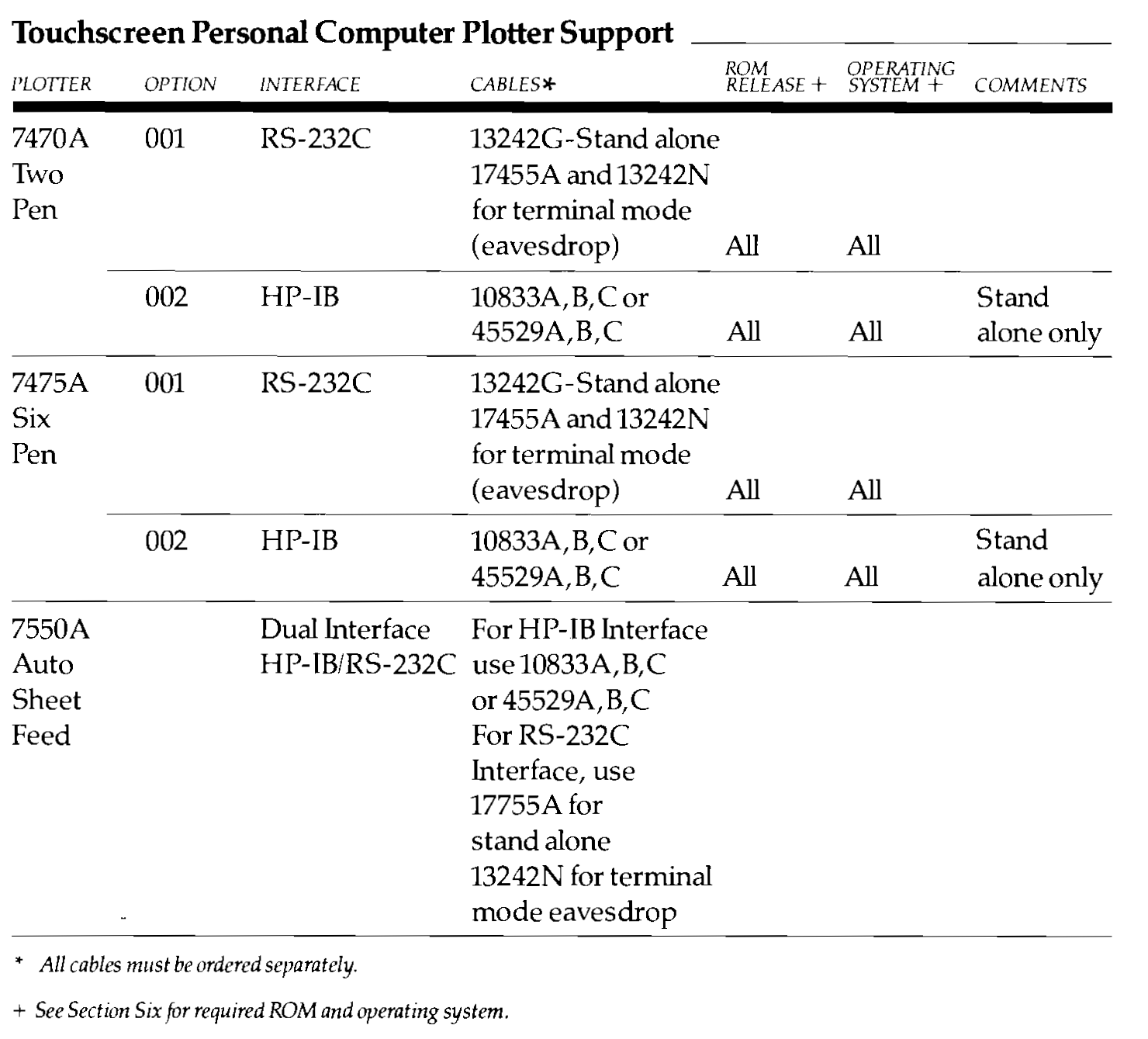
I was thumbing through a document called the HP Touchscreen Personal Computer Systems Configuration Guide and noticed that it had some handy information.
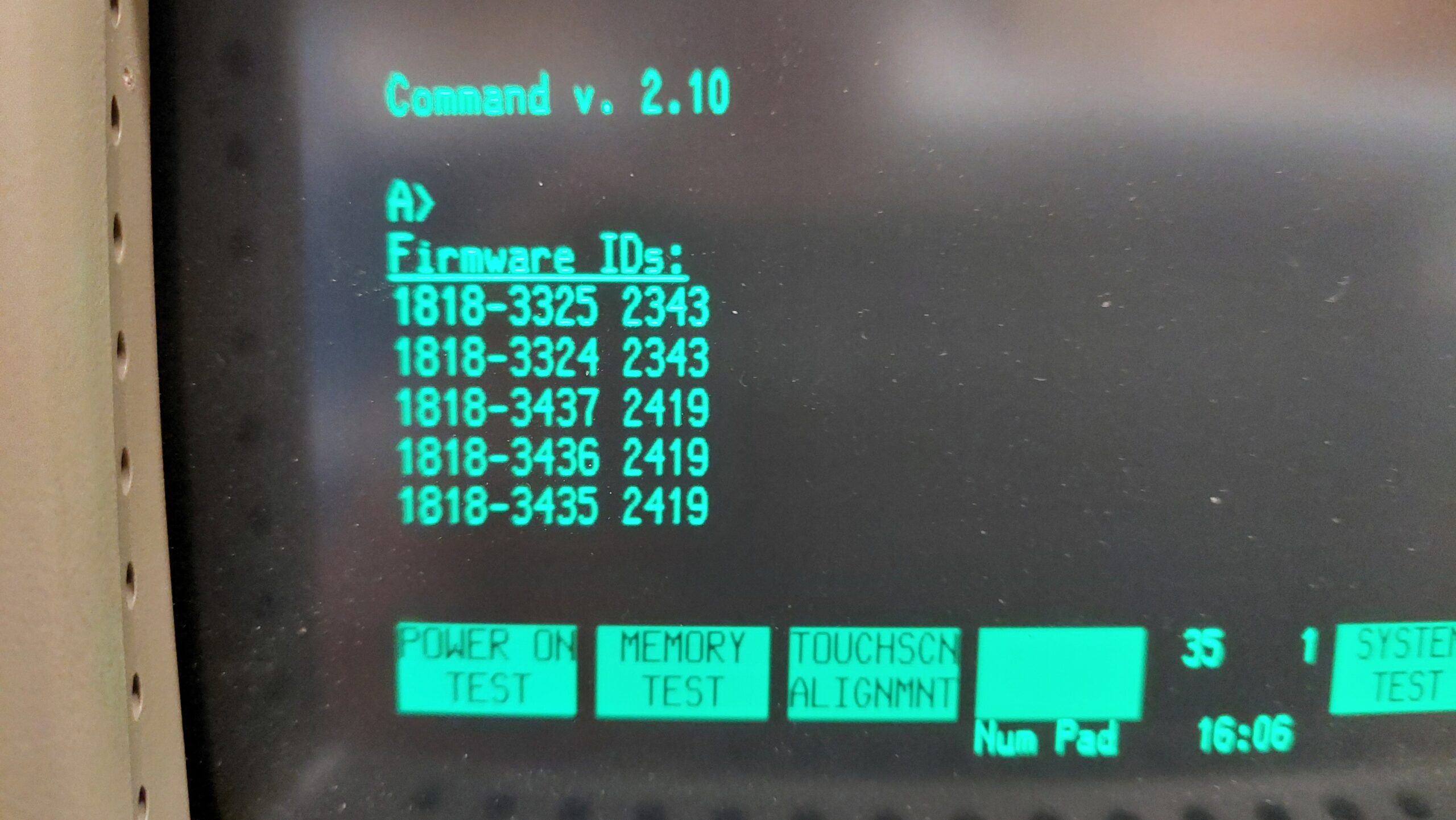
This sets the ROM version as D.
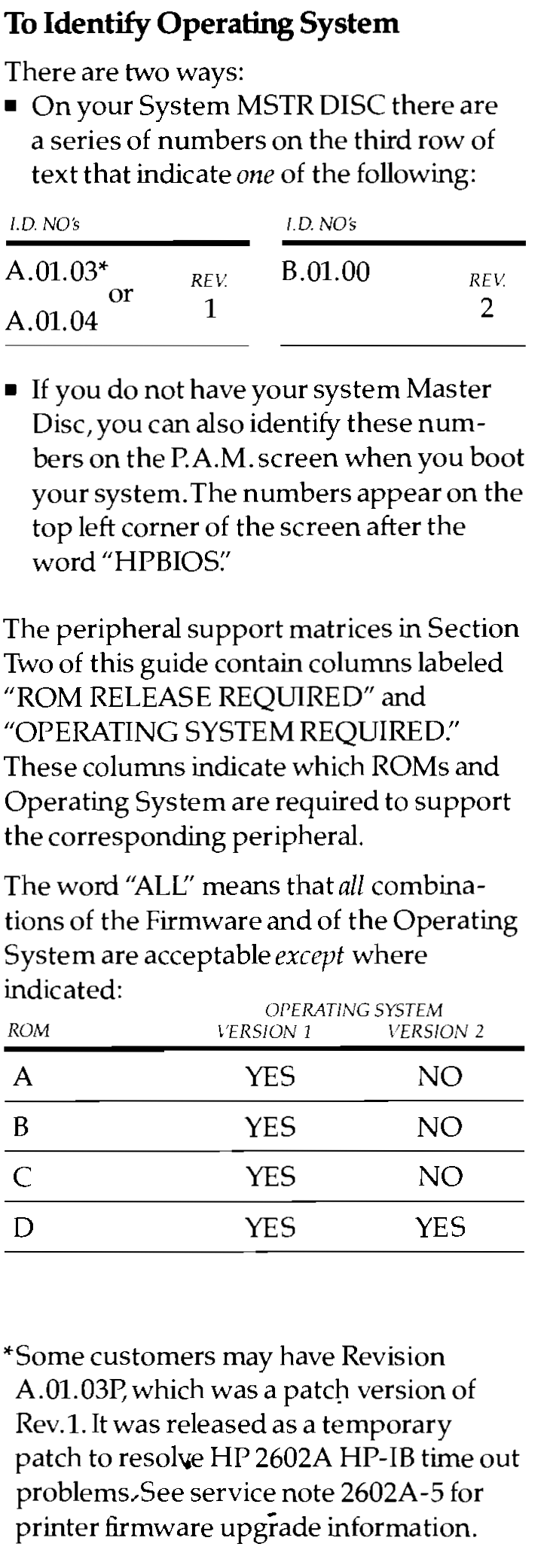
This means that it should cope with the later operating system. It shipped with 45621-13001 A.01.03, but it seems to run with E.01.01 ie MS-DOS 3.2.
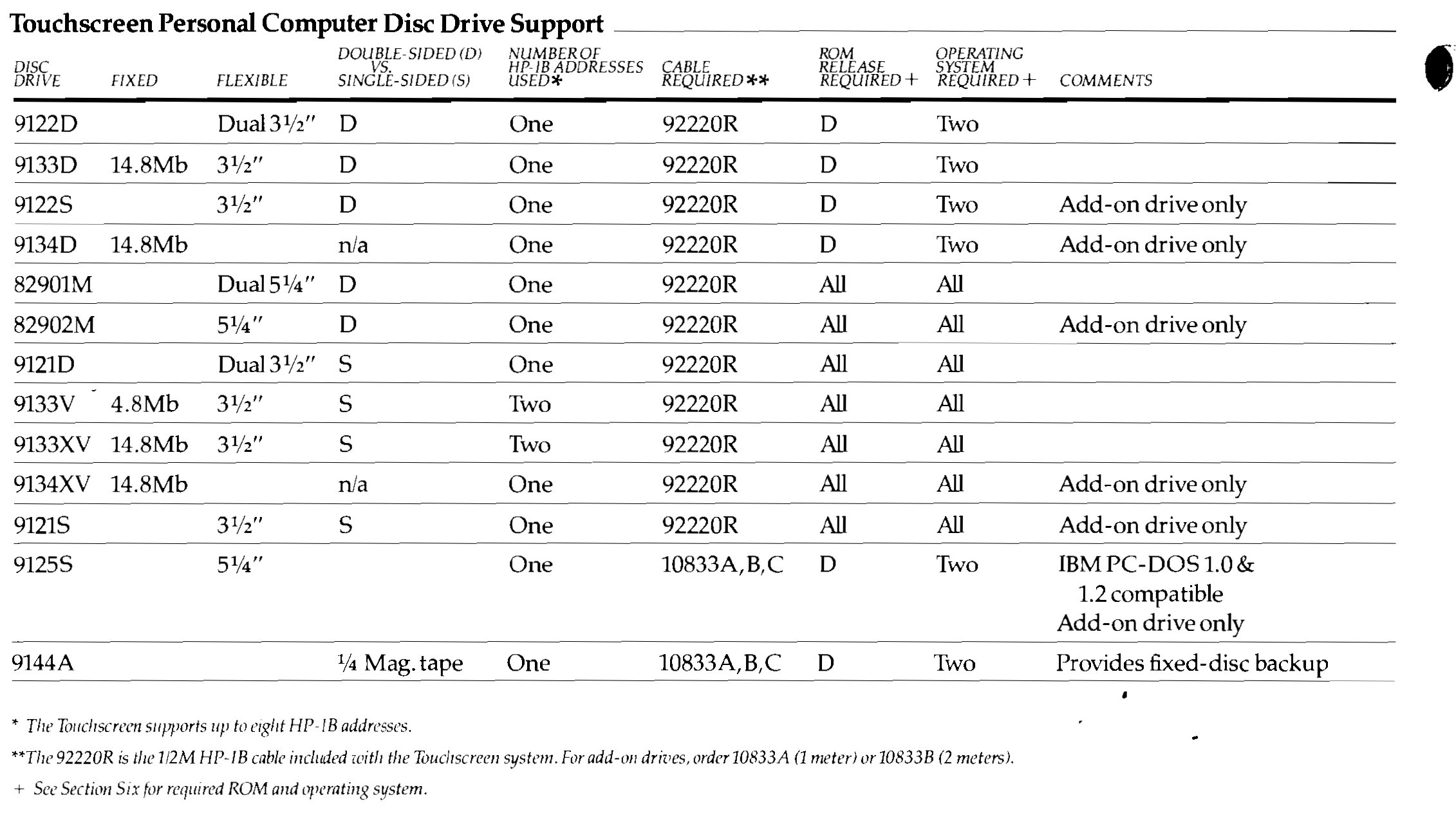
It also supports the 9122 disk drive unit, which i’ve used on the HPDrive emulator. It’s also much the same as the 9123 unit that i’ve added. Although it claims compatibility, i’ve had no success accessing double-sided disk images. Under MS-DOS 2.1 i can’t format single sided disks in the 9123, but i can under MS-DOS 3.2.
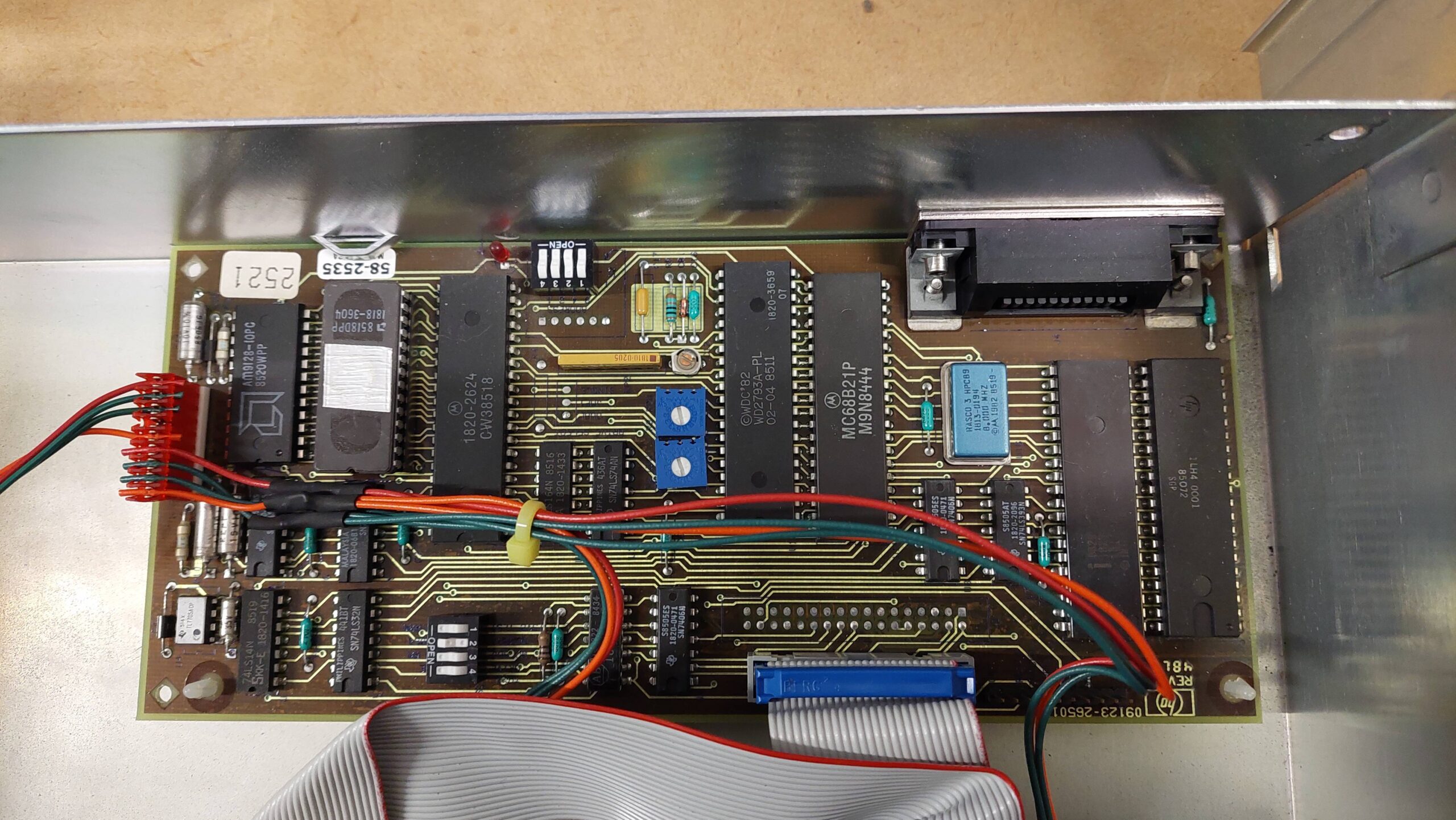
I’ve had an HP 9123 Dual DS DD 3.5″ Drive Unit sitting on a shelf for a couple of years. This drive unit was intended to operate with the HP 150 II rather than the HP 150, but i thought it might work ok with my older machine anyway.
Unlike the 9121 it does not include a power supply; it was intended to draw power from the host computer. Although it uses HP-IB to communicate with the computer, it uses a different protocol: SS80 instead of amigo. I was pretty sure that i had used SS80 on an emulated drive, so i figured that would not be a problem. I wasn’t sure what the computer would make of the double-sided disk drives.
In these situations, there is only one thing to do: suck it and see.
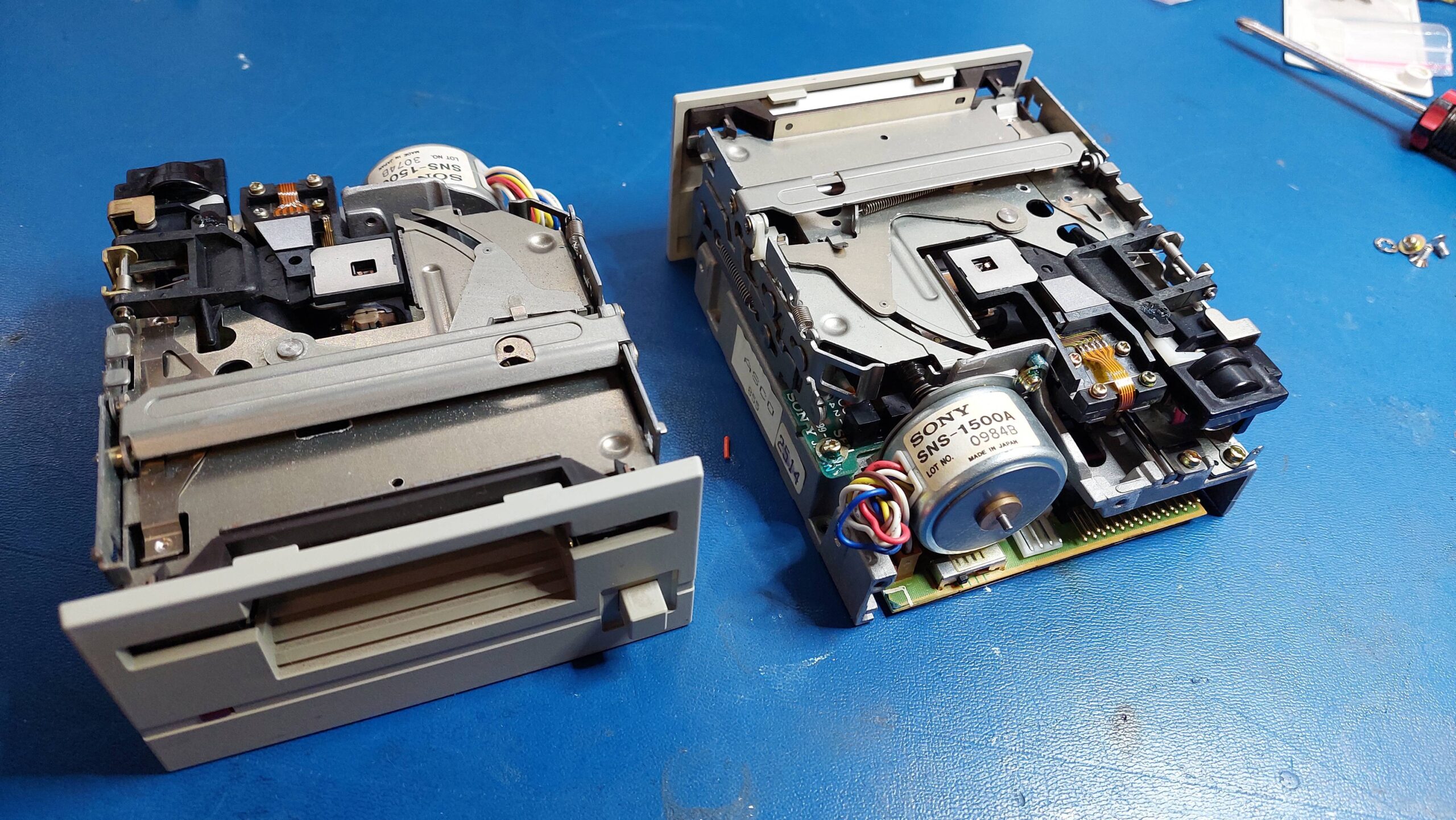
I started by ungumming the drives. The lubricant used on these old Sony drives seems to set like glue with enough time. IPA cleans it out pretty well. I re-lubed with some light oil.
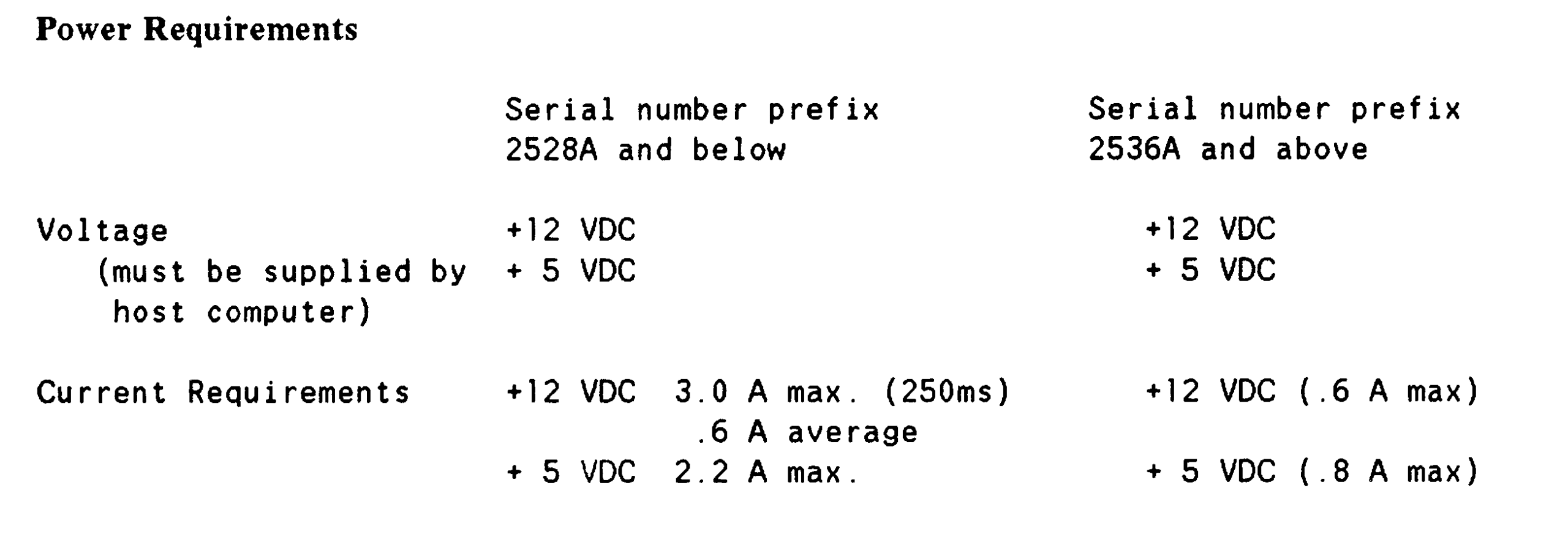
The service manual indicated that the power requirements. This unit was the thirstier option.
I had a 5A 12V power brick, so i figured i could use a buck converter to make the required 5V. I found a suitably low cost converter, which turned out to be tiny. After buzzing out the supply lines, i made up a little adapter box, checked the voltages, and plugged it all in.
The unit fired up, spun the drives, exercised the head carriage and extinguished the self-test light as it should.
I set up the address to 04 and configured the HP 150 to use drives at that address. Initial accesses did not go well – lots of errors and a disturbing amount of noise.
I thought that i had cleaned the heads, but closer inspection with a dental mirror and bright light showed a couple of stubborn spots on the top heads. These were dragging on the disk surface, generating noise, and gouging the disks. IPA is the usual goto for head cleaning, but i find that sometimes some water/detergent on a cotton bud is more effective. Once the heads were spotless, things went a lot better.
I found that i could read and write disks that had been formatted as single-sided in the 9121 drive unit. I could not format disks on the 9133 – the HP 150 format program failed. I tried with MS-DOS 2.1 and MS-DOS 3.2.
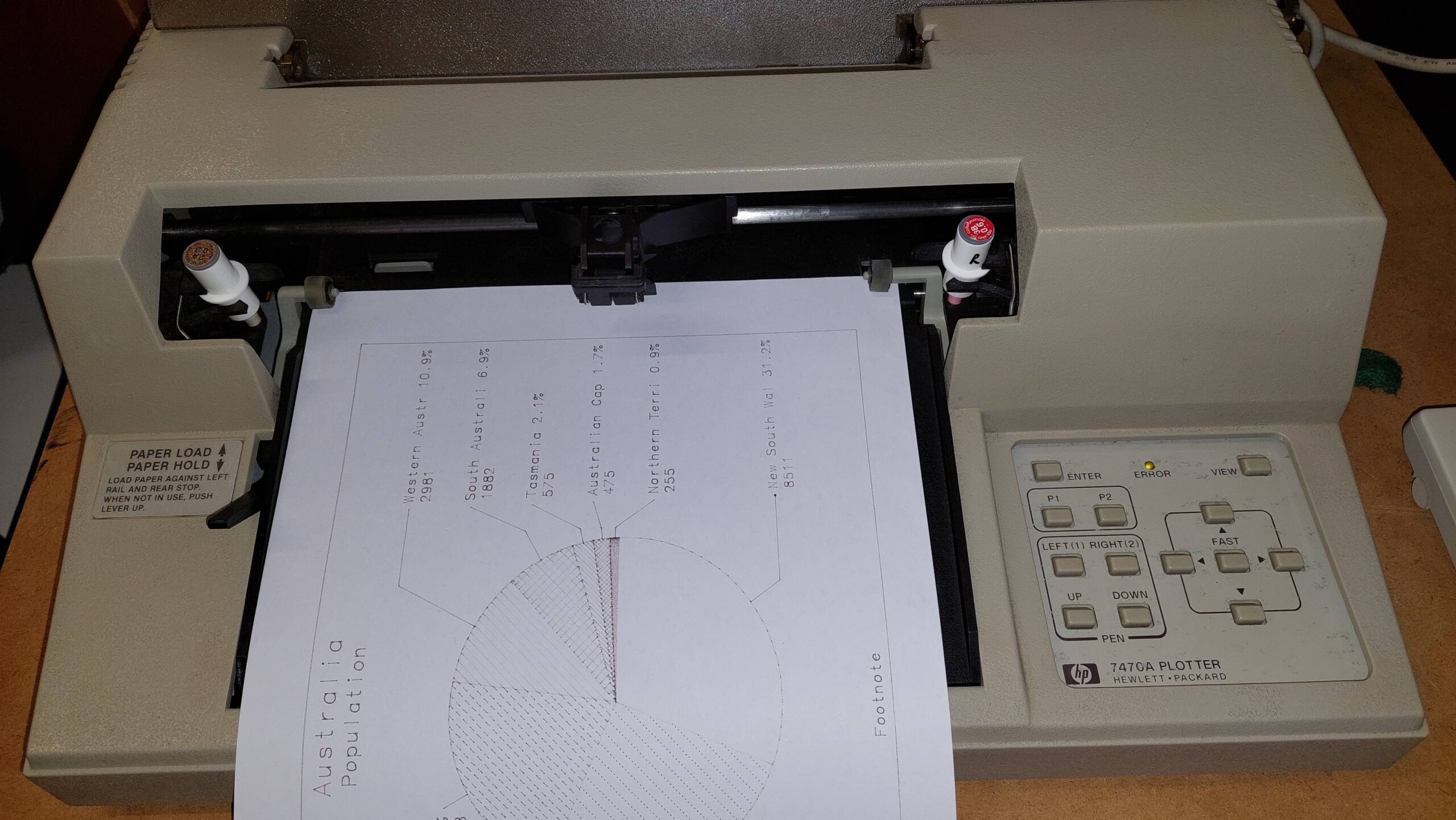
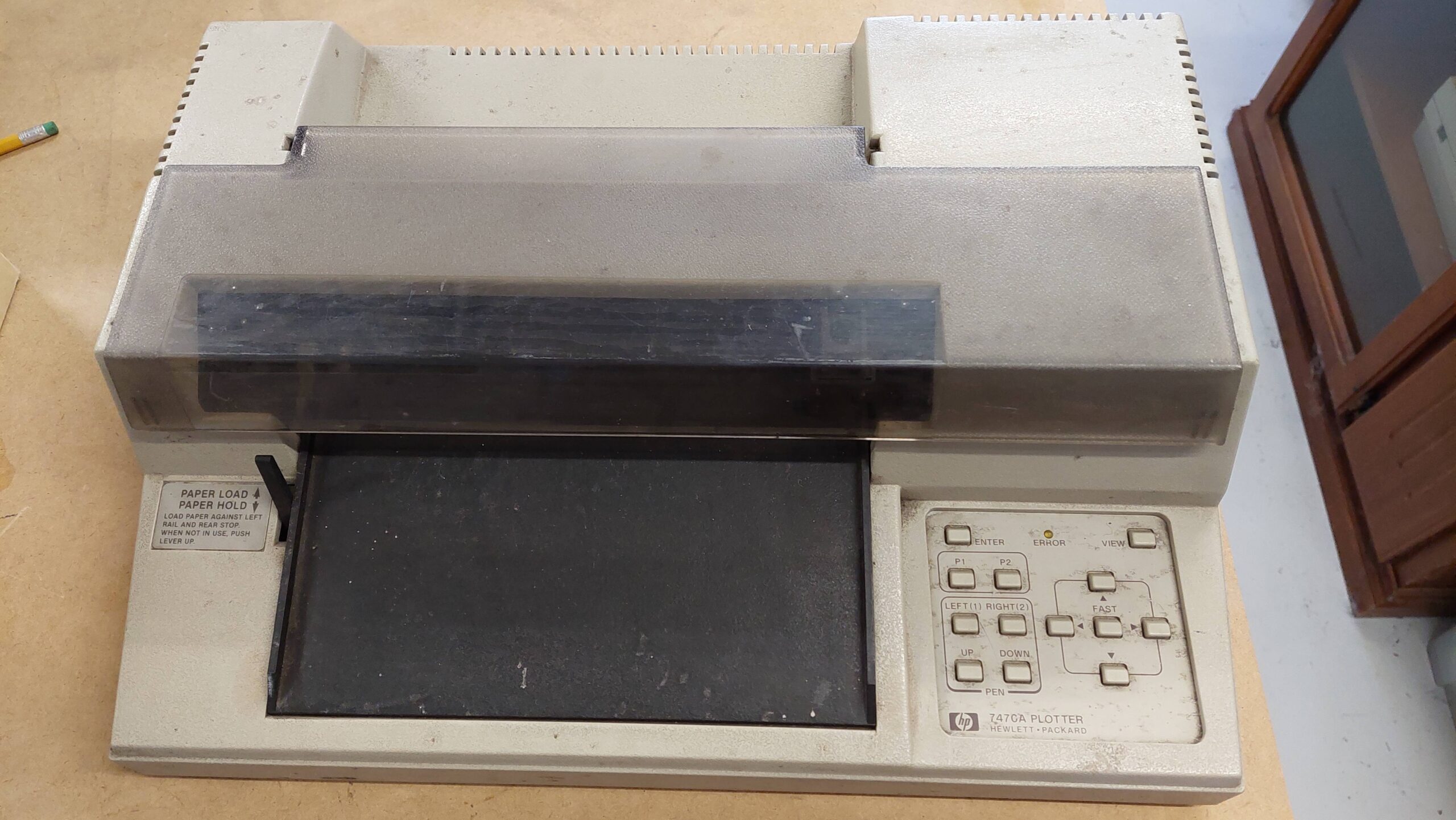
I have an HP 7470A plotter that i originally bought to go with my HP-85 computer. It worked ok with the HP 85, but wasn’t fully supported by all the software because it was a serial model rather than the HP-IB version.
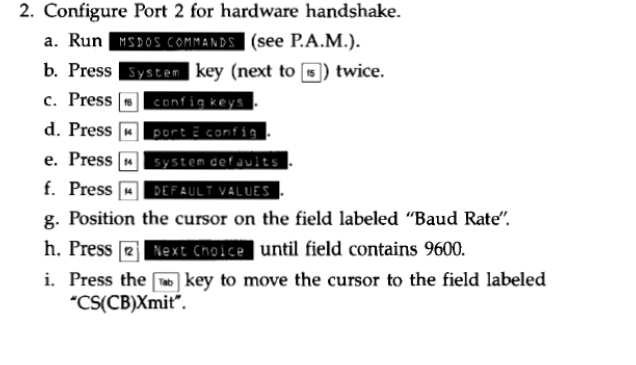
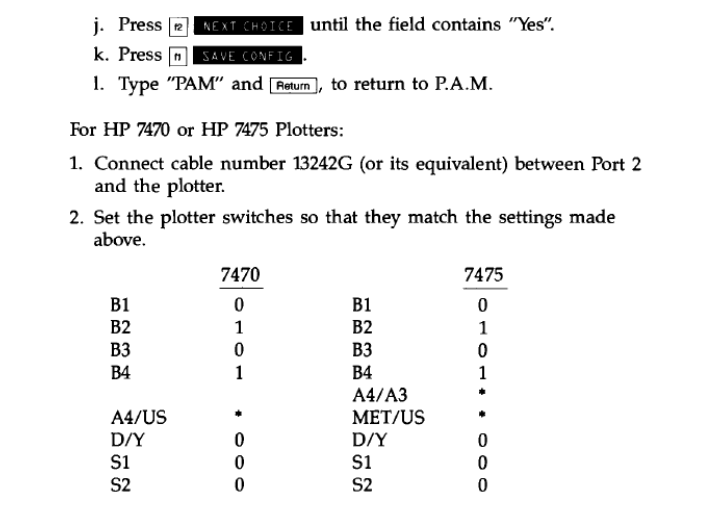
The HP 150 seemed happy to allocate the plotter to the second serial port and the manual for the HP 150 Graphics package had instructions for the HP 7470A on a serial port. It uses hardware handshaking – I tried without and it gave errors.
The instructions said to use an HP 13242G cable. The cable I had didn’t have enough conductors, so I made a cut-down version with just the signals supported by the plotter (see technical manual) and to give symmetry.
The formatting of the manual is a little messed up, but the HP 150 has to be set up just right. Go to MS-DOS command prompt. Once there, the machine can be put into the built-in configuration.
I stuck with 2400 baud for compatibility with my notes on the HP 85.
After a five-year wait, an HP-IB plotter finally came within reach. Mike at the ARC Group had got it as part of a job lot, and he generously gave it to me.
This is my second HP 7470A plotter – the other is the serial version. These plotters are very simple, two pen, paper-moving plotters. The serial interface supports operation with computers from many different manufacturers, whereas HP-IB is the native interface for the HP computers of the era.
There was just one problem with the new arrival: it had seen some weather.
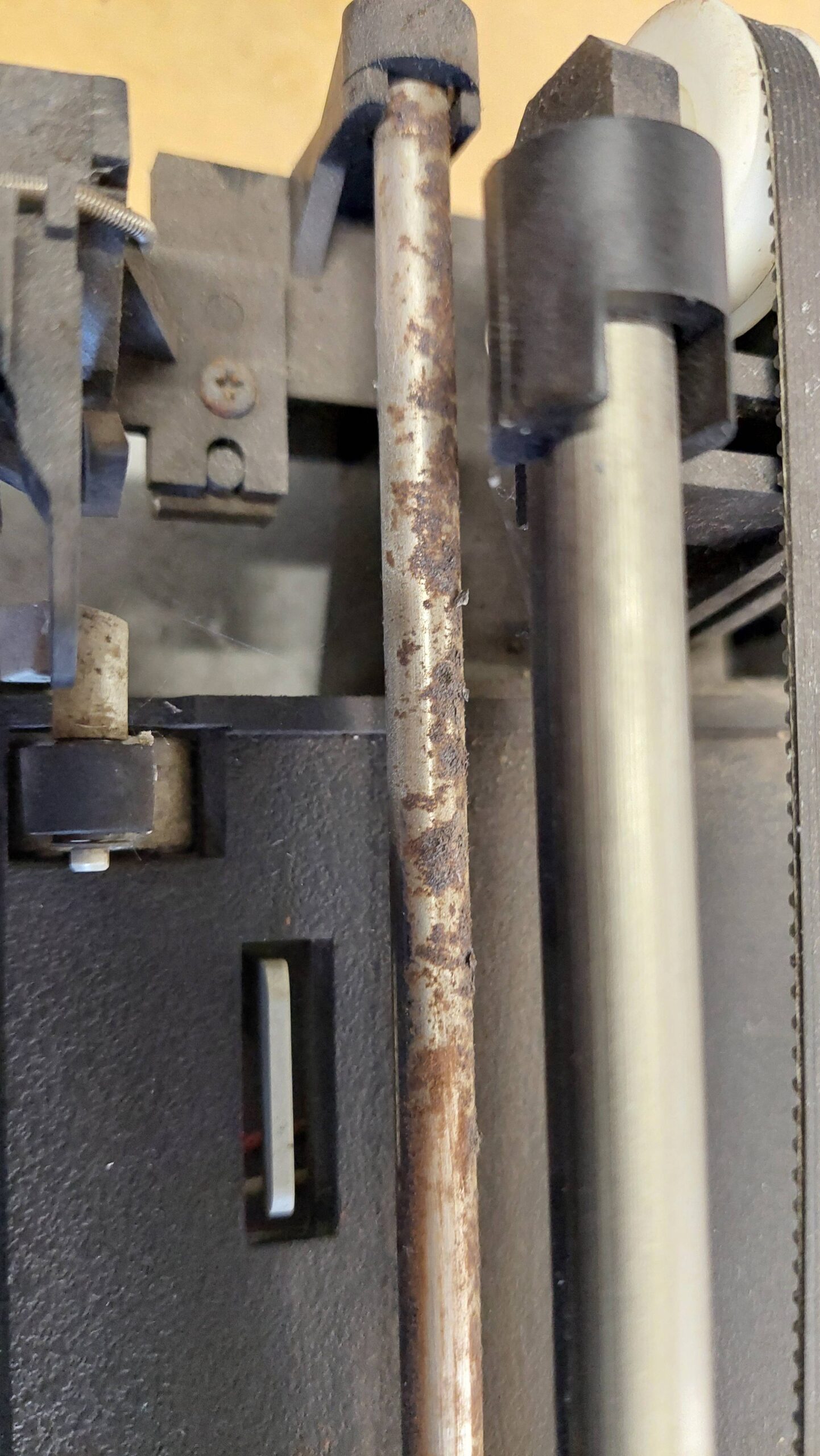
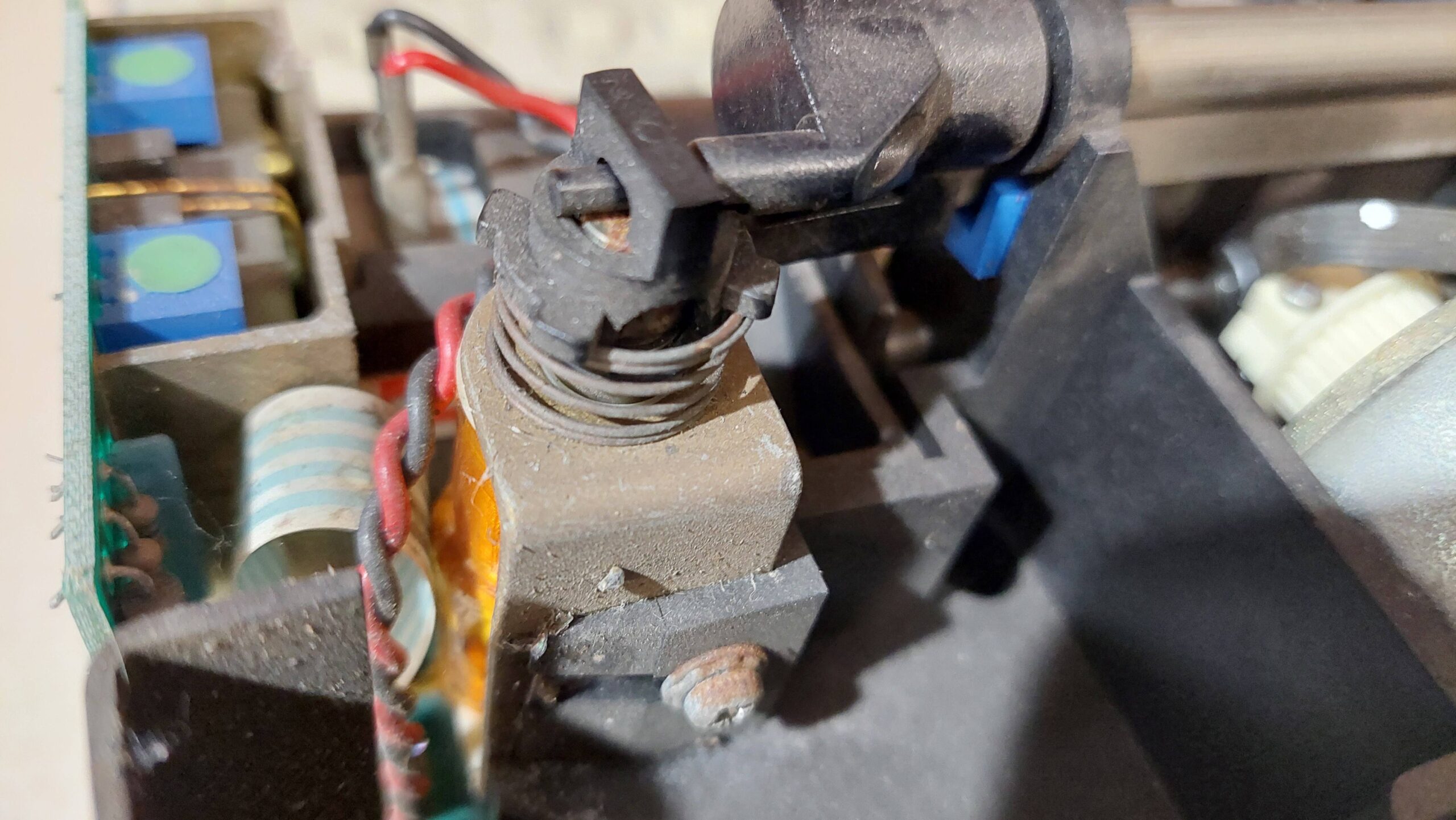
With power off, the carriage would not budge and the papers wheels were similarly stuck fast. The carriage guide bar was quite corroded.
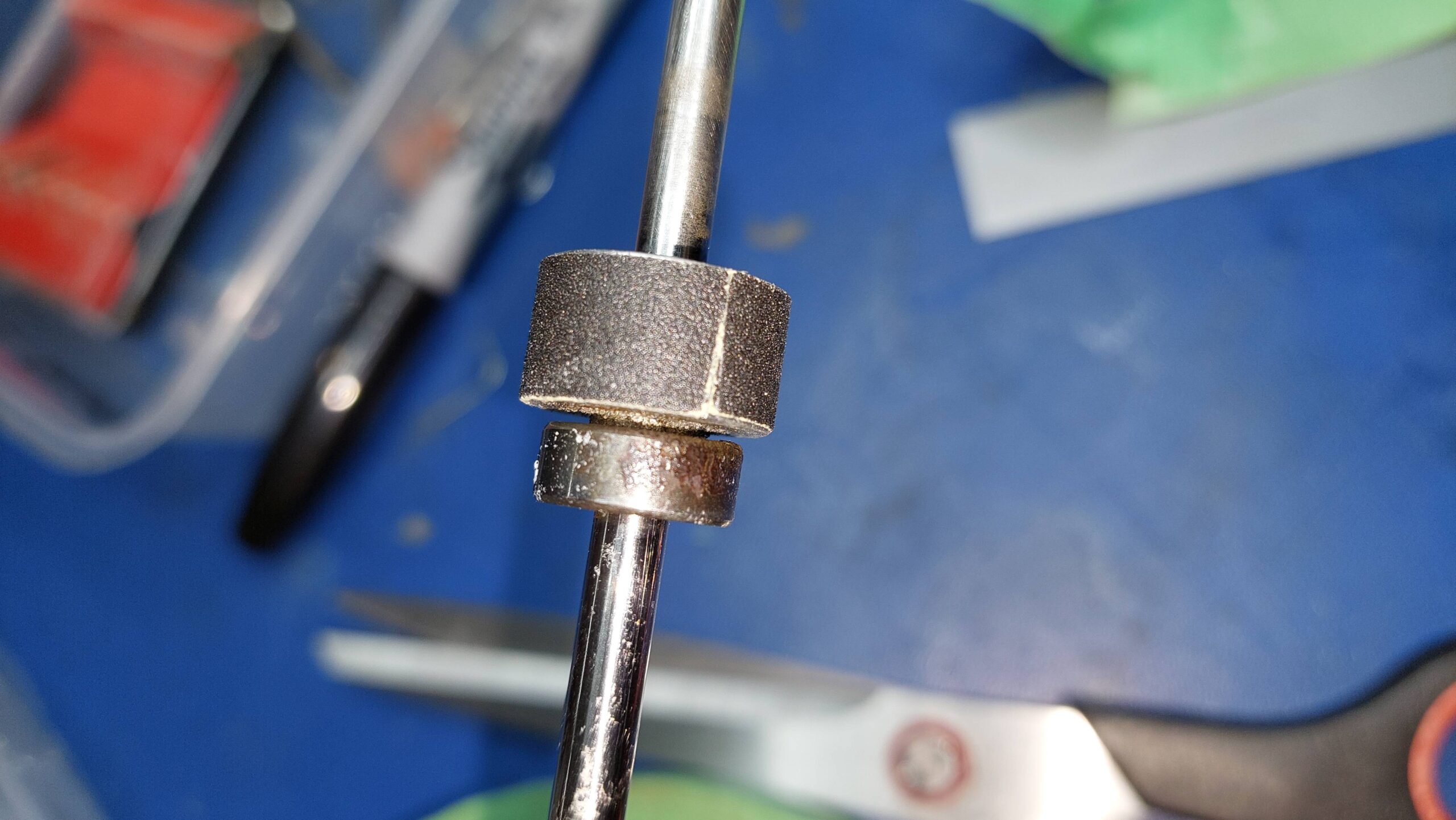
I could also see that some of the grip had come off the paper wheels and that the opposing rubber wheels had flat spots.
The machine was pretty filthy, so a full tear down seemed appropriate. I couldn’t find a service manual, so i used the force. I took a lot of photos as i pulled it apart.
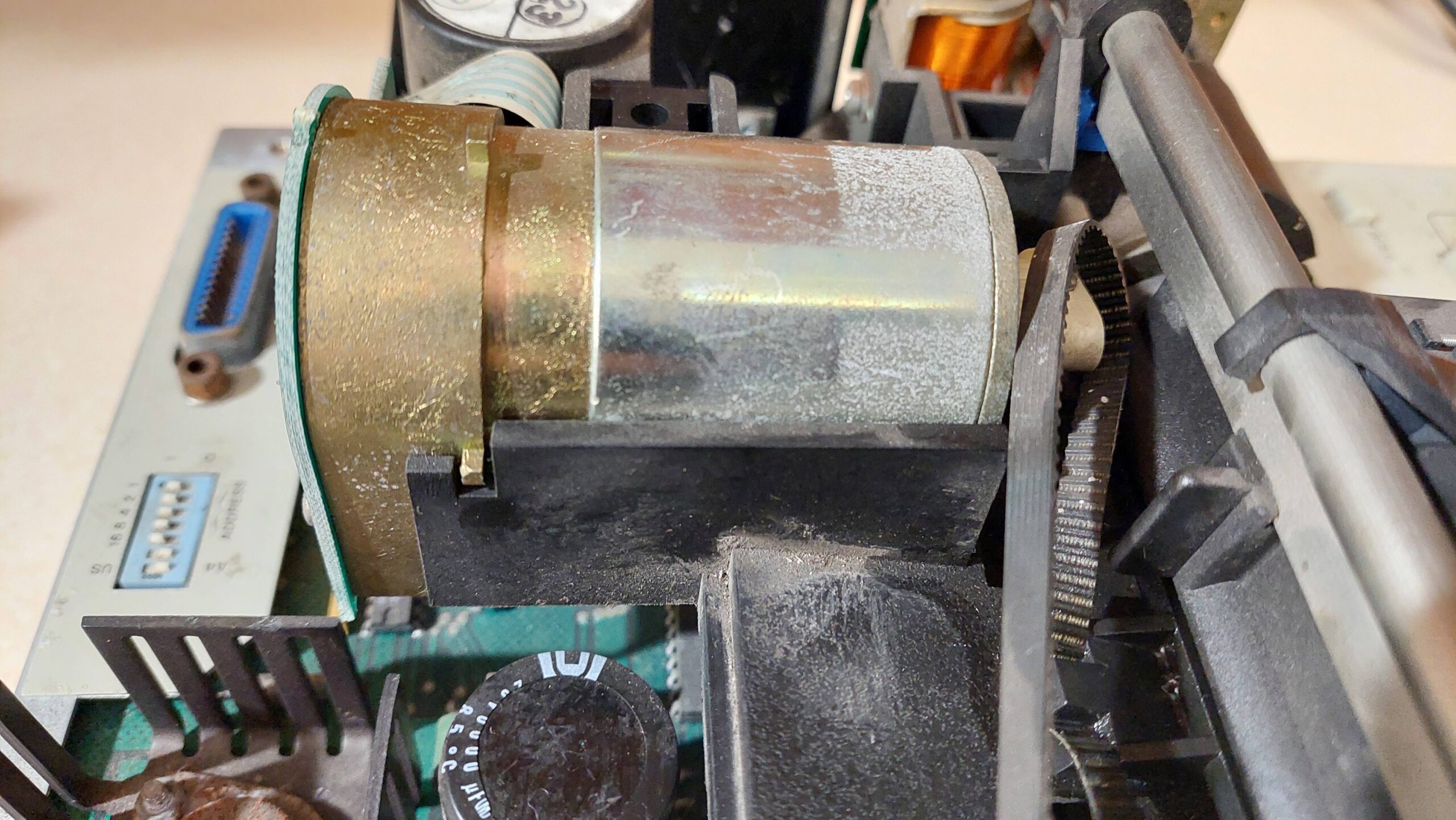
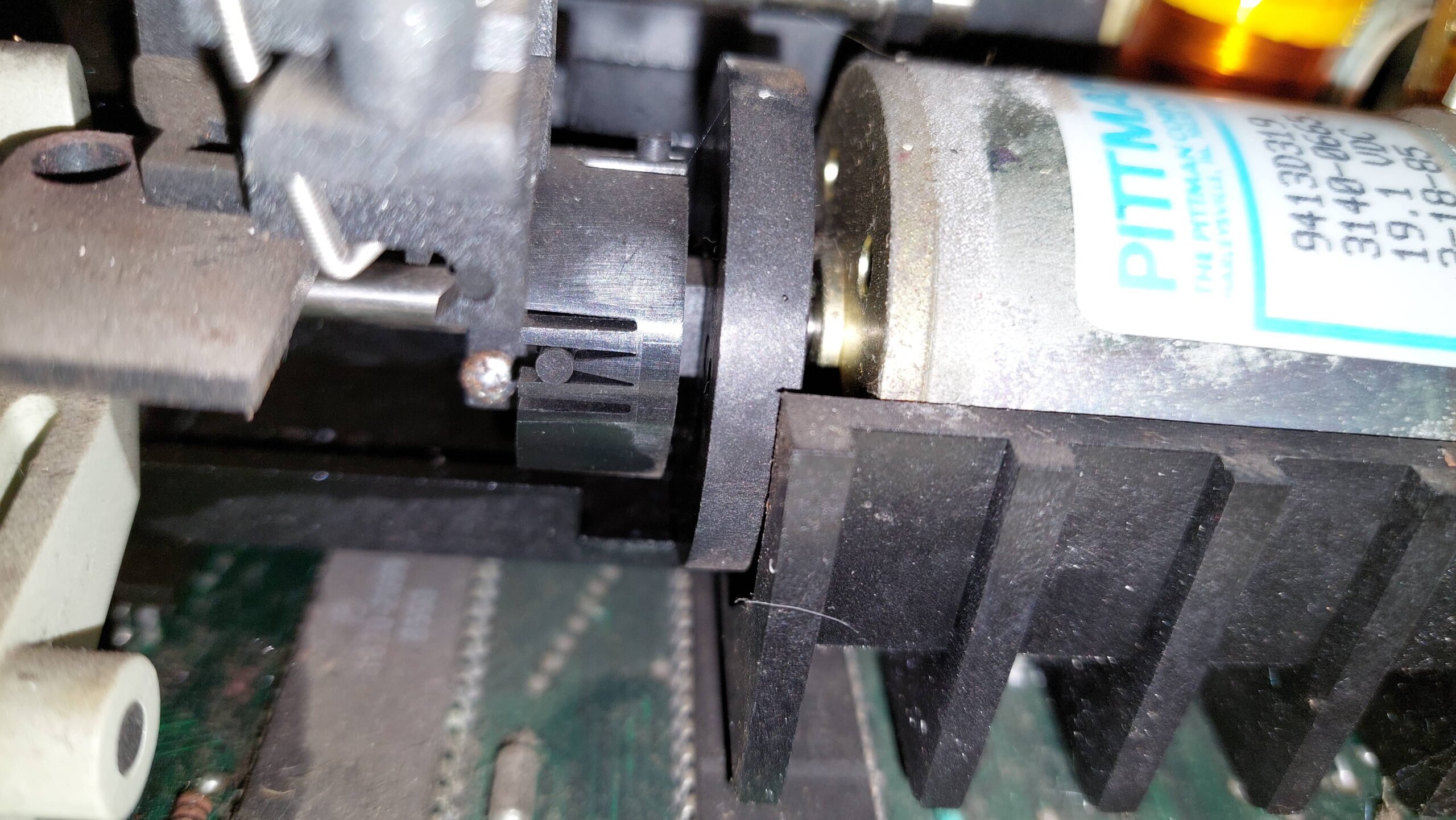
One screw to release the carriage motor. It was still spinning freely, which was a good sign. The belt tensioner and wheel came loose at this point. They were put safely in a container with the spring.
With the carriage motor out of the way, the up/down solenoid mounting screw can be backed off and the pen up/down bar can be removed. The rubber belt can then be removed.
The paper motor has a flexible coupling like a universal joint. Once the axle clamp is backed-off the motor can be removed. Then the solenoid can be disconnected and removed. The core just falls out.
The carriage guide can then be removed and then the carriage from the guide. The guide cleaned up very easily with some emery paper. Often rust looks much worse than it is, and it was certainly the case this time.
I didn’t fully disassemble the carriage. There are a couple of springs in there, so i just put the carriage in a takeaway container and sealed it down.
The main plastic chassis could then be unscrewed and removed.
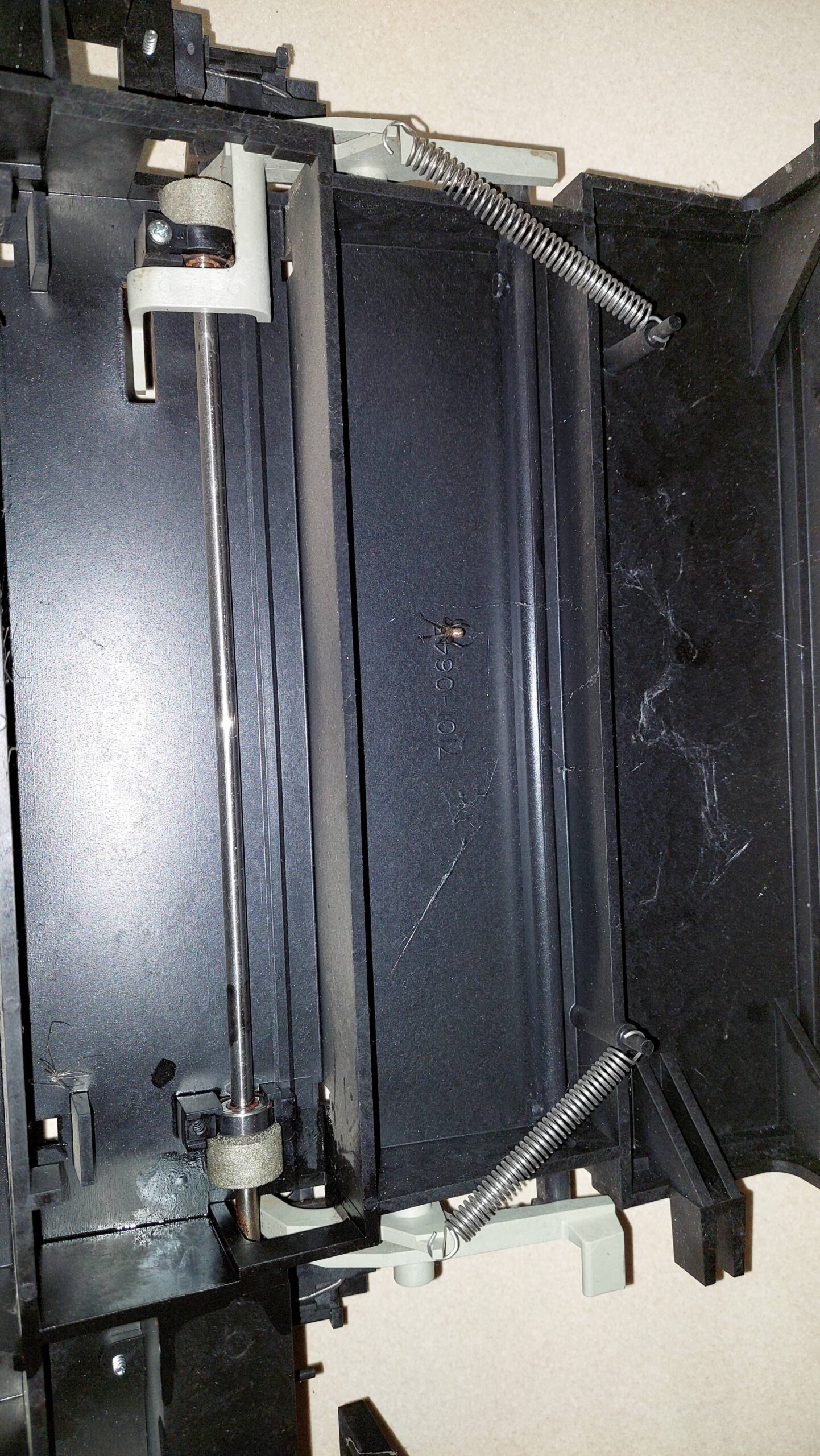
After the springs were removed, the paper release mechanism came away fairly easily. Then the bearings could be released.
The bearings seemed to have seized but they turned out to be ok. They had just got a little glued with rust from the shaft. They are probably stainless steel.
I removed the rest of the “grip” from the wheels and wrapped them in some emery paper. We’ll see how that lasts. I could have cut it a little straighter, but i thought it was good enough against a rubber wheel.
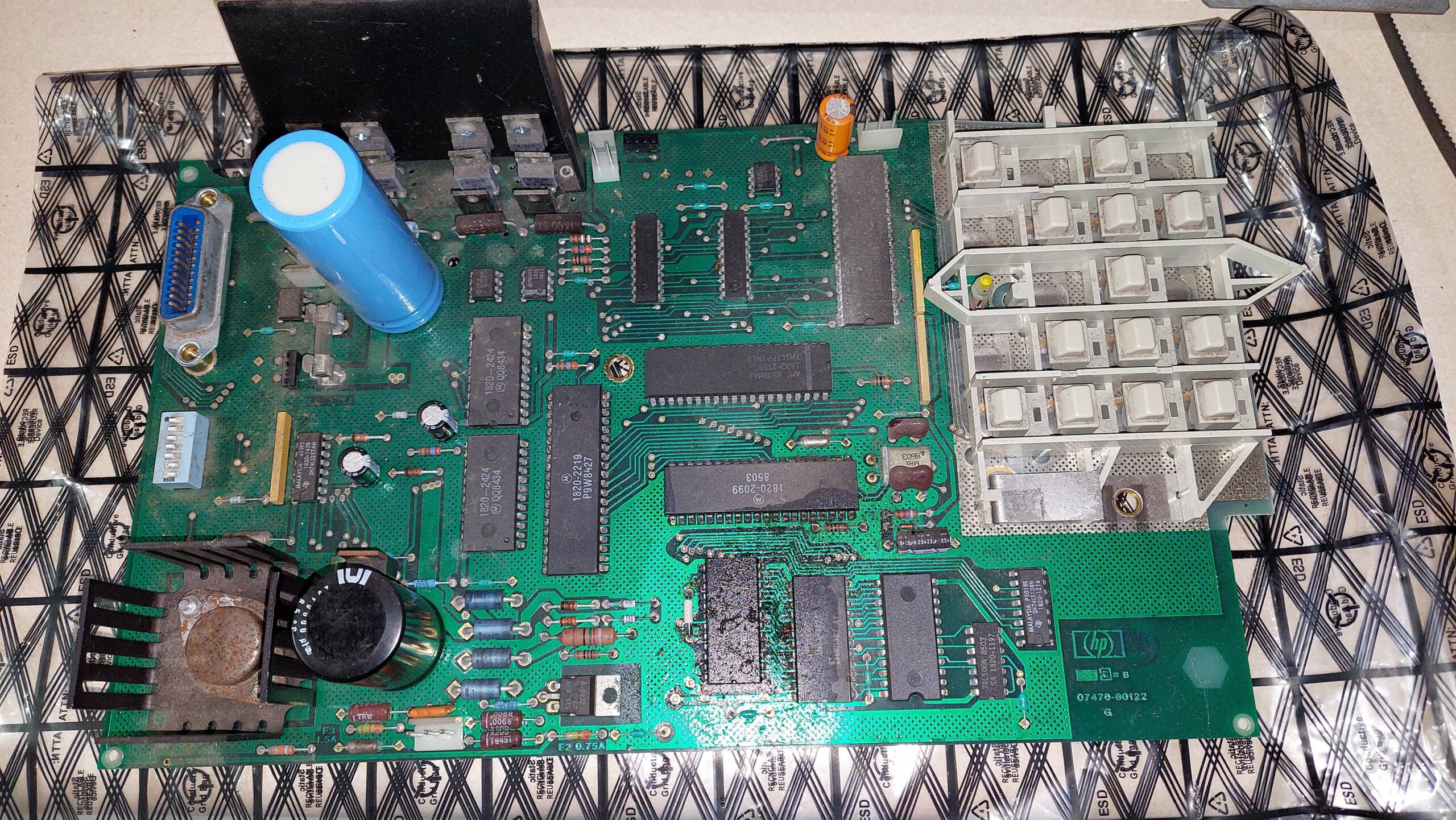
I didn’t touch the mains wiring. It looked well protected. I did give the board a clean in spots, but i didn’t want to get any moisture into the buttons.
The button panel is aluminium and it had some oxidation. I just gave it a light rub with some scotchbrite.
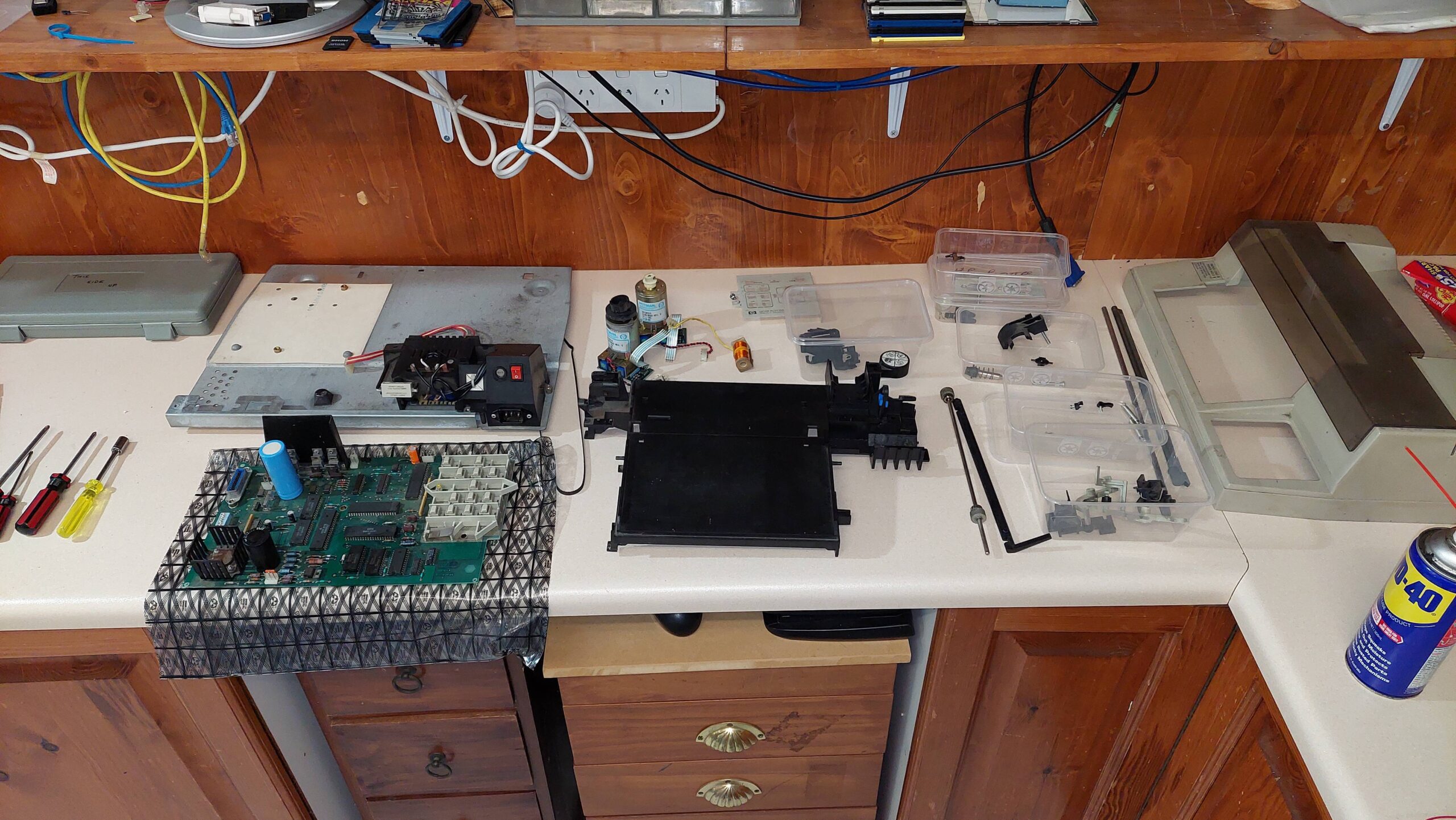
Unassembled, the plotter took up a lot of space:
The case was filthy. I used jif and elbow grease to clean it up.
Having cleaned everything, and made sure that everything was moving ok, i put it all back together. I put a drop of oil on the carriage guide.
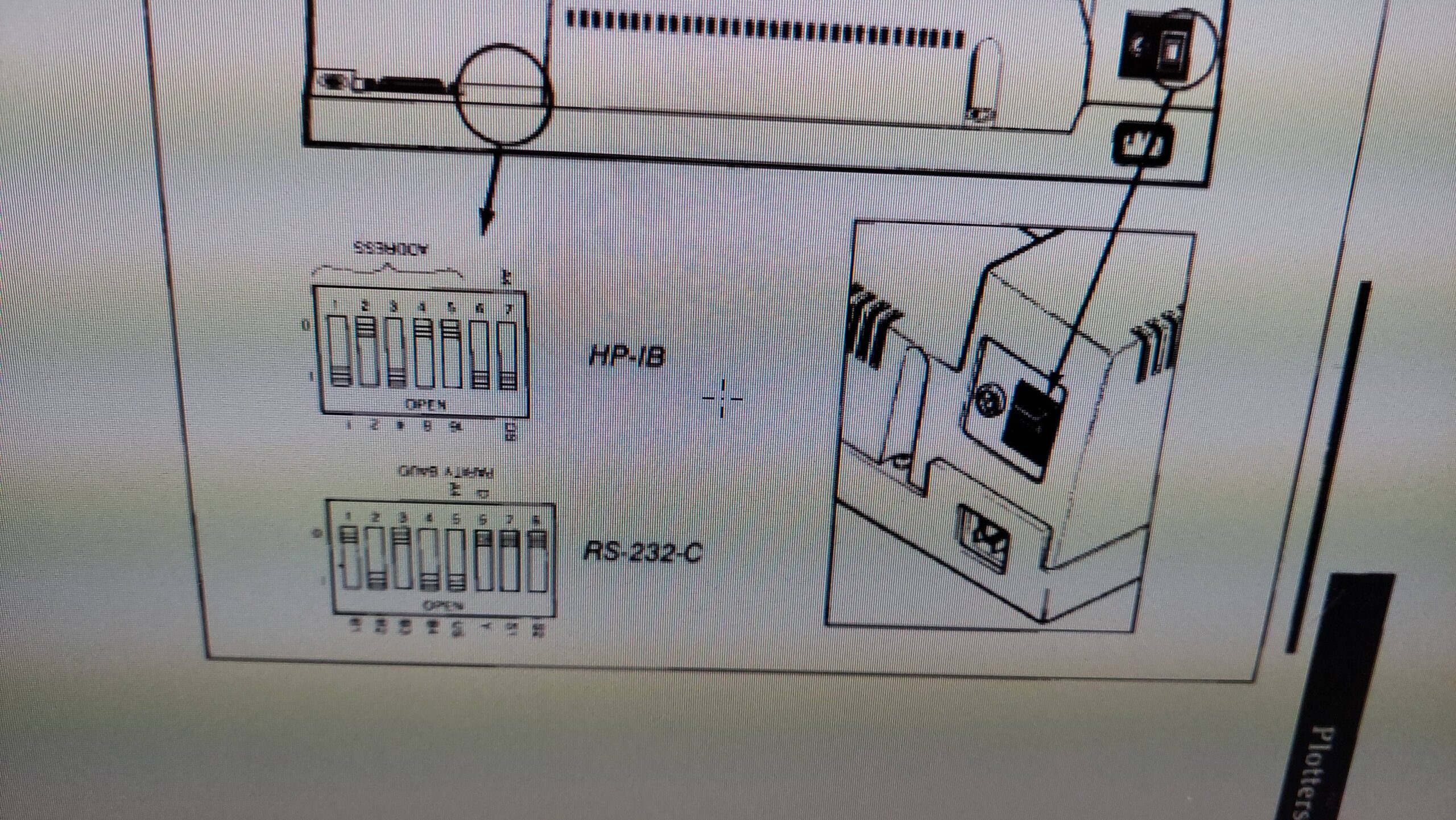
I set the DIP switches as per the manual, except i used A4.
The HP 150 had been set up to use the serial plotter. I changed this with the configuration program on the setup disk to HP-IB address=05.
Initially, the grip on the paper failed at the flat spots on the rubber wheels. I rounded them off with a file and then added some surgical tubing over them. They worked much better then.
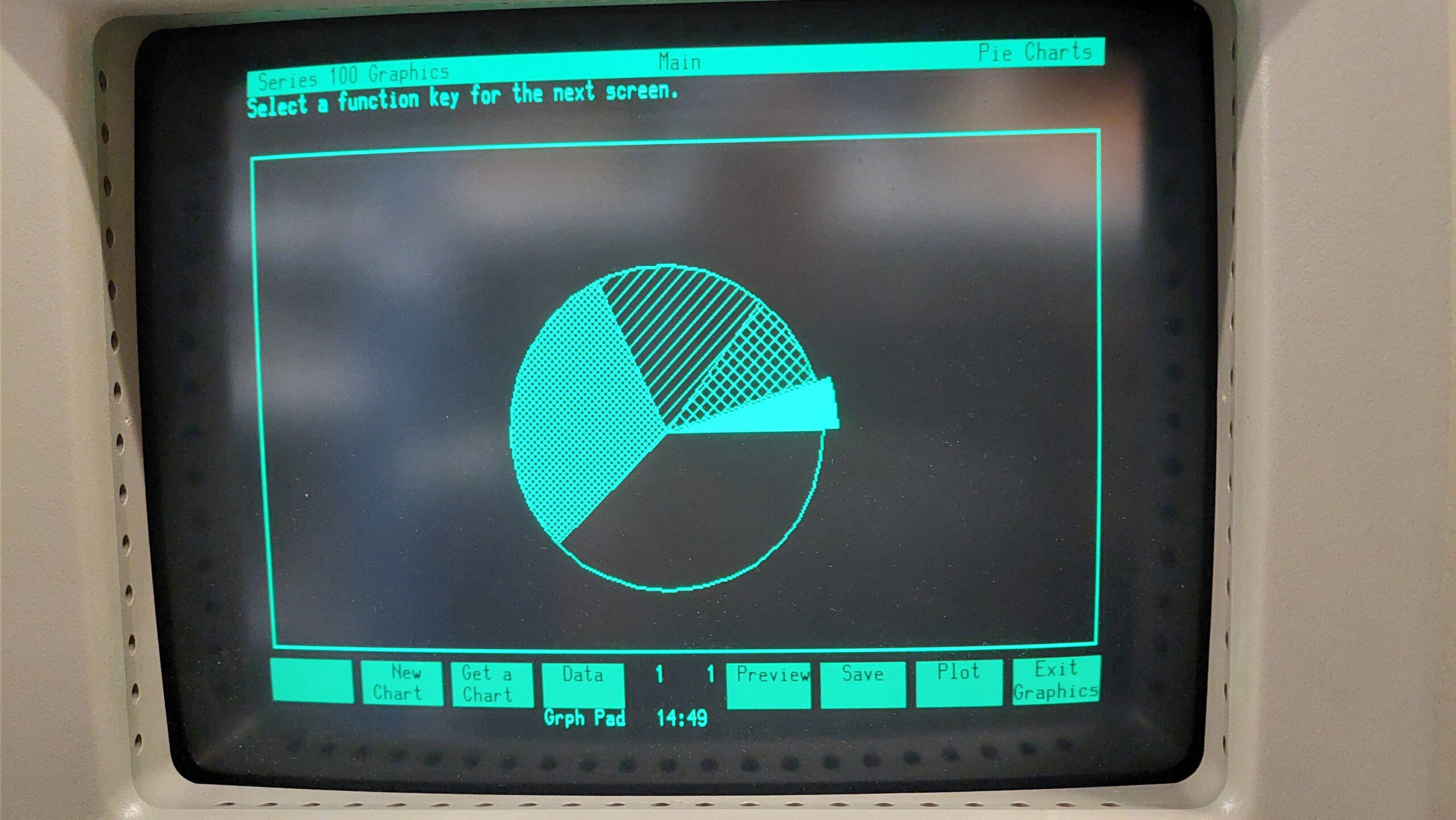
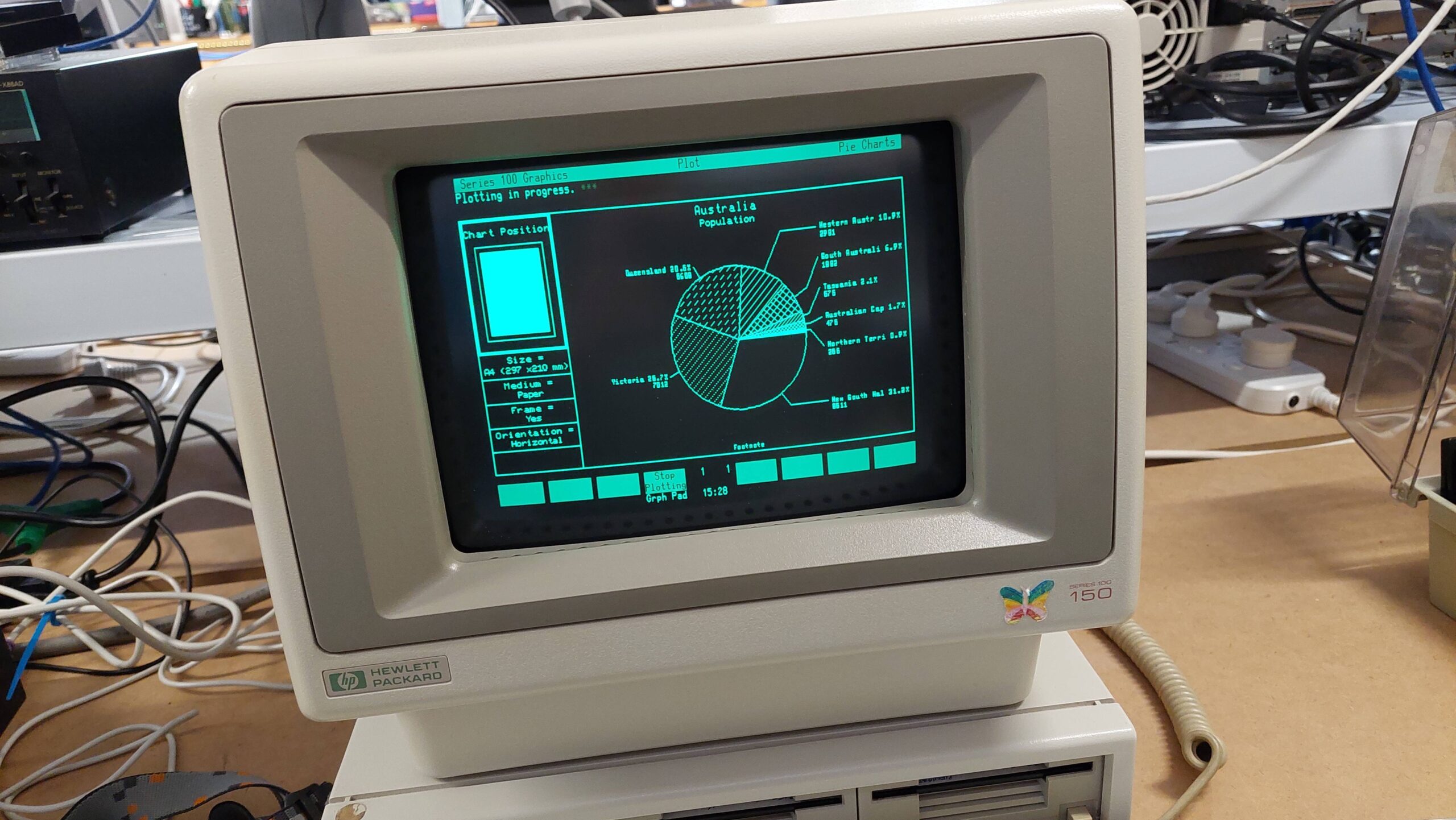
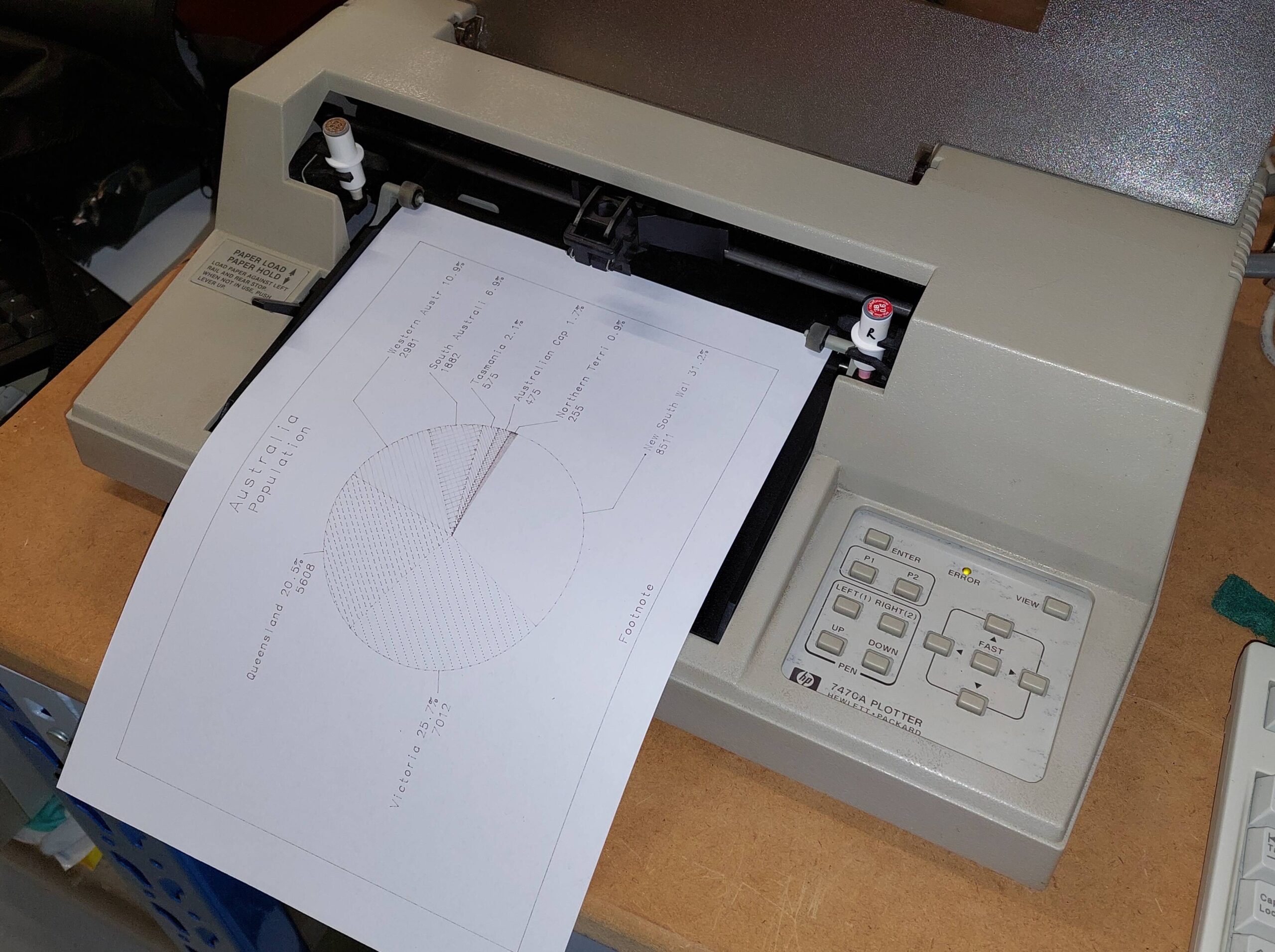
The plot was produced with the Pie Chart software. The paper size has to be set correctly, otherwise the program complains that the plotter is not compatible.
Happy days. I’ll try it out on the HP 85 when i get a moment.
There were about 30 happy days before a fault developed in the carriage servo. This sent the carriage careering into the end-stop where it halted abruptly and blew the fuse.
Unfortunately, i could not resolve this issue. It appears to be in one of the gate arrays, so i won’t be able to resolve this unless a “spares machine” appears – either serial or HP-IB.
At least it got one last chance to perform before departing this mortal coil!
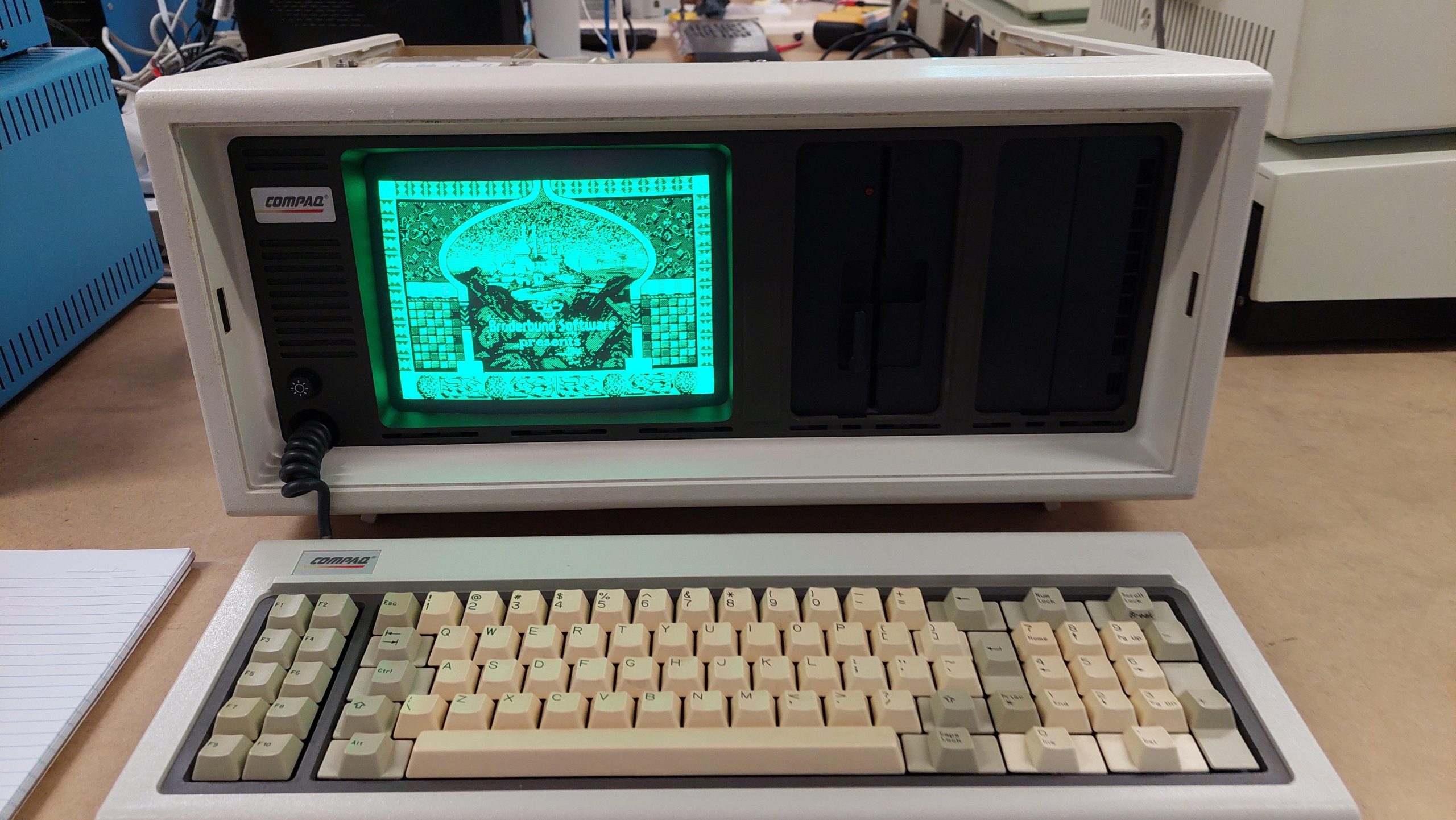
The Compaq Portable was an excellent engineering effort that established Compaq as a major player. The build is a sight to behold with its beautiful alodined aluminium panels.
The video display is monochrome CGA, but the text mode is of the same quality as IBM MDA. Nice work.
This one was a FB marketplace purchase in Adelaide. The seller said that a neighbour had given it to him when he was a kid in the late eighties.
The existing multifunction card had been badly damaged by battery leakage, so it has been replaced with another (thank you, Andrew). I added another multifunction card for some more I/O, including a gameport, and an Etherlink II network port so it can hop on my network.
The keyboard needed to be refoamed. I made the pads myself from some 5mm foam, a first aid blanket, and a leather punch. The foam i used was probably a little to dense, so they need a good tap. Quite usable though.
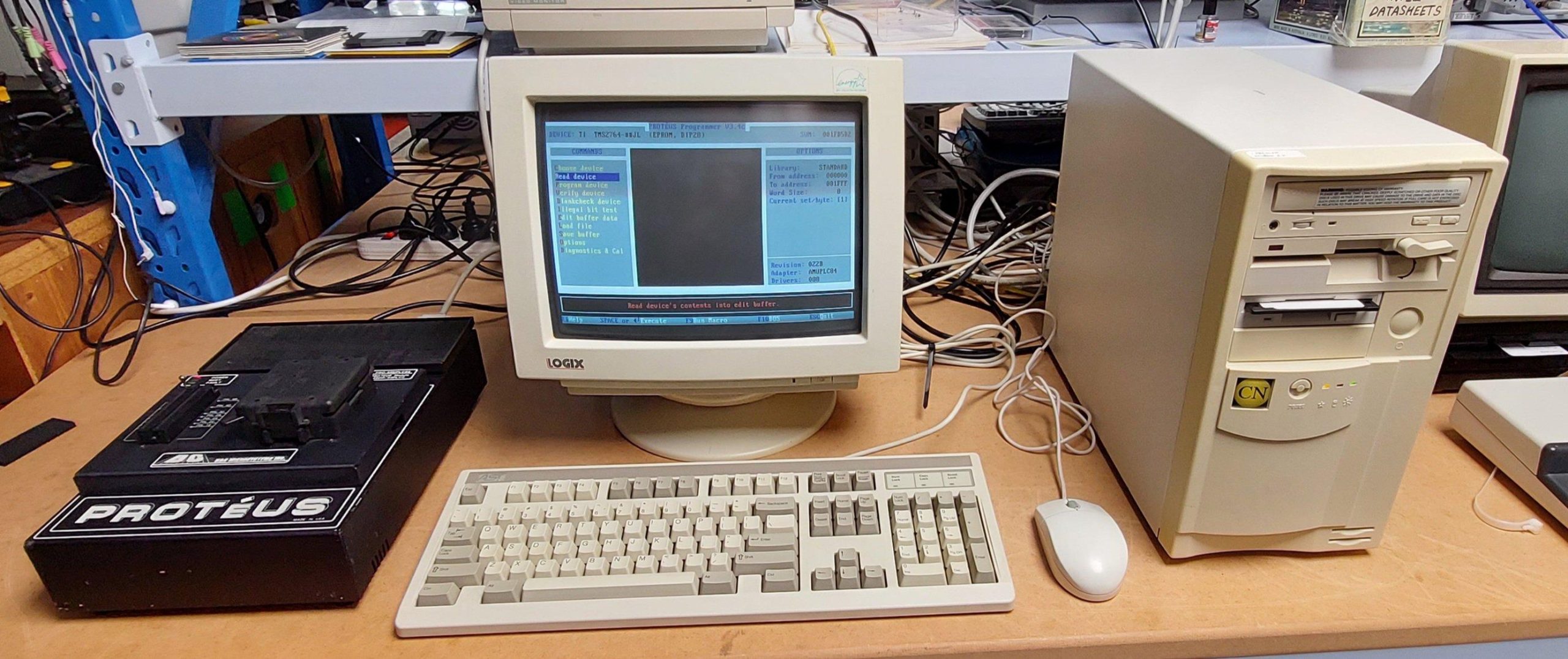
This machine is as much a tool as it is a toy. I use it to run the Proteus EPROM programmer (thank you, Andrew) which is very handy for programming old school EPROMs with high programming voltages.
The machine is quick enough to operate well with Windows 3.1 as well as doing a good job with a lot of DOS games.
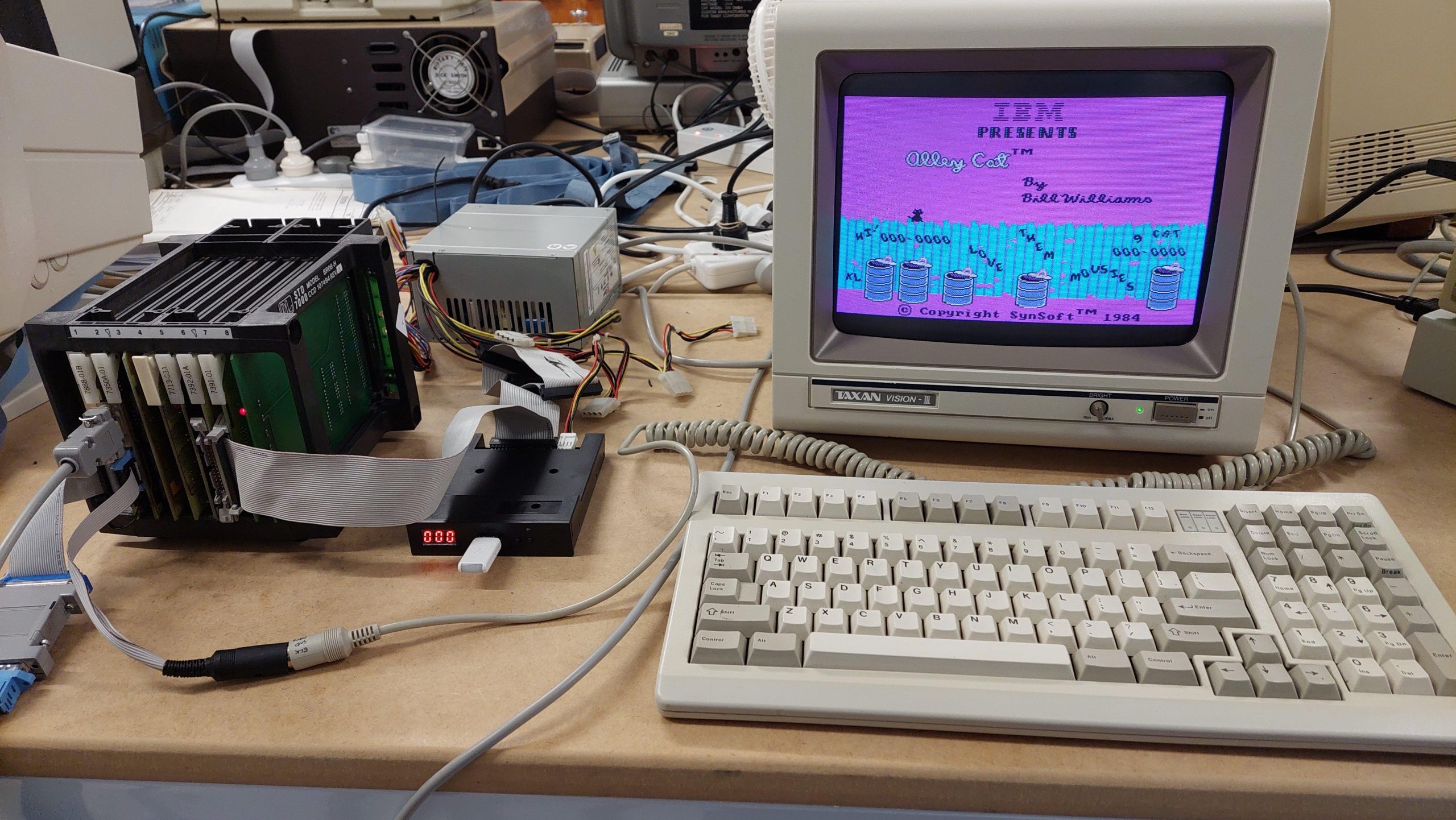
Pro-Log was a major manufacturer of STD cards. The cards here arrived in a collection of almost 100 STD cards (thanks yet again, Andrew). I guessed by their appearance and dates that they probably went together, and later found that they were all related to a Pro-Log System 20.
The card cage is not the original unit but works fine. The system boots a ROM version of MS-DOS 3.2. The ROM card also has 128k of RAM for a RAM disk with provision for battery backup.
The 8088 processor card has 128k and with two additional 256k RAM cards the total system memory is 640k.
The system also includes a CGA card, floppy disk controller card, printer card, and a prototyping card.
The system includes a solid state disk drive card with two drives (nominally H: and I:) each of which can hold 4x 64kB EPROM or static RAM.
The H: drive has three EPROMs programmed with MS-DOS 3.2. Imaging the ROMs and concatenating the binaries produces an image file just like those used with a Gotek or a Greaseweazle.
An operator’s manual was and utilities disk were recently uncovered from the same source as the cards. It would have been better at the start, but it confirms a lot of things and hints that there was once a SCSI card available. It also lists compatible 7000 series Pro-Log I/O cards.